AdGuard Home •
AdGuard Home is a software service that automatically blocks ads and web tracking for every device in your network.
Overview
AdGuard Home is a software service that automatically blocks ads and web tracking for every device in your network.
- Puts you in complete control over your network traffic, allowing you to block certain websites and services.
- Configure how much data is retained about traffic on your network and by which device.
- Perform your own DNS server lookups and prevent third-party companies from snooping.
Media
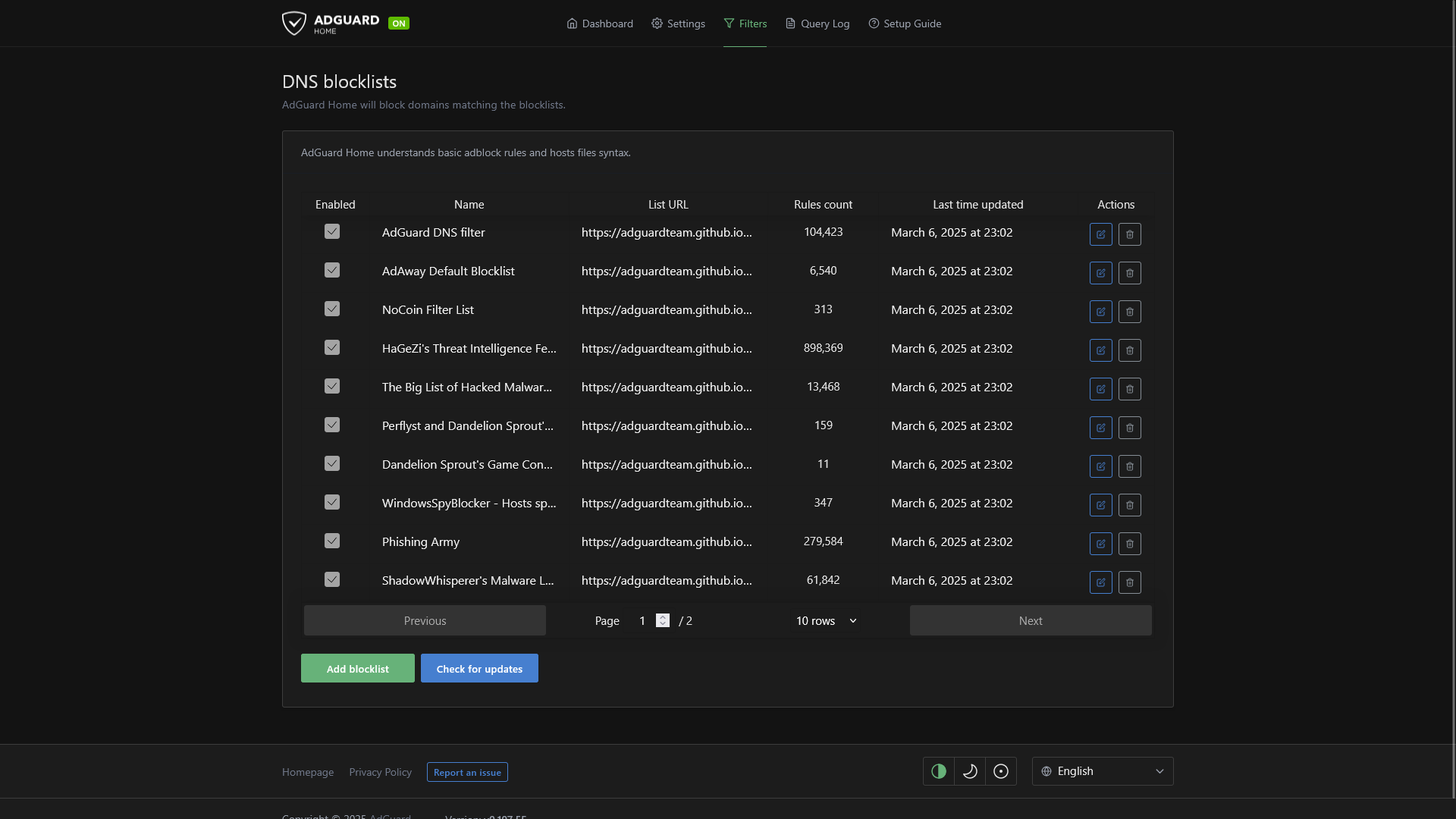
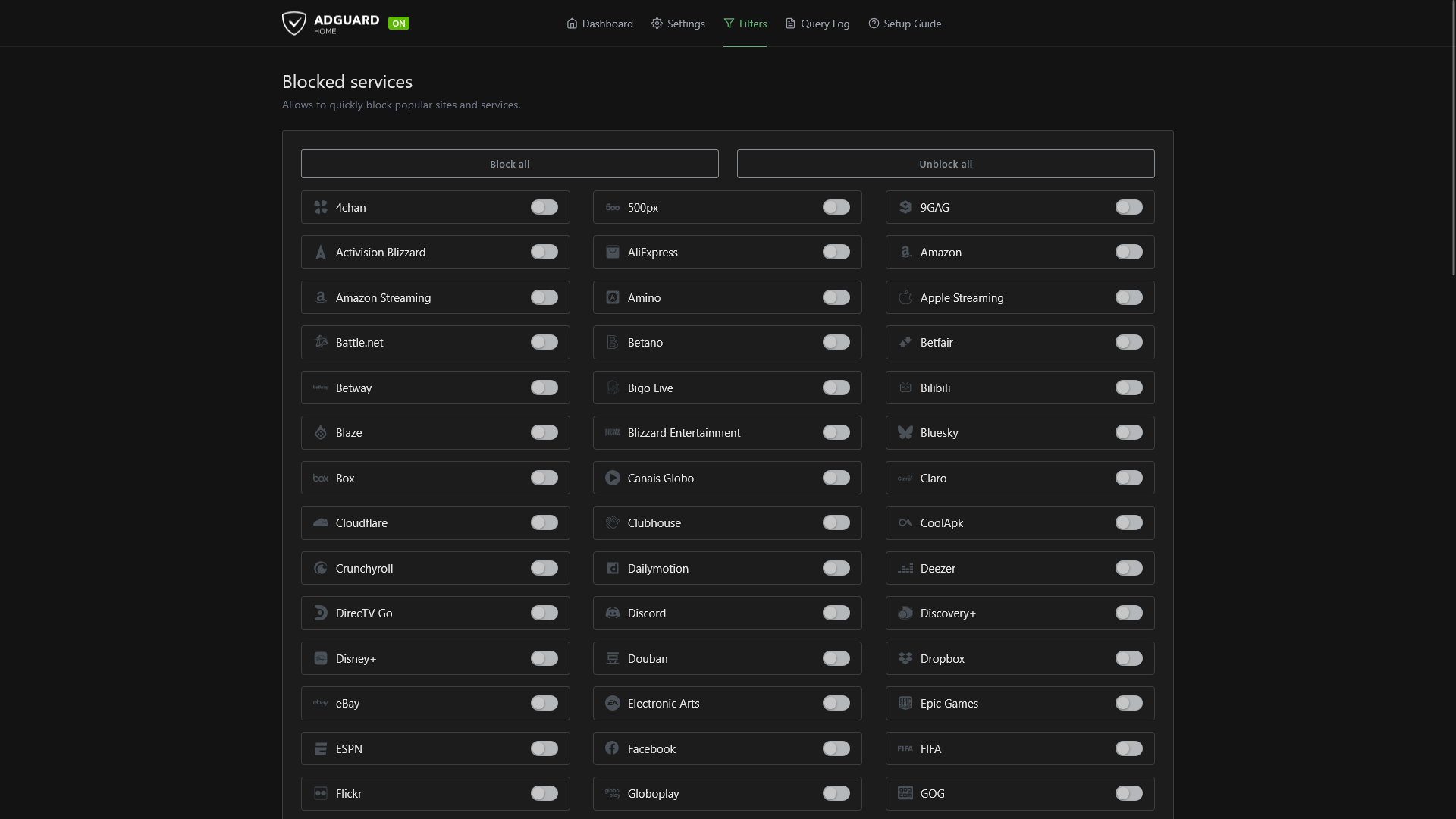
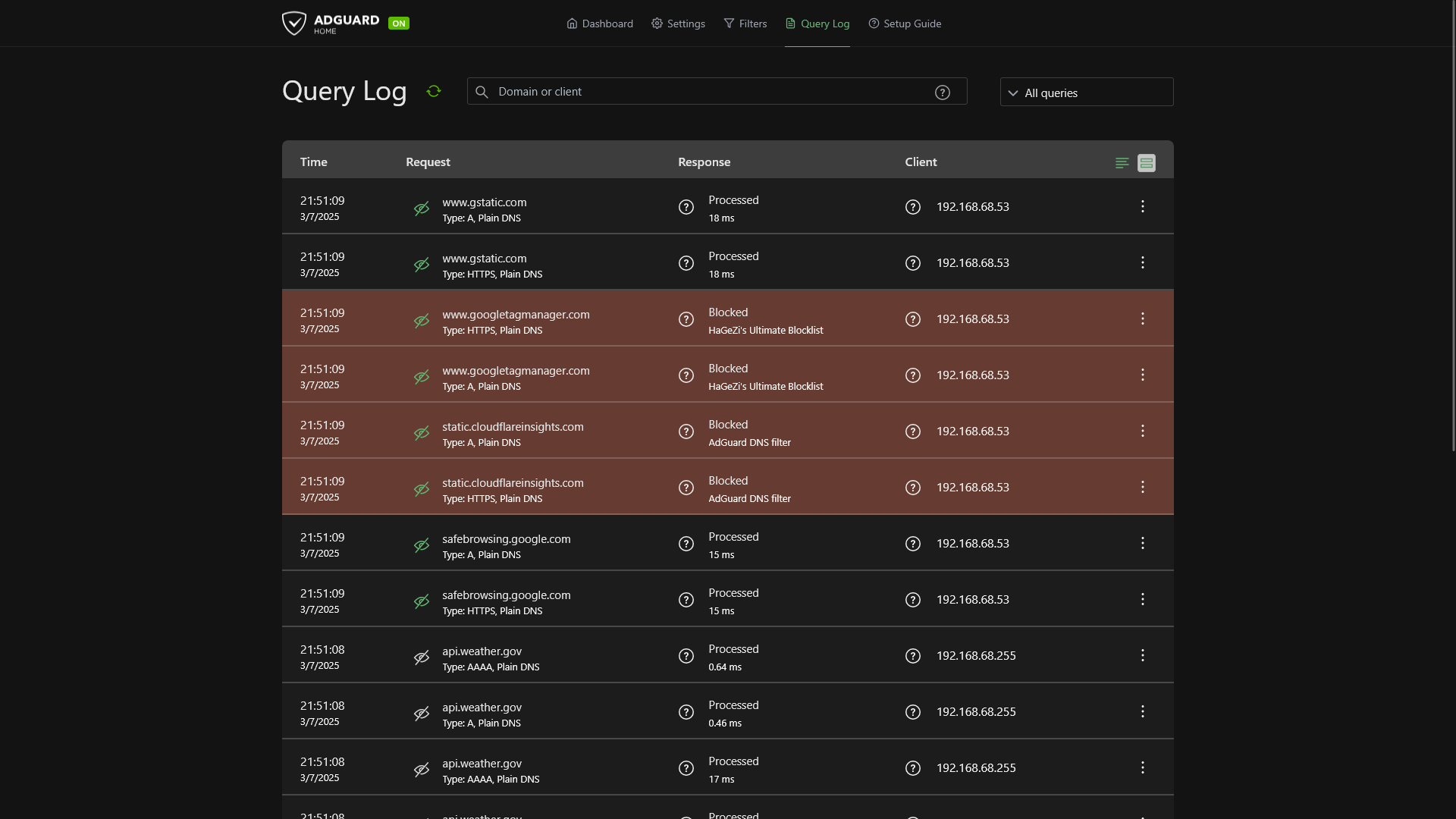
Screenshots
AdGuard Home v0.107.55
|
 |
 |
 |
Setup & Configuration
We need to install the service through Portainer and configure any necessary settings.
Preparation
There are some things we need to do in preparation to install this service.
Volumes
Persistent Data
This is where the service will store its own application data and ensures we can quickly update the service image.
Ensure your user has permissions to access the folder.
Installation
The service can be installed through the Portainer web interface.
Learn about creating a new stack.
Docker Compose
Use the following code to install the service:
---
services:
  adguard:
    image: adguard/adguardhome:latest
    network_mode: bridge
    dns:
     - 1.1.1.1
    ports:
      - 3333:3000
      - 53:53/tcp
      - 53:53/udp
      - 67:67/udp
      - 88:80
      - 853:853
    volumes:
      # Persistent Data
      - /srv/adguard/data:/opt/adguardhome/work
      - /srv/adguard/conf:/opt/adguardhome/conf
restart: unless-stoppedUpdating
Re-Deploy the Stack
This service has been optimized for running in Docker.
This allows you to re-deploy the stack through Portainer to download the latest updates.
User Manual
Development
This software is released under the GPL-3.0 license.
You can learn more about how to contribute to AdGuard Home through their GitHub repository.