# Adminer •

[Adminer](http://adminer.org/) is a full-featured database management tool with native support for many database types.

# Overview

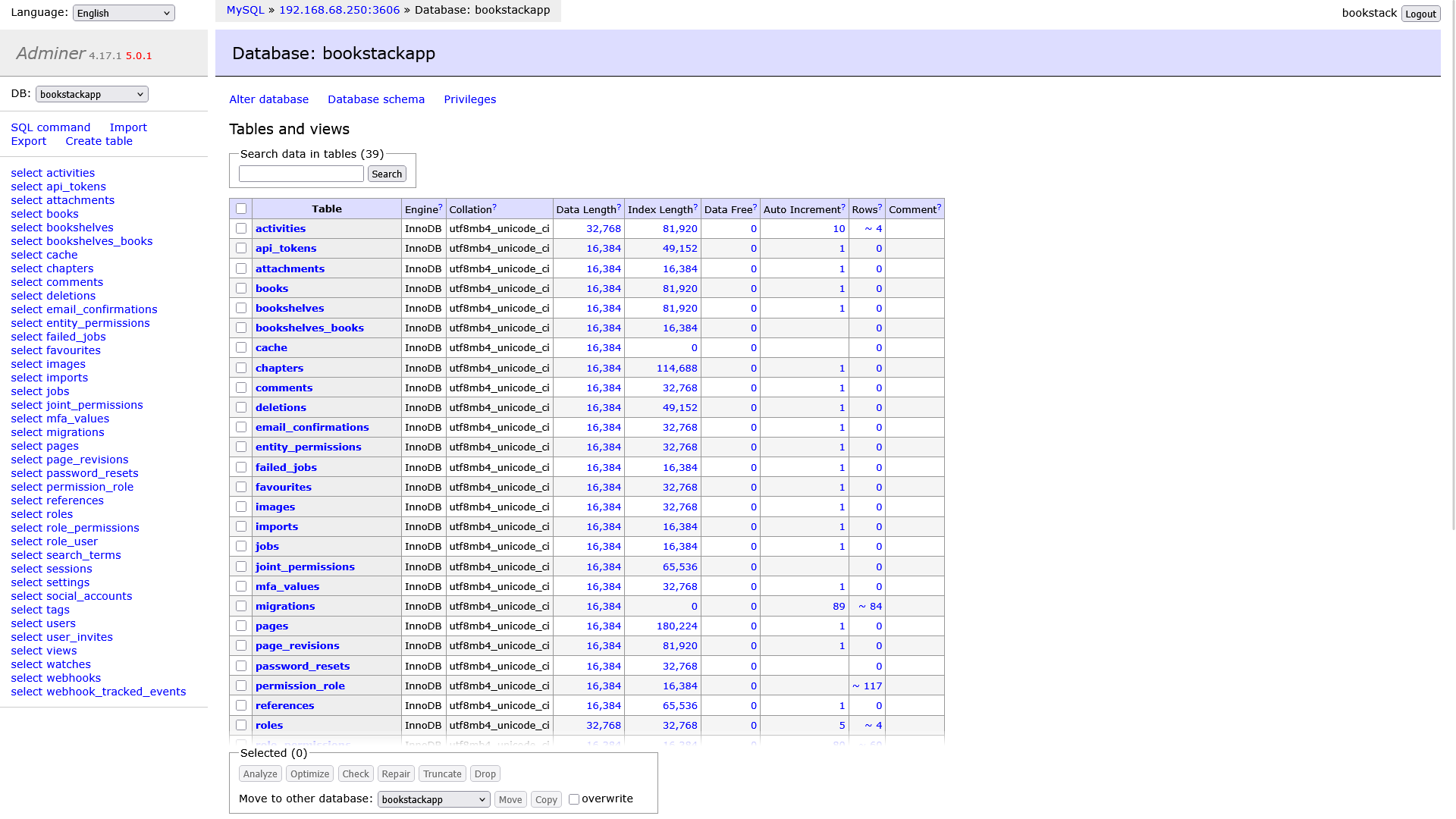
[![Screen Shot 2025-03-09 at 19.11.23.png](https://hub.subspace.services/uploads/images/gallery/2025-03/scaled-1680-/screen-shot-2025-03-09-at-19-11-23.png)](https://hub.subspace.services/uploads/images/gallery/2025-03/screen-shot-2025-03-09-at-19-11-23.png)

[Adminer](http://adminer.org/) is a full-featured database management tool with native support for many database types.

<p class="callout success">Tryout an [Adminer demo](https://demo.adminer.org/adminer.php?username=).</p>

- Create and modify databases many of the types you're already using.
- Supports MySQL, MariaDB, PostgreSQL, SQLite, MS SQL, Oracle, MongoDB, Elasticsearch, SimpleDB, Firebird, and ClickHouse databases.
- Themes let you customize the look and feel of the web application.

# Media

## Screenshots

<p class="callout info">Adminer v4.17.1</p>

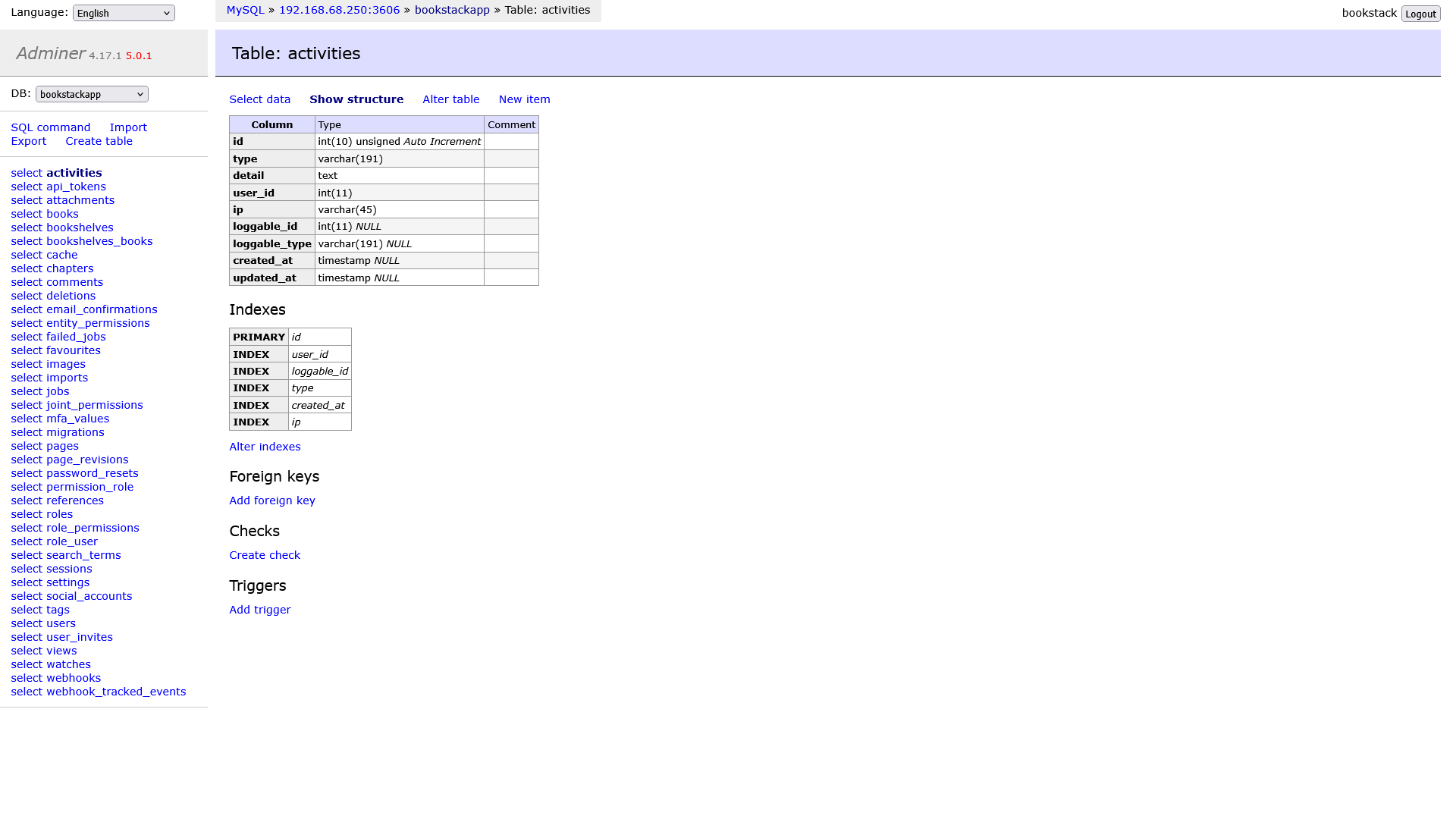
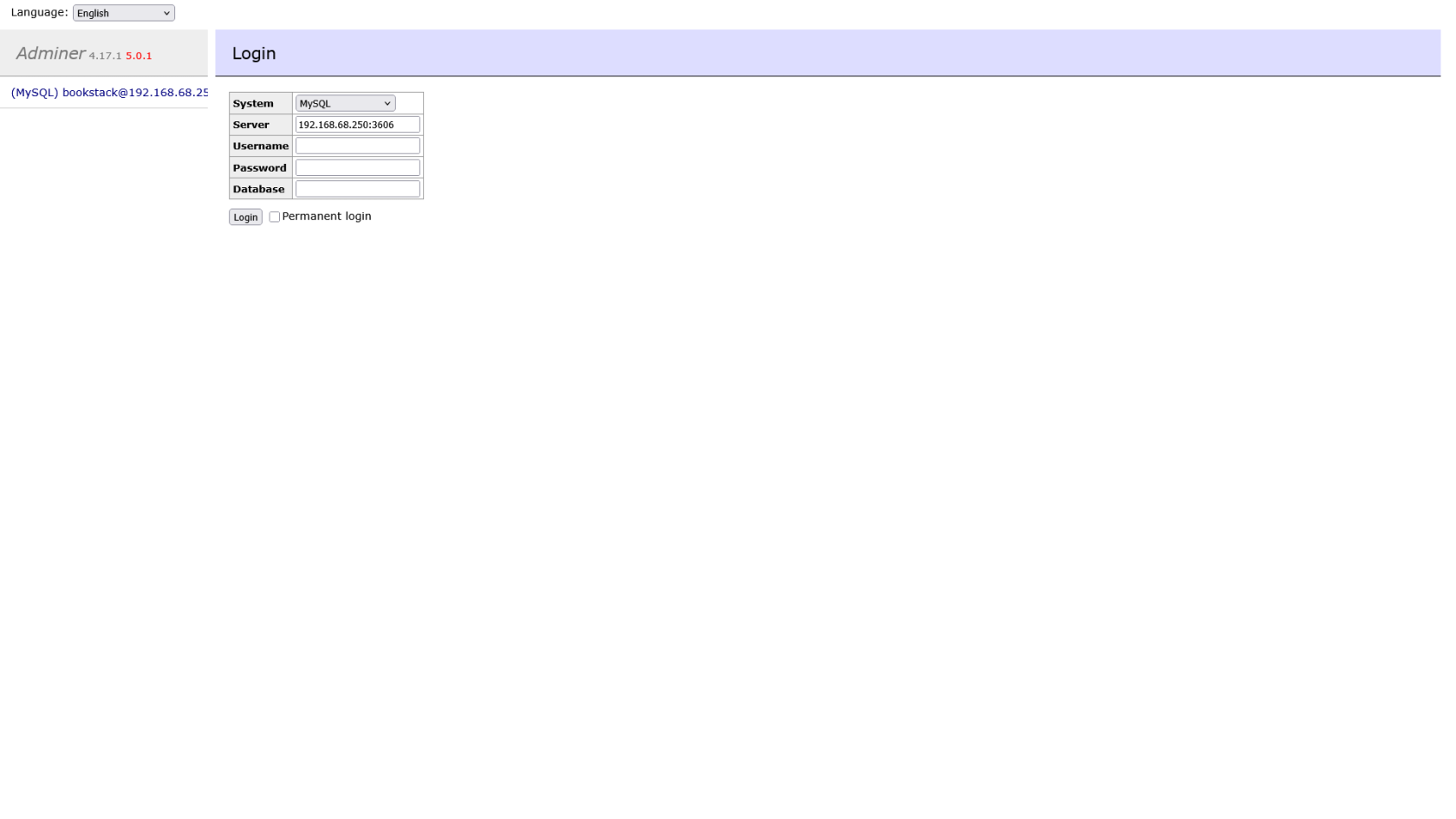
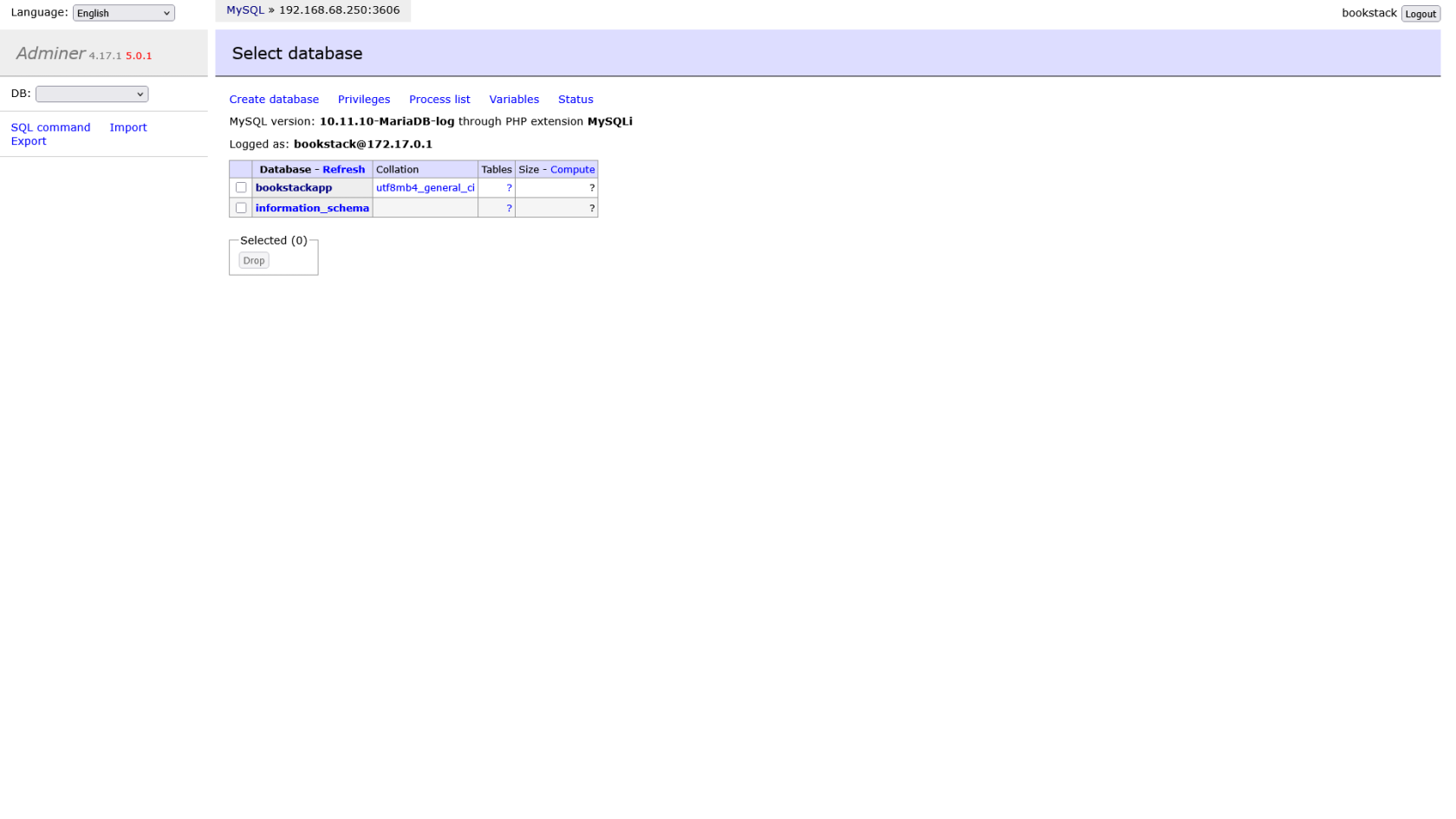
<table border="1" id="bkmrk-" style="border-collapse: collapse; width: 100%; border-width: 1px; height: 59.6px; border-color: rgb(88, 110, 117);"><colgroup><col style="width: 33.3333%;"></col><col style="width: 33.3333%;"></col><col style="width: 33.3333%;"></col></colgroup><tbody><tr style="height: 29.8px;"><td style="border-width: 1px; height: 29.8px; border-color: rgb(88, 110, 117);">[![Screen Shot 2025-03-09 at 19.11.23.png](https://hub.subspace.services/uploads/images/gallery/2025-03/scaled-1680-/screen-shot-2025-03-09-at-19-11-23.png)](https://hub.subspace.services/uploads/images/gallery/2025-03/screen-shot-2025-03-09-at-19-11-23.png)</td><td style="border-width: 1px; height: 29.8px; border-color: rgb(88, 110, 117);">[![Screen Shot 2025-03-09 at 19.11.42.png](https://hub.subspace.services/uploads/images/gallery/2025-03/scaled-1680-/screen-shot-2025-03-09-at-19-11-42.png)](https://hub.subspace.services/uploads/images/gallery/2025-03/screen-shot-2025-03-09-at-19-11-42.png)</td><td style="border-width: 1px; height: 29.8px; border-color: rgb(88, 110, 117);">[![Screen Shot 2025-03-09 at 19.12.13.png](https://hub.subspace.services/uploads/images/gallery/2025-03/scaled-1680-/screen-shot-2025-03-09-at-19-12-13.png)](https://hub.subspace.services/uploads/images/gallery/2025-03/screen-shot-2025-03-09-at-19-12-13.png)</td></tr><tr style="height: 29.8px;"><td style="border-width: 1px; height: 29.8px; border-color: rgb(88, 110, 117);">[![Screen Shot 2025-03-09 at 19.12.43.png](https://hub.subspace.services/uploads/images/gallery/2025-03/scaled-1680-/screen-shot-2025-03-09-at-19-12-43.png)](https://hub.subspace.services/uploads/images/gallery/2025-03/screen-shot-2025-03-09-at-19-12-43.png)</td><td style="border-width: 1px; height: 29.8px; border-color: rgb(88, 110, 117);">  
</td><td style="border-width: 1px; height: 29.8px; border-color: rgb(88, 110, 117);">  
</td></tr></tbody></table>

# Setup & Configuration

We need to install the service through Portainer and configure any necessary settings.

# Preparation

There are some things we need to do in preparation to install this service.

## Volumes

<details id="bkmrk-media-folders-radarr"><summary>Database Files</summary>

This service will need access to the folder where embedded databases, such as SQLite, are stored. It is not recommended to access databases that are in use.

<p class="callout warning">Ensure your user has permissions to access the folder.</p>

</details>

# Installation

The service can be installed through the Portainer web interface.

<p class="callout info">Learn about [creating a new stack](https://hub.subspace.services/books/portainer/page/creating-a-new-stack "Creating a New Stack").</p>

## Docker Compose

Use the following code to install the service:

```yaml
---
services:
  adminer:
    restart: unless-stopped
    image: adminer
    container_name: adminer
    ports:
    - "8222:8080"
```

# Updating

<p class="callout success">Re-Deploy the Stack</p>

This service has been optimized for running in Docker.

This allows you to [re-deploy the stack through Portainer](https://hub.subspace.services/books/portainer/page/updating-a-stack "Updating a Stack") to download the latest updates.

# User Manual

# Development

<p class="callout info">This software is released under the [GPL-2.0 license](https://opensource.org/license/gpl-2-0). </p>

You can contribute by submitting issue requests through their [GitHub](https://github.com/vrana/adminer/issues).

The development team also accepts [sponsorships](https://patreon.com/jakubvrana).

# Resources

## Official

- [Official Documentation](https://github.com/vrana/adminer/wiki)
- [Official Forum](https://github.com/vrana/adminer/discussions)
- [Official GitHub Repository](https://github.com/vrana/adminer/)
- [Official Website](https://adminer.org)
- [Wikipedia Entry](https://en.m.wikipedia.org/wiki/Adminer)
- [Installation Guide](https://hub.docker.com/_/adminer/)