# Audiobookshelf •

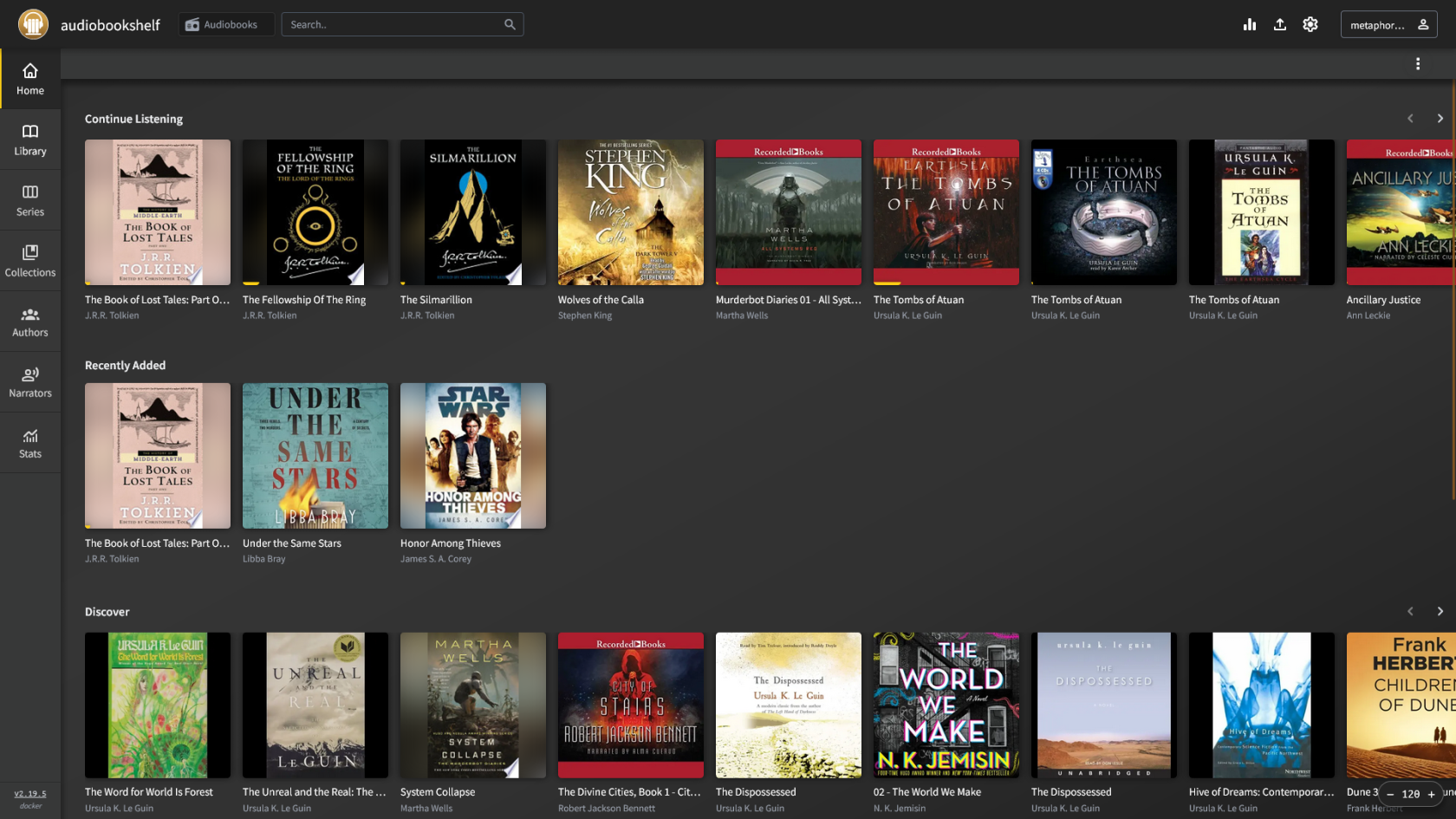
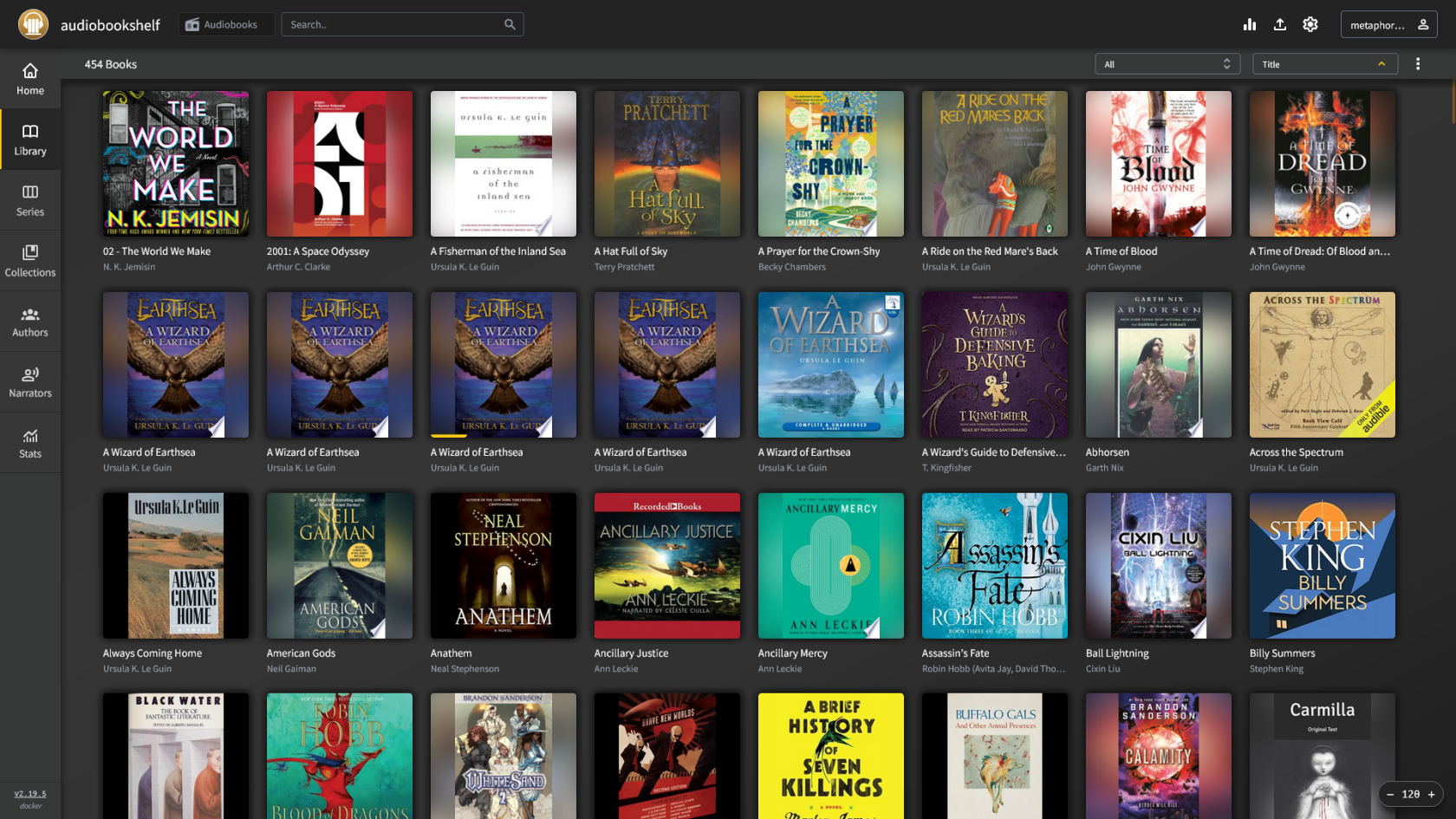
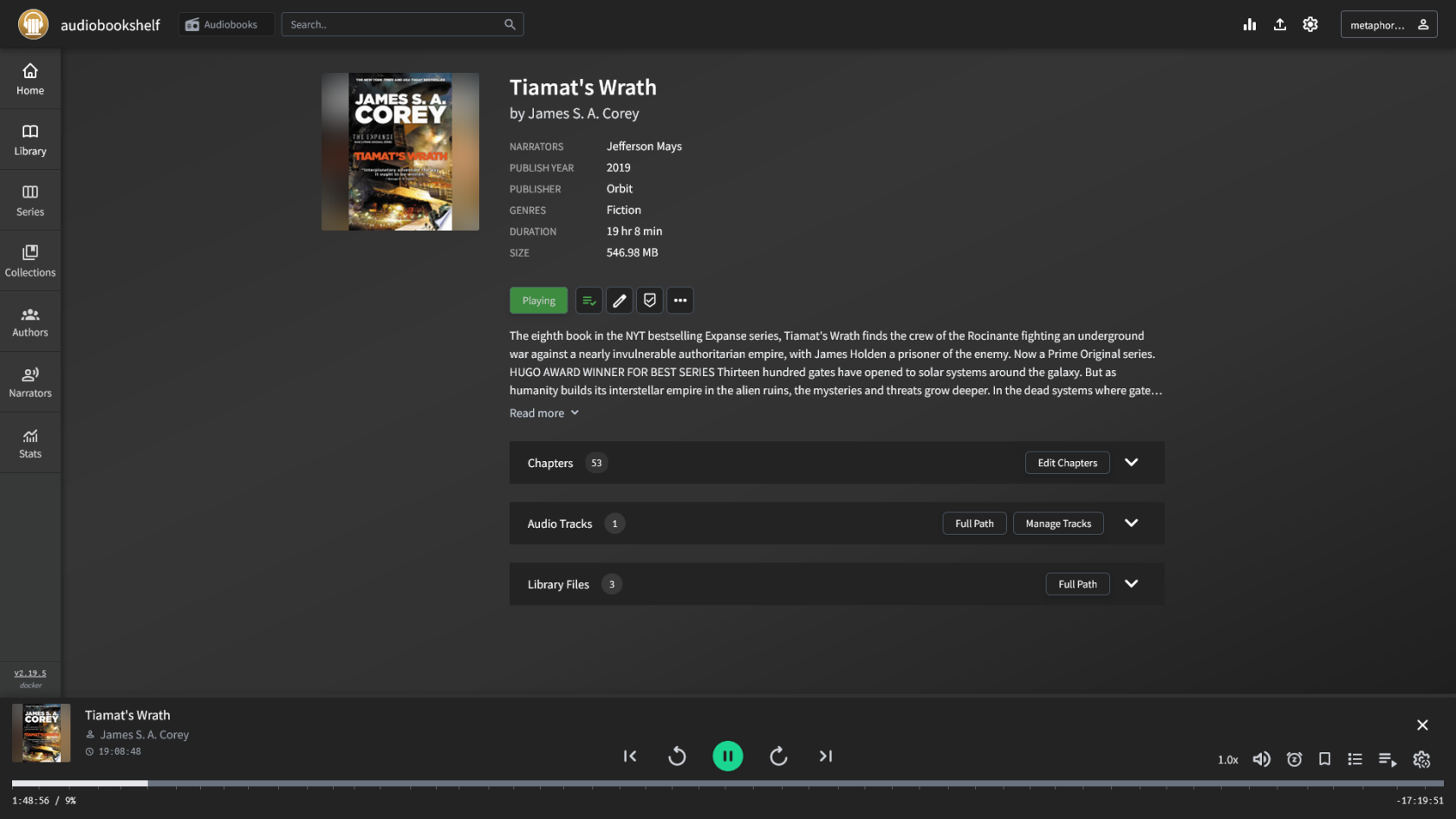
[Audiobookshelf](https://www.audiobookshelf.org/) is a self-hosted book, audiobook and podcast streaming media server. Leverage open databases to keep your media metadata up-to-date. By creating user accounts, you can share media with friends and family.

# Overview

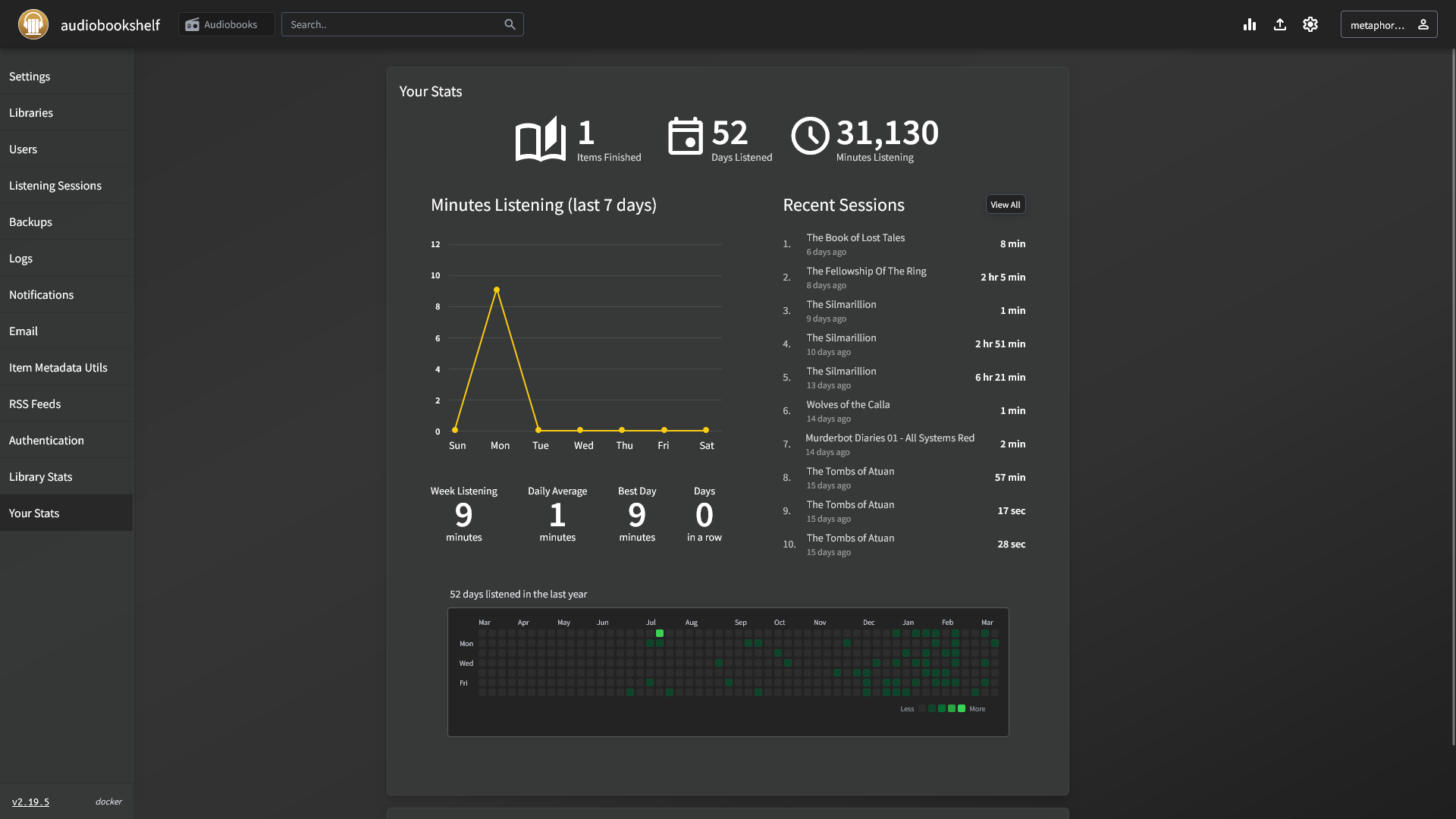
[![Screen Shot 2025-03-08 at 16.09.13.png](https://hub.subspace.services/uploads/images/gallery/2025-03/scaled-1680-/screen-shot-2025-03-08-at-16-09-13.png)](https://hub.subspace.services/uploads/images/gallery/2025-03/screen-shot-2025-03-08-at-16-09-13.png)

[Audiobookshelf](https://www.audiobookshelf.org/) is a self-hosted book, audiobook and podcast streaming media server. Leverage open databases to keep your media metadata up-to-date. By creating user accounts, you can share media with friends and family.

<p class="callout success">Tryout an [Audiobookshelf demo](https://audiobooks.dev/).</p>

- Keep track of progress across all of your books, audiobooks and podcasts.
- Subscribe to podcasts using the iOS and Android apps to download them automatically.
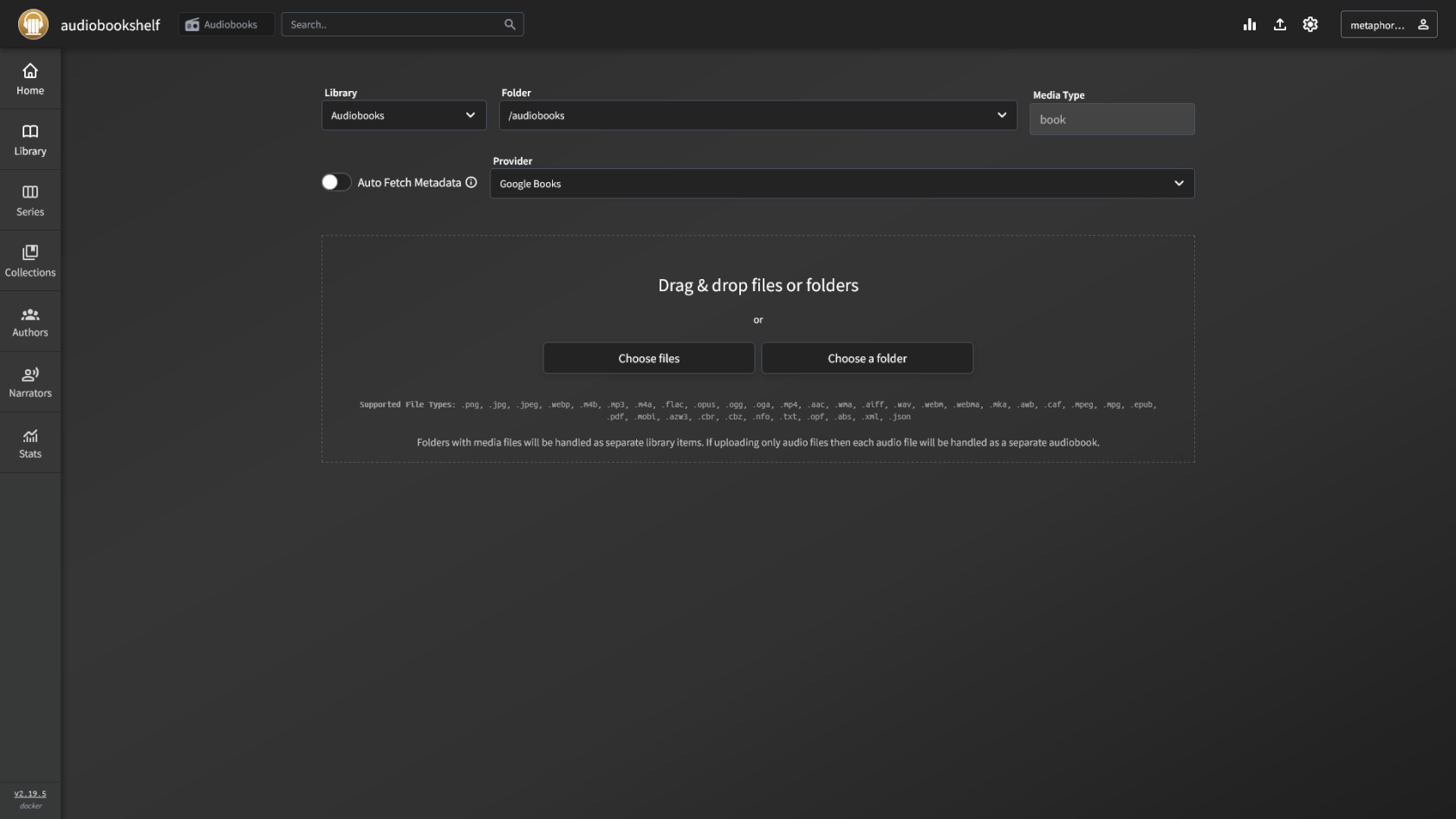
- Upload media directly from your web browser and search for metadata.

# Media

## Screenshots

<p class="callout info">Audiobookshelf v2.19.5</p>

<table border="1" id="bkmrk-" style="border-collapse: collapse; width: 100%; border-width: 1px; height: 59.6px; border-color: rgb(88, 110, 117);"><colgroup><col style="width: 33.3333%;"></col><col style="width: 33.3333%;"></col><col style="width: 33.3333%;"></col></colgroup><tbody><tr style="height: 29.8px;"><td style="border-width: 1px; height: 29.8px; border-color: rgb(88, 110, 117);">[![Screen Shot 2025-03-08 at 16.09.13.png](https://hub.subspace.services/uploads/images/gallery/2025-03/scaled-1680-/screen-shot-2025-03-08-at-16-09-13.png)](https://hub.subspace.services/uploads/images/gallery/2025-03/screen-shot-2025-03-08-at-16-09-13.png)</td><td style="border-width: 1px; height: 29.8px; border-color: rgb(88, 110, 117);">[![Screen Shot 2025-03-08 at 16.09.48.png](https://hub.subspace.services/uploads/images/gallery/2025-03/scaled-1680-/screen-shot-2025-03-08-at-16-09-48.png)](https://hub.subspace.services/uploads/images/gallery/2025-03/screen-shot-2025-03-08-at-16-09-48.png)</td><td style="border-width: 1px; height: 29.8px; border-color: rgb(88, 110, 117);">[![Screen Shot 2025-03-08 at 16.11.21.png](https://hub.subspace.services/uploads/images/gallery/2025-03/scaled-1680-/screen-shot-2025-03-08-at-16-11-21.png)](https://hub.subspace.services/uploads/images/gallery/2025-03/screen-shot-2025-03-08-at-16-11-21.png)</td></tr><tr style="height: 29.8px;"><td style="border-width: 1px; height: 29.8px; border-color: rgb(88, 110, 117);">[![Screen Shot 2025-03-08 at 16.10.10.png](https://hub.subspace.services/uploads/images/gallery/2025-03/scaled-1680-/screen-shot-2025-03-08-at-16-10-10.png)](https://hub.subspace.services/uploads/images/gallery/2025-03/screen-shot-2025-03-08-at-16-10-10.png)</td><td style="border-width: 1px; height: 29.8px; border-color: rgb(88, 110, 117);">[![Screen Shot 2025-03-08 at 16.10.23.png](https://hub.subspace.services/uploads/images/gallery/2025-03/scaled-1680-/screen-shot-2025-03-08-at-16-10-23.png)](https://hub.subspace.services/uploads/images/gallery/2025-03/screen-shot-2025-03-08-at-16-10-23.png)</td><td style="border-width: 1px; height: 29.8px; border-color: rgb(88, 110, 117);">  
</td></tr></tbody></table>

# Setup & Configuration

We need to install the service through Portainer and configure any necessary settings.

# Preparation

There are some things we need to do in preparation to install this service.

## Volumes

<details id="bkmrk-media-folders-radarr"><summary>Persistent Data</summary>

This is where the service will store its own application data and ensures we can quickly update the service image.

<p class="callout warning">Ensure your user has permissions to access the folder.</p>

</details><details id="bkmrk-media-folders-this-s"><summary>Media Folders</summary>

This service will need access to the folders where you store your media files.

<p class="callout warning">Ensure your user has permissions to access the folder.</p>

</details>## Environment

<details id="bkmrk-tz-this-is-the-curre"><summary>TZ</summary>

This is the current time zone formatted using the [tz database.](https://en.wikipedia.org/wiki/List_of_tz_database_time_zones)

<p class="callout info">*For example:* America/Vancouver</p>

</details>

# Installation

The service can be installed through the Portainer web interface.

<p class="callout info">Learn about [creating a new stack](https://hub.subspace.services/books/portainer/page/creating-a-new-stack "Creating a New Stack").</p>

## Docker Compose

Use the following code to install the service:

```yaml
---
services:
  audiobookshelf:
    image: ghcr.io/advplyr/audiobookshelf:latest
    container_name: audiobookshelf
    network_mode: bridge
    environment:
      - TZ=America/Vancouver
    volumes:
      # Persistent Data
      - /srv/audiobookshelf/config:/config
      - /srv/audiobookshelf/metadata:/metadata

      # Media Folders
      - /mnt/audiobooks:/mmt/audiobooks
      - /mnt/books:/mmt/books
      - /mnt/podcasts:/mmt/podcasts
    ports:
      - 7070:80
    restart: unless-stopped
```

# Updating

<p class="callout success">Re-Deploy the Stack</p>

This service has been optimized for running in Docker.

This allows you to [re-deploy the stack through Portainer](https://hub.subspace.services/books/portainer/page/updating-a-stack "Updating a Stack") to download the latest updates.

# User Manual

# Development

<p class="callout info">This software is released under the [GPL-3.0 license](https://opensource.org/license/gpl-3-0). </p>

You can learn more about how to contribute to Audiobookshelf through their [documentation](https://www.audiobookshelf.org/support/).

# Resources

## Official

- [Official Documentation](https://www.audiobookshelf.org/docs/)
- [Official Discord](https://discord.gg/HQgCbd6E75)
- [Official GitHub Repository](https://github.com/advplyr/audiobookshelf)
- [Official Website](https://audiobookshelf.org)
- [Installation Guide](https://www.audiobookshelf.org/docs#docker-compose-install)
- [Frequently Asked Questions](https://www.audiobookshelf.org/faq)