# Cockpit

Advanced dashboard for the management of a Linux server.

# Installation

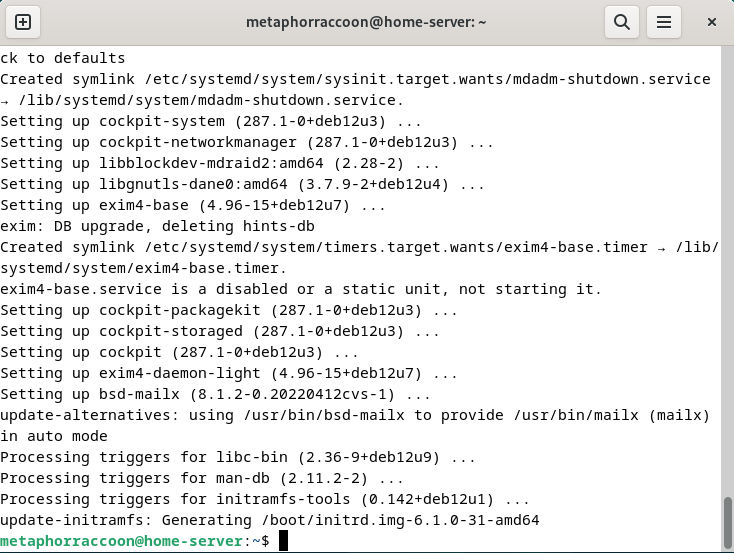
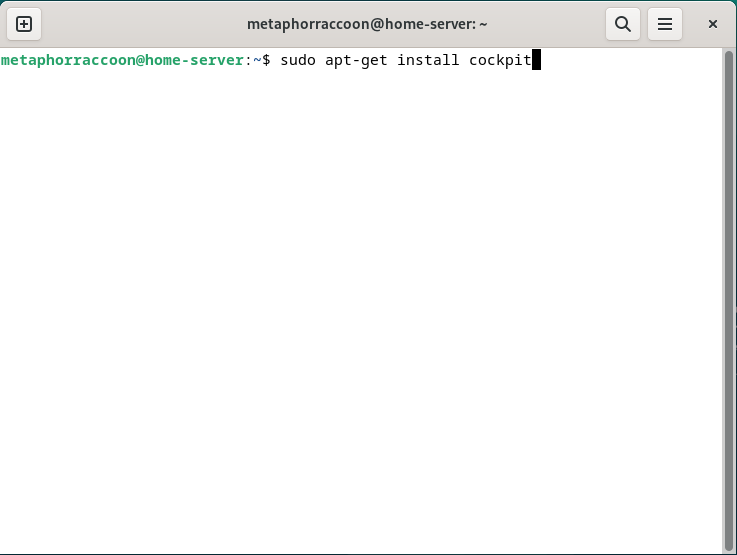
You can use the terminal to install Cockpit quickly and easily:

```bash
sudo apt-get install -y cockpit
```

<table border="1" class="align-center" id="bkmrk--3" style="border-collapse: collapse; width: 100%; border-width: 1px;"><colgroup><col style="width: 50%;"></col><col style="width: 50%;"></col></colgroup><tbody><tr><td>[![image.png](https://hub.subspace.services/uploads/images/gallery/2025-04/scaled-1680-/AFrimage.png)](https://hub.subspace.services/uploads/images/gallery/2025-04/AFrimage.png)</td><td>[![image.png](https://hub.subspace.services/uploads/images/gallery/2025-04/scaled-1680-/pOnimage.png)](https://hub.subspace.services/uploads/images/gallery/2025-04/pOnimage.png)

</td></tr></tbody></table>

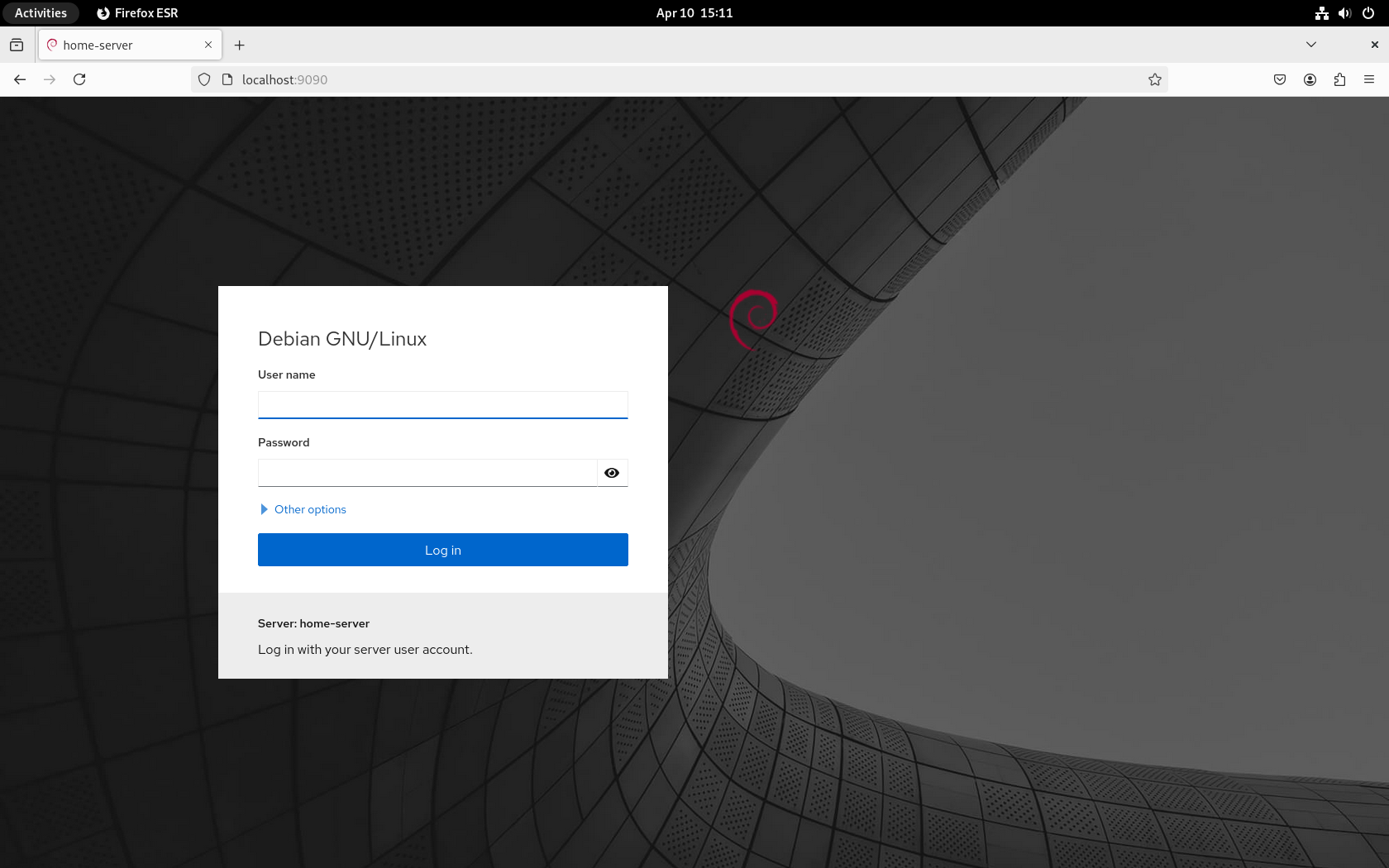
Once Cockpit is installed, it can be opened by navigating to [http://localhost:9090](http://localhost:9090) in your web browser.

<p class="callout info">Cockpit uses the same account name and password uses while [setting up Linux](https://hub.subspace.services/books/software/page/traditional-computer "Traditional Computer").</p>

[![VirtualBox_Debian_10_04_2025_15_11_11.png](https://hub.subspace.services/uploads/images/gallery/2025-04/scaled-1680-/virtualbox-debian-10-04-2025-15-11-11.png)](https://hub.subspace.services/uploads/images/gallery/2025-04/virtualbox-debian-10-04-2025-15-11-11.png)