# CommaFeed •

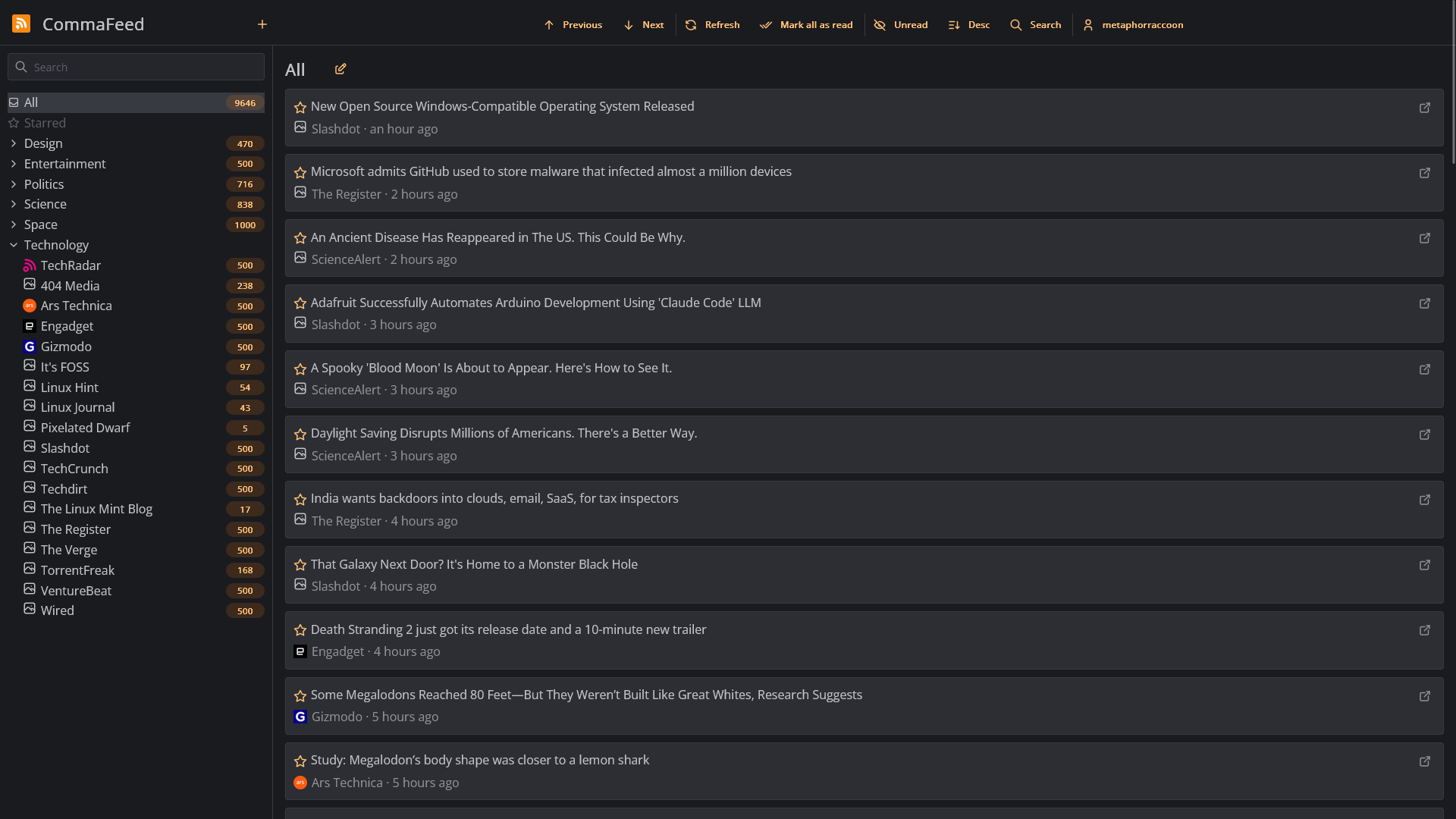
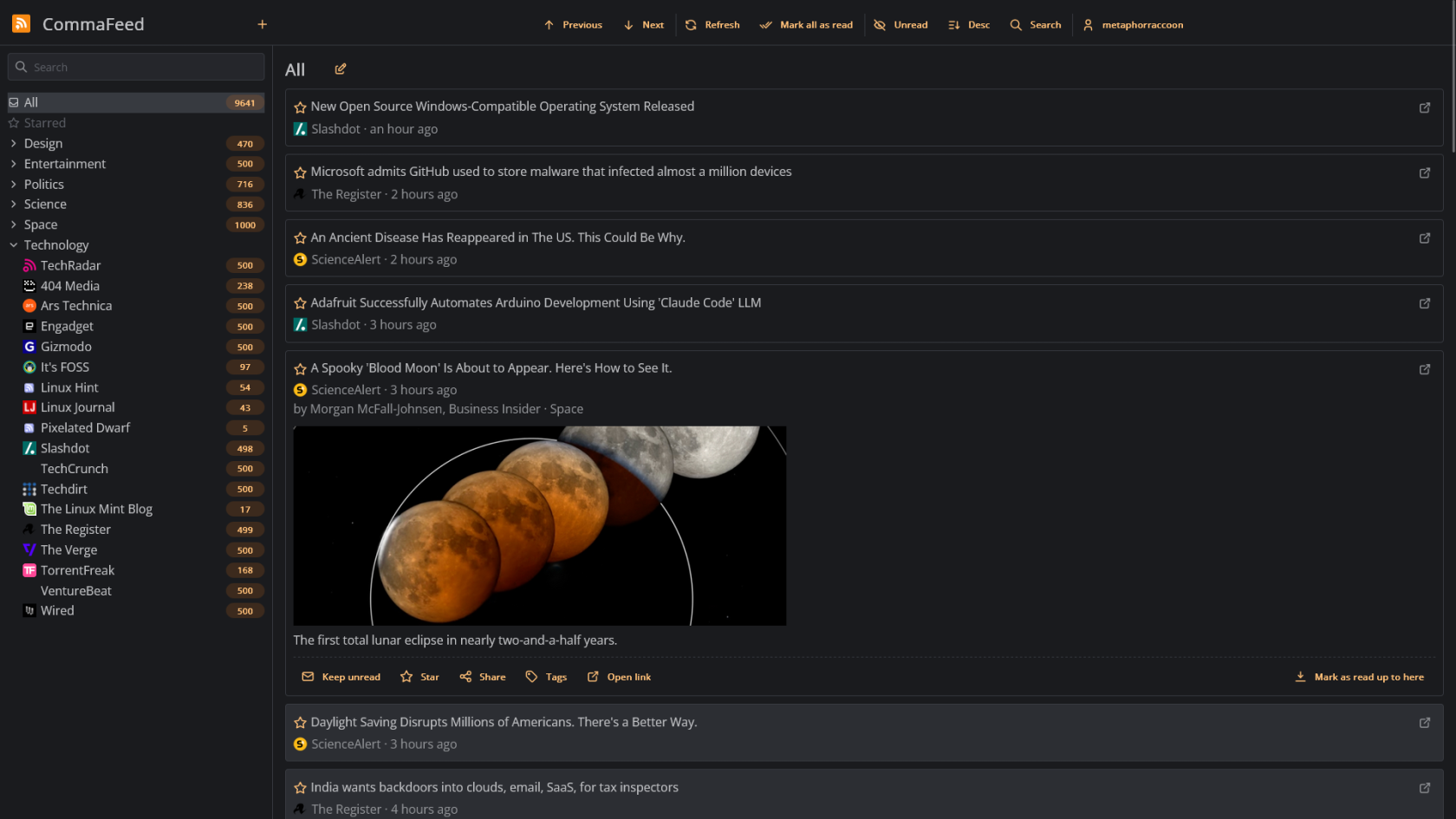
[CommaFeed](https://www.commafeed.com/) is an open-source news feed reader for the Really Simple Syndication (RSS) protocol.

# Overview

[![Screen Shot 2025-03-09 at 20.41.57.png](https://hub.subspace.services/uploads/images/gallery/2025-03/scaled-1680-/screen-shot-2025-03-09-at-20-41-57.png)](https://hub.subspace.services/uploads/images/gallery/2025-03/screen-shot-2025-03-09-at-20-41-57.png)

[CommaFeed](https://www.commafeed.com/) is an open-source news feed reader for the Really Simple Syndication (RSS) protocol.

<p class="callout success">Tryout a [CommaFeed demo](https://www.commafeed.com/#/app/category/all).</p>

- Compatible with Mobile apps that support the Fever API.
- View news updates and read your feed using [Browser extensions](https://github.com/Athou/commafeed-browser-extension).
- Create user accounts for your family and friends.

# Media

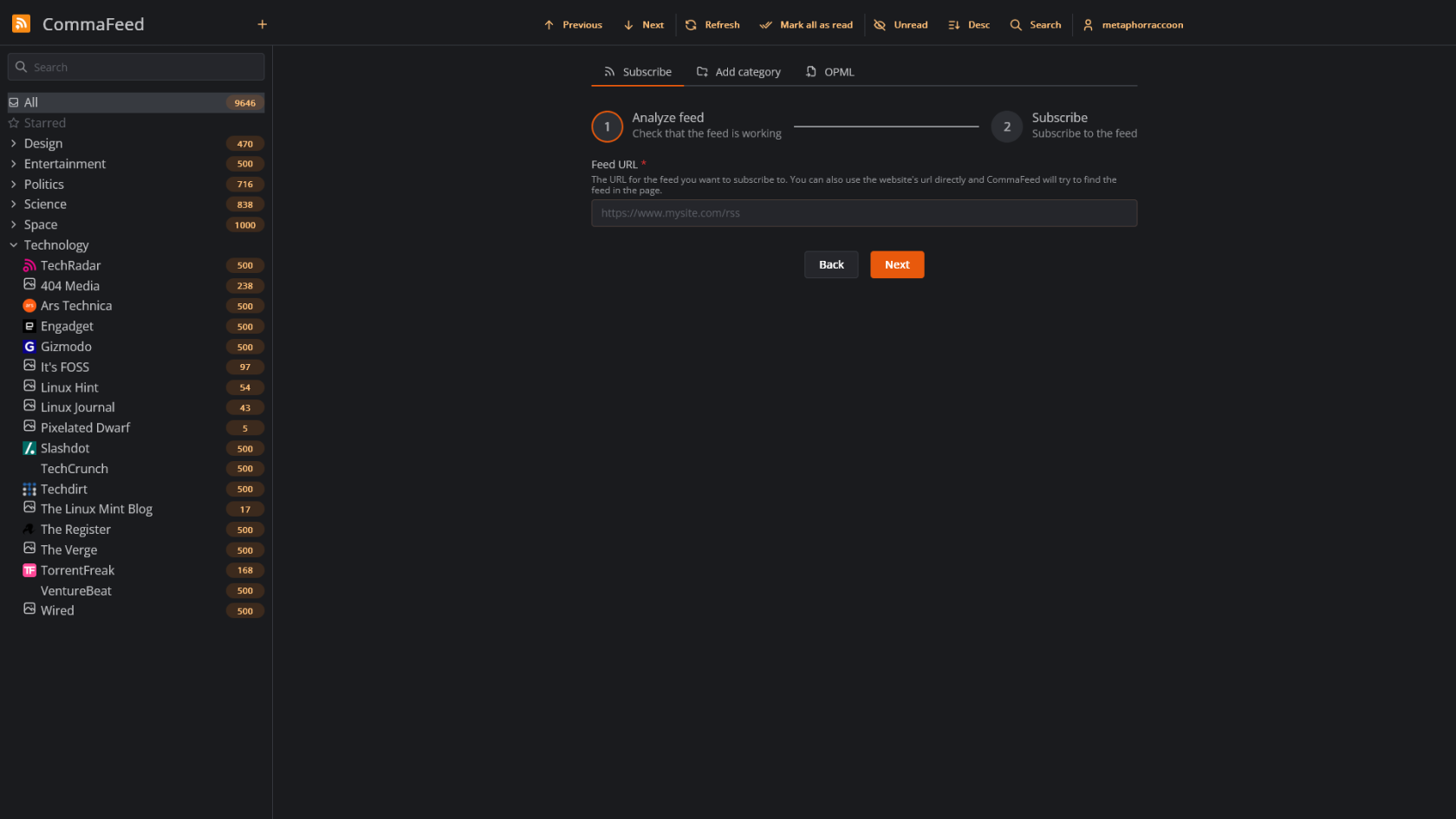
## Screenshots

<p class="callout info">CommaFeed v5.3.6</p>

<table border="1" id="bkmrk-" style="border-collapse: collapse; width: 100%; border-width: 1px; height: 59.6px; border-color: rgb(88, 110, 117);"><colgroup><col style="width: 33.3333%;"></col><col style="width: 33.3333%;"></col><col style="width: 33.3333%;"></col></colgroup><tbody><tr style="height: 29.8px;"><td style="border-width: 1px; height: 29.8px; border-color: rgb(88, 110, 117);">[![Screen Shot 2025-03-09 at 20.40.51.png](https://hub.subspace.services/uploads/images/gallery/2025-03/scaled-1680-/screen-shot-2025-03-09-at-20-40-51.png)](https://hub.subspace.services/uploads/images/gallery/2025-03/screen-shot-2025-03-09-at-20-40-51.png)</td><td style="border-width: 1px; height: 29.8px; border-color: rgb(88, 110, 117);">[![Screen Shot 2025-03-09 at 20.41.02.png](https://hub.subspace.services/uploads/images/gallery/2025-03/scaled-1680-/screen-shot-2025-03-09-at-20-41-02.png)](https://hub.subspace.services/uploads/images/gallery/2025-03/screen-shot-2025-03-09-at-20-41-02.png)</td><td style="border-width: 1px; height: 29.8px; border-color: rgb(88, 110, 117);">[![Screen Shot 2025-03-09 at 20.41.57.png](https://hub.subspace.services/uploads/images/gallery/2025-03/scaled-1680-/screen-shot-2025-03-09-at-20-41-57.png)](https://hub.subspace.services/uploads/images/gallery/2025-03/screen-shot-2025-03-09-at-20-41-57.png)</td></tr></tbody></table>

# Setup & Configuration

We need to install the service through Portainer and configure any necessary settings.

# Preparation

There are some things we need to do in preparation to install this service.

## Volumes

<details id="bkmrk-media-folders-radarr"><summary>Persistent Data</summary>

This is where the service will store its own application data and ensures we can quickly update the service image.

<p class="callout warning">Ensure your user has permissions to access the folder.</p>

</details>## Deploy

<details id="bkmrk-tz-this-is-the-curre"><summary>Memory Limit</summary>

This configures Docker to limit how much memory this container can use overall.

</details>

# Installation

The service can be installed through the Portainer web interface.

<p class="callout info">Learn about [creating a new stack](https://hub.subspace.services/books/portainer/page/creating-a-new-stack "Creating a New Stack").</p>

## Docker Compose

Use the following code to install the service:

```yaml
---
services:
  commafeed:
    image: athou/commafeed:latest-h2
    restart: unless-stopped
    container_name: commafeed
    volumes:
      # Persistent Data
      - /srv/commafeed:/commafeed/data
    deploy:
      resources:
        limits:
          memory: 256M
    ports:
      - 8082:8082
```

# Updating

<p class="callout success">Re-Deploy the Stack</p>

This service has been optimized for running in Docker.

This allows you to [re-deploy the stack through Portainer](https://hub.subspace.services/books/portainer/page/updating-a-stack "Updating a Stack") to download the latest updates.

# User Manual

# Development

<p class="callout info">This software is released under the [Apache 2.0 license](https://opensource.org/license/apache-2-0). </p>

You can learn more about how to contribute to CommaFeed through their [GitHub](https://github.com/Athou/commafeed/discussions).

The developer also accepts [sponsorships](https://github.com/sponsors/Athou).

# Resources

## Official

- [Official Documentation](https://github.com/Athou/commafeed/blob/master/README.md)
- [Official Forum](https://github.com/Athou/commafeed/discussions)
- [Official GitHub Repository](https://github.com/Athou/commafeed/)
- [Official Website](https://www.commafeed.com/#/welcome)
- [Installation Guide](https://hub.docker.com/r/athou/commafeed)