# Duplicati •

[Duplicati](https://duplicati.com/) is a service that can encrypt and backup your important data to remote backup services to give you security and peace of mind.

# Overview

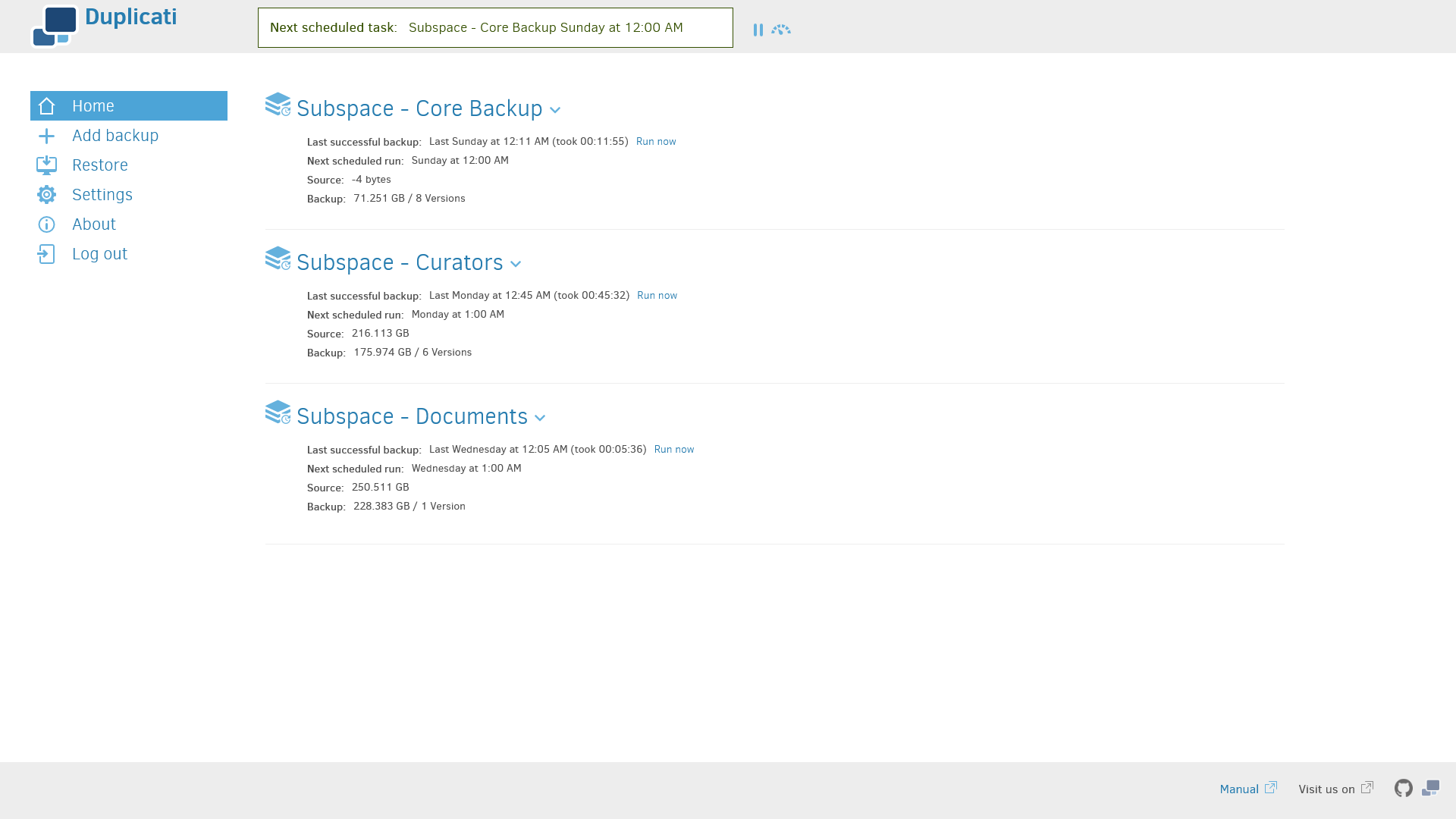
[![Screen Shot 2025-03-07 at 21.10.42.png](https://hub.subspace.services/uploads/images/gallery/2025-03/scaled-1680-/screen-shot-2025-03-07-at-21-10-42.png)](https://hub.subspace.services/uploads/images/gallery/2025-03/screen-shot-2025-03-07-at-21-10-42.png)

[Duplicati](https://duplicati.com/) is a service that can encrypt and backup your important data to remote backup services to give you security and peace of mind.

- Securely uploads your encrypted files to remote services such as Dropbox, OneDrive, Backblaze, and IDrive e2.
- Perform scheduled incremental backups that only uploads new or changed files.
- Receive updates through various channels when your backups are complete.

# Media

## Screenshots

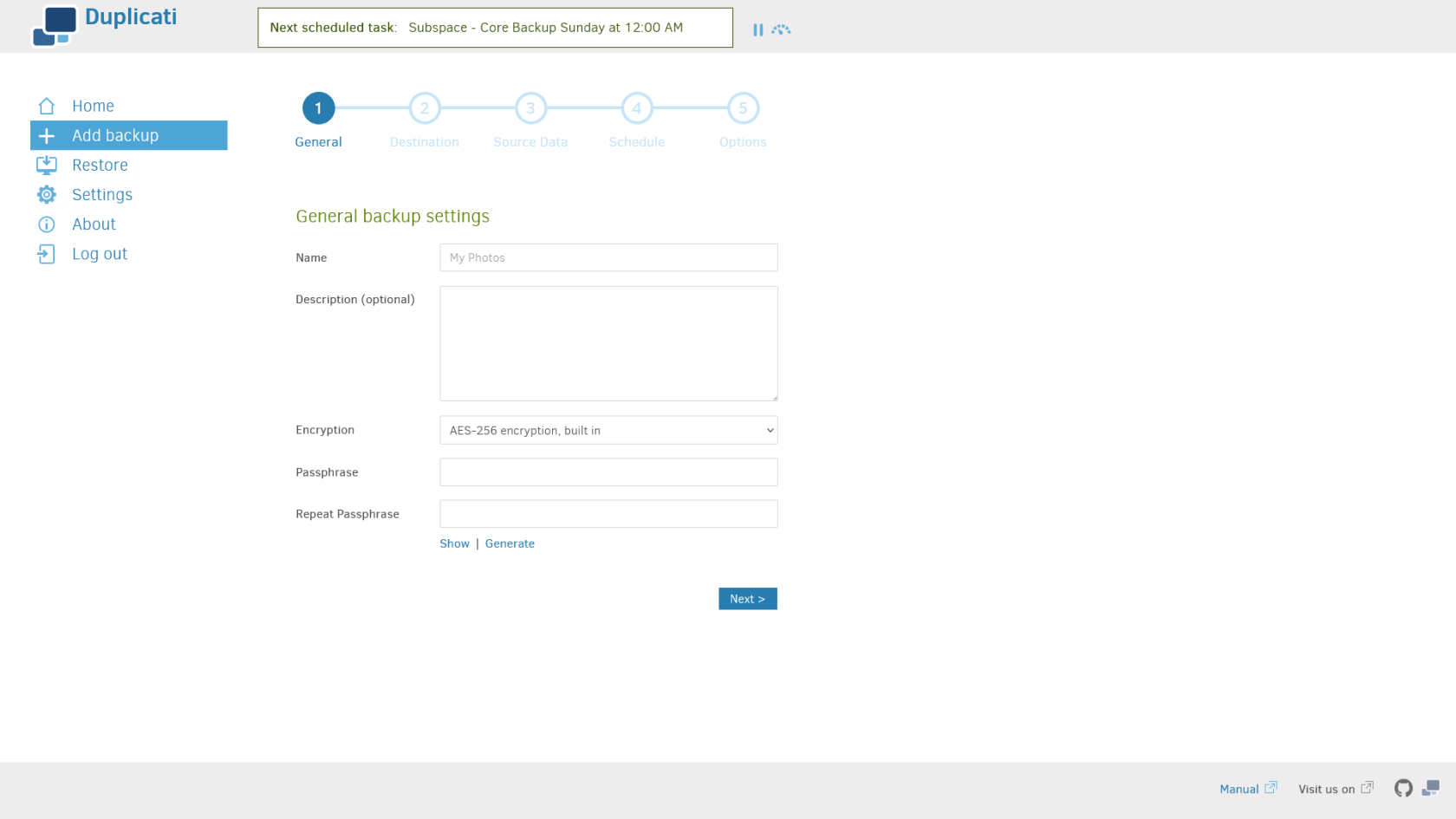
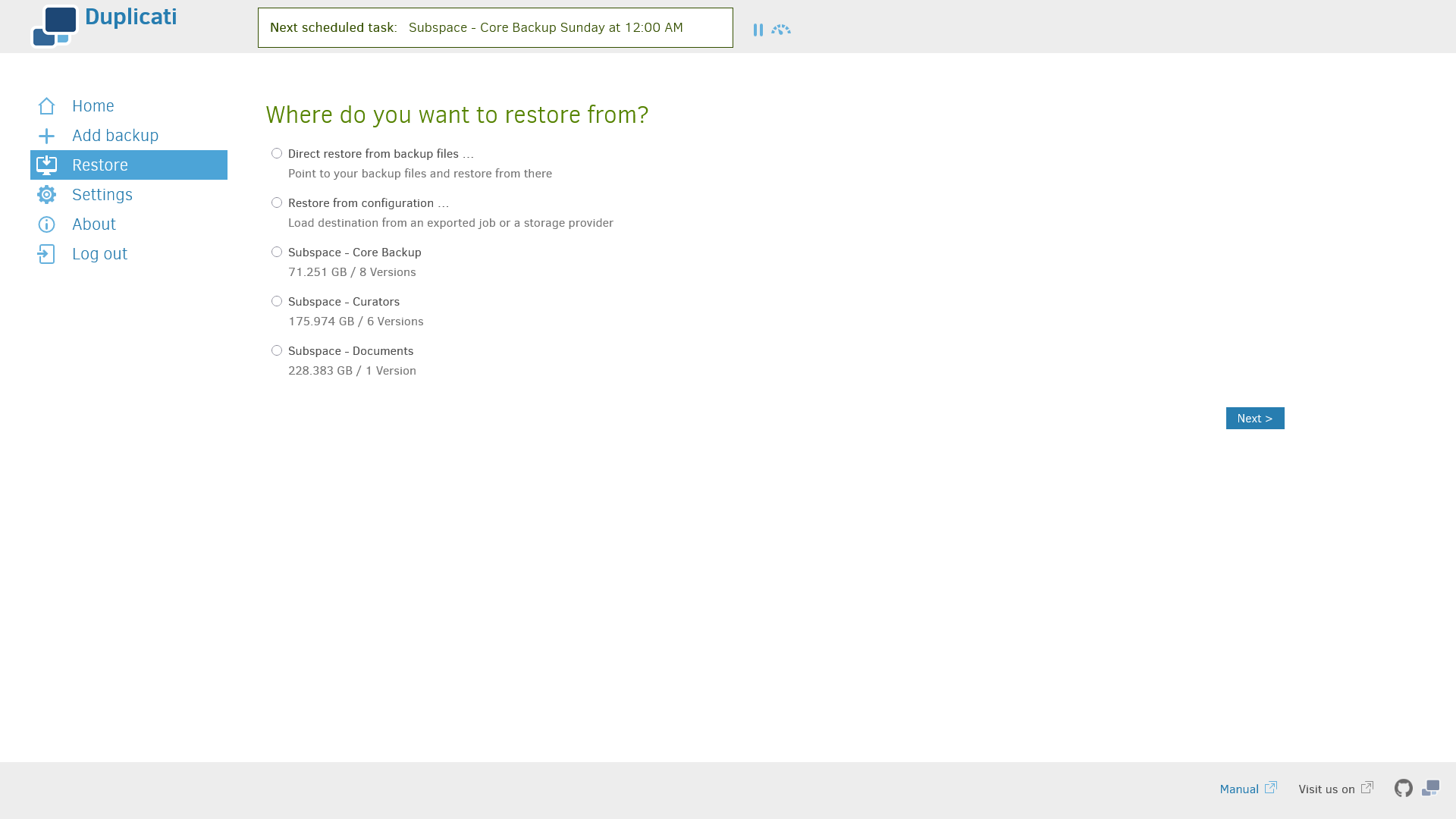
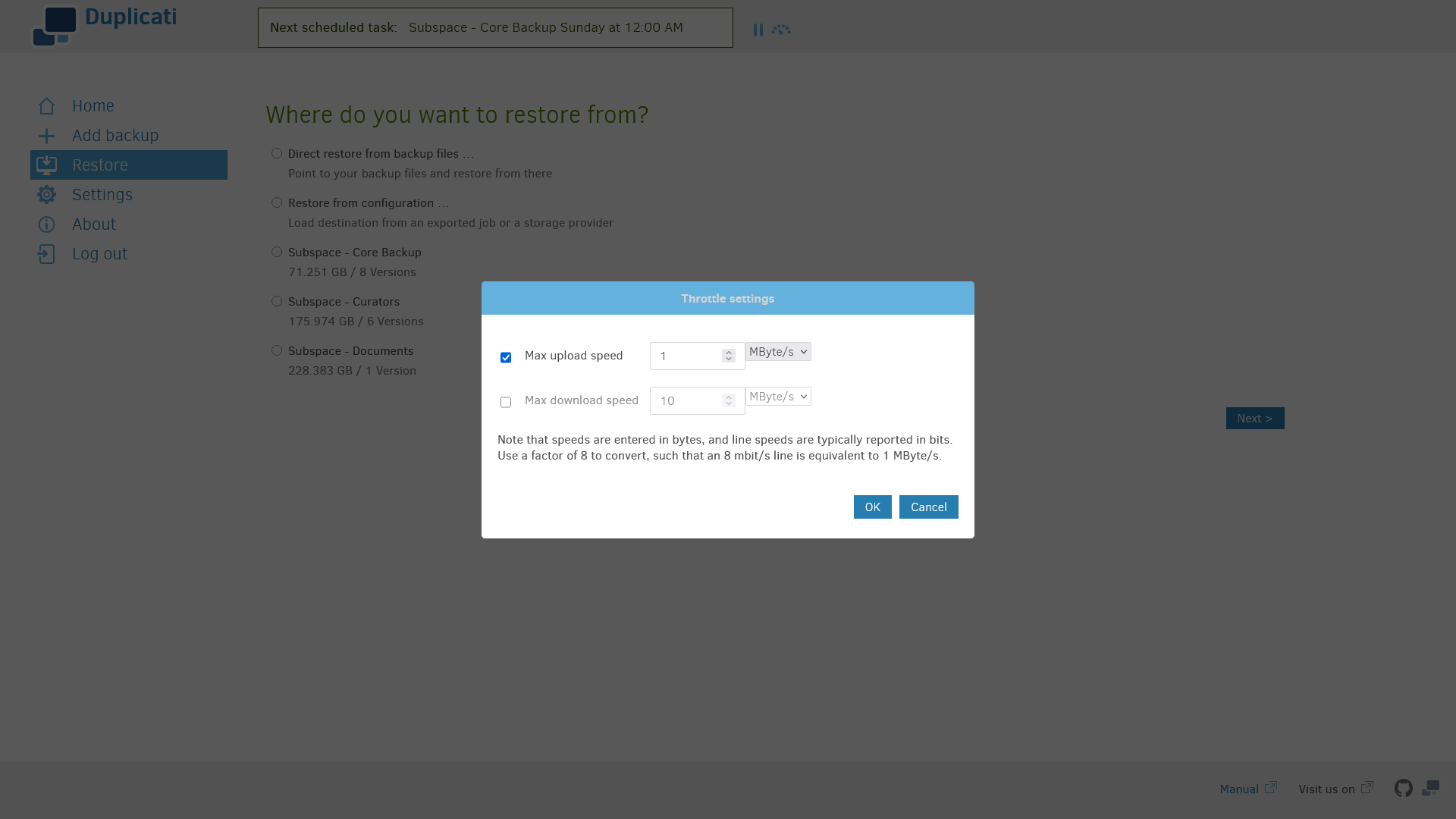
<p class="callout info">Duplicati v2.1.0.4\_stable\_2025-01-31</p>

<table border="1" id="bkmrk-" style="border-collapse: collapse; width: 100%; border-width: 1px; height: 59.6px; border-color: rgb(88, 110, 117);"><colgroup><col style="width: 33.3333%;"></col><col style="width: 33.3333%;"></col><col style="width: 33.3333%;"></col></colgroup><tbody><tr style="height: 29.8px;"><td style="border-width: 1px; height: 29.8px; border-color: rgb(88, 110, 117);">[![Screen Shot 2025-03-07 at 21.10.42.png](https://hub.subspace.services/uploads/images/gallery/2025-03/scaled-1680-/screen-shot-2025-03-07-at-21-10-42.png)](https://hub.subspace.services/uploads/images/gallery/2025-03/screen-shot-2025-03-07-at-21-10-42.png)</td><td style="border-width: 1px; height: 29.8px; border-color: rgb(88, 110, 117);">[![Screen Shot 2025-03-07 at 21.10.57.png](https://hub.subspace.services/uploads/images/gallery/2025-03/scaled-1680-/screen-shot-2025-03-07-at-21-10-57.png)](https://hub.subspace.services/uploads/images/gallery/2025-03/screen-shot-2025-03-07-at-21-10-57.png)</td><td style="border-width: 1px; height: 29.8px; border-color: rgb(88, 110, 117);">[![Screen Shot 2025-03-07 at 21.11.03.png](https://hub.subspace.services/uploads/images/gallery/2025-03/scaled-1680-/screen-shot-2025-03-07-at-21-11-03.png)](https://hub.subspace.services/uploads/images/gallery/2025-03/screen-shot-2025-03-07-at-21-11-03.png)</td></tr><tr style="height: 29.8px;"><td style="border-width: 1px; height: 29.8px; border-color: rgb(88, 110, 117);">[![Screen Shot 2025-03-07 at 21.11.08.png](https://hub.subspace.services/uploads/images/gallery/2025-03/scaled-1680-/screen-shot-2025-03-07-at-21-11-08.png)](https://hub.subspace.services/uploads/images/gallery/2025-03/screen-shot-2025-03-07-at-21-11-08.png)</td><td style="border-width: 1px; height: 29.8px; border-color: rgb(88, 110, 117);">  
</td><td style="border-width: 1px; height: 29.8px; border-color: rgb(88, 110, 117);">  
</td></tr></tbody></table>

# Setup & Configuration

We need to install the service through Portainer and configure any necessary settings.

# Preparation

There are some things we need to do in preparation to install this service.

## Volumes

<details id="bkmrk-media-folders-radarr"><summary>Persistent Data</summary>

This is where the service will store its own application data and ensures we can quickly update the service image.

<p class="callout warning">Ensure your user has permissions to access the folder.</p>

</details><details id="bkmrk-media-folders-this-s"><summary>Source Folders</summary>

This service will need access to the folders where you store the files you are backing up.

<p class="callout warning">Ensure your user has permissions to access the folder.</p>

</details>## Environment

<details id="bkmrk-tz-this-is-the-curre"><summary>TZ</summary>

This is the current time zone formatted using the [tz database.](https://en.wikipedia.org/wiki/List_of_tz_database_time_zones)

<p class="callout info">*For example:* America/Vancouver</p>

</details><details id="bkmrk-gid-%C2%A0"><summary>PUID</summary>

This is the numeric ID of the user account on Debian. If you are unsure, open a terminal and run:

```bash
id -u
```

</details><details id="bkmrk-pgid-this-is-the-num"><summary>PGID</summary>

This is the numeric ID of the user account's group on Debian. If you are unsure, open a terminal and run:

```bash
id -g
```

</details>### Passwords

<p class="callout danger">Keep these securely stored in a password manager, such as [VaultWarden](https://hub.subspace.services/books/vaultwarden "VaultWarden").</p>

<details id="bkmrk-db_root_pass-this-is"><summary>SETTINGS\_ENCRYPTION\_KEY</summary>

This is the secure phrase that will be used for encrypting your files and the service database.

<p class="callout warning">It is important to use secure, randomly generated password.</p>

You can use a random alphanumeric string from a password manager, or open the terminal and run the command:

```
tr -dc 'A-Za-z0-9!"#$%&'\''()*+,-./:;<=>?@[\]^_`{|}~' </dev/urandom | head -c 32; echo
```

This pulls a random string from the '[urandom](https://en.wikipedia.org/wiki//dev/random)' device, removes unwanted characters and trim it to an appropriate length.

</details><details id="bkmrk-duplicati__webservic"><summary>DUPLICATI\_\_WEBSERVICE\_PASSWORD</summary>

This is the password for logging into the web interface.

<p class="callout warning">It is important to use secure passphrase that is easy-to-remember.</p>

</details>

# Installation

The service can be installed through the Portainer web interface.

<p class="callout info">Learn about [creating a new stack](https://hub.subspace.services/books/portainer/page/creating-a-new-stack "Creating a New Stack").</p>

## Docker Compose

Use the following code to install the service:

```yaml
---
services:
  duplicati:
    image: lscr.io/linuxserver/duplicati:latest
    container_name: duplicati
    network_mode: bridge
    environment:
      - PUID=0
      - PGID=0
      - TZ=America/Vancouver
      - SETTINGS_ENCRYPTION_KEY=
      - DUPLICATI__WEBSERVICE_PASSWORD=
    volumes:
      # Persistent Data 
      - /srv/duplicati:/config

      # Backup Source
      - /:/home:ro
    ports:
      - 8200:8200
    restart: unless-stopped
```

# Updating

<p class="callout success">Re-Deploy the Stack</p>

This service has been optimized for running in Docker thanks to [LinuxServer.io](https://linuxserver.io).

This allows you to [re-deploy the stack through Portainer](https://hub.subspace.services/books/portainer/page/updating-a-stack "Updating a Stack") to download the latest updates.

# User Manual

# Development

<p class="callout info">This software is released under the [MIT license](https://opensource.org/license/mit). </p>

You can learn more about how to contribute to Duplicati through their [documentation](https://github.com/duplicati/duplicati?tab=readme-ov-file#contributing).

# Resources

## Official

- [Official Documentation](https://docs.duplicati.com/)
- [Official Forum](https://forum.duplicati.com/)
- [Official GitHub Repository](https://github.com/duplicati/duplicati)
- [Official Website](https://duplicati.com)
- [Wikipedia Entry](https://en.m.wikipedia.org/wiki/Duplicati)
- [Installation Guide](https://hub.docker.com/r/duplicati/duplicati)

## LinuxServer.io

- [Docker Image](https://docs.linuxserver.io/images/docker-duplicati/)
- [Official Website](https://www.linuxserver.io/)
- [Official Documentation](https://docs.linuxserver.io/)
- [Official Discord](https://linuxserver.io/discord)
- [Official Forum](https://discourse.linuxserver.io/)
- [Official GitLab Repository ](https://gitlab.com/Linuxserver.io)
- [Frequently Asked Questions](https://docs.linuxserver.io/FAQ/)