Flood •
Flood is a sleek and modern interface for managing your torrent server.
Overview
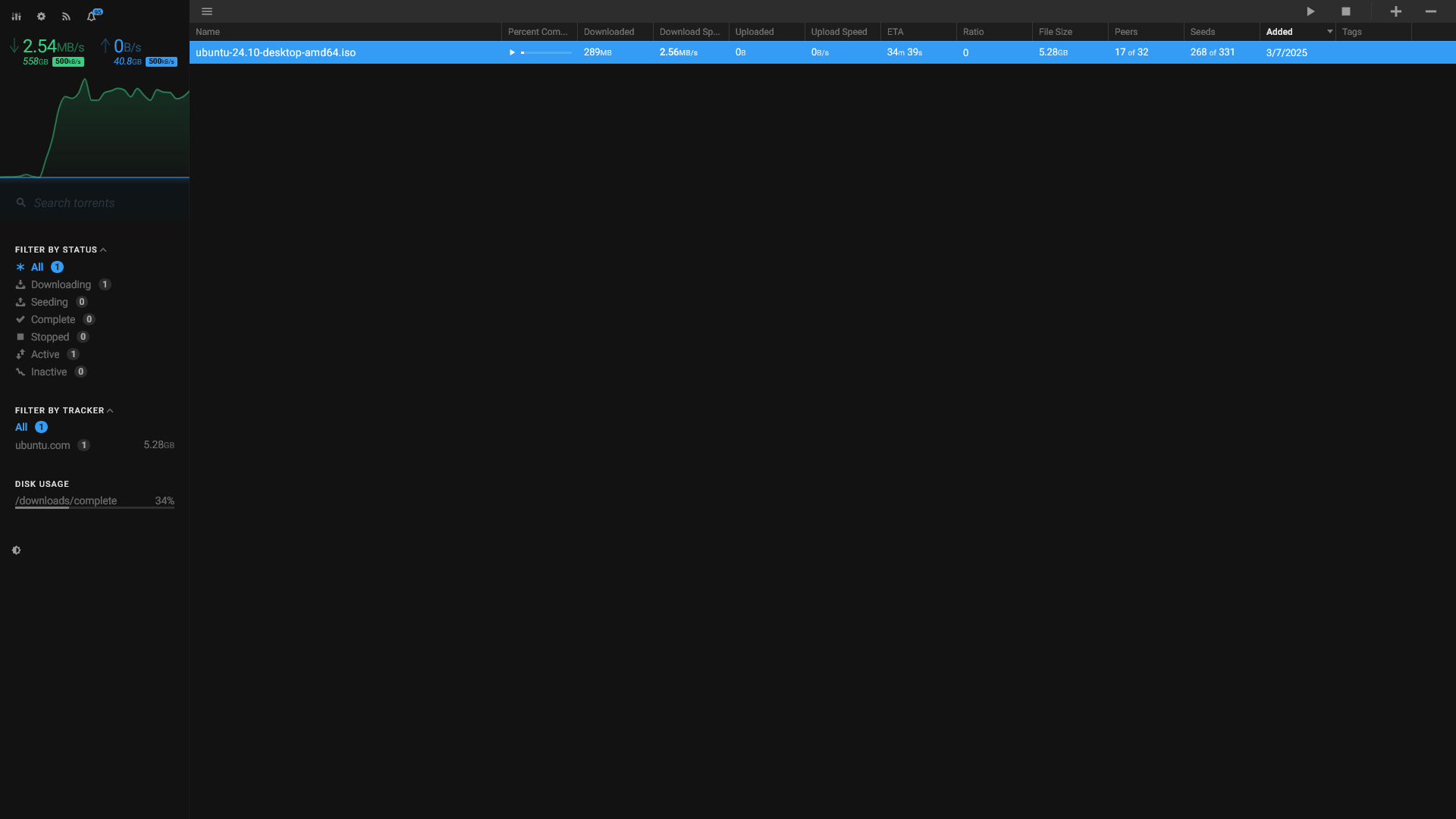
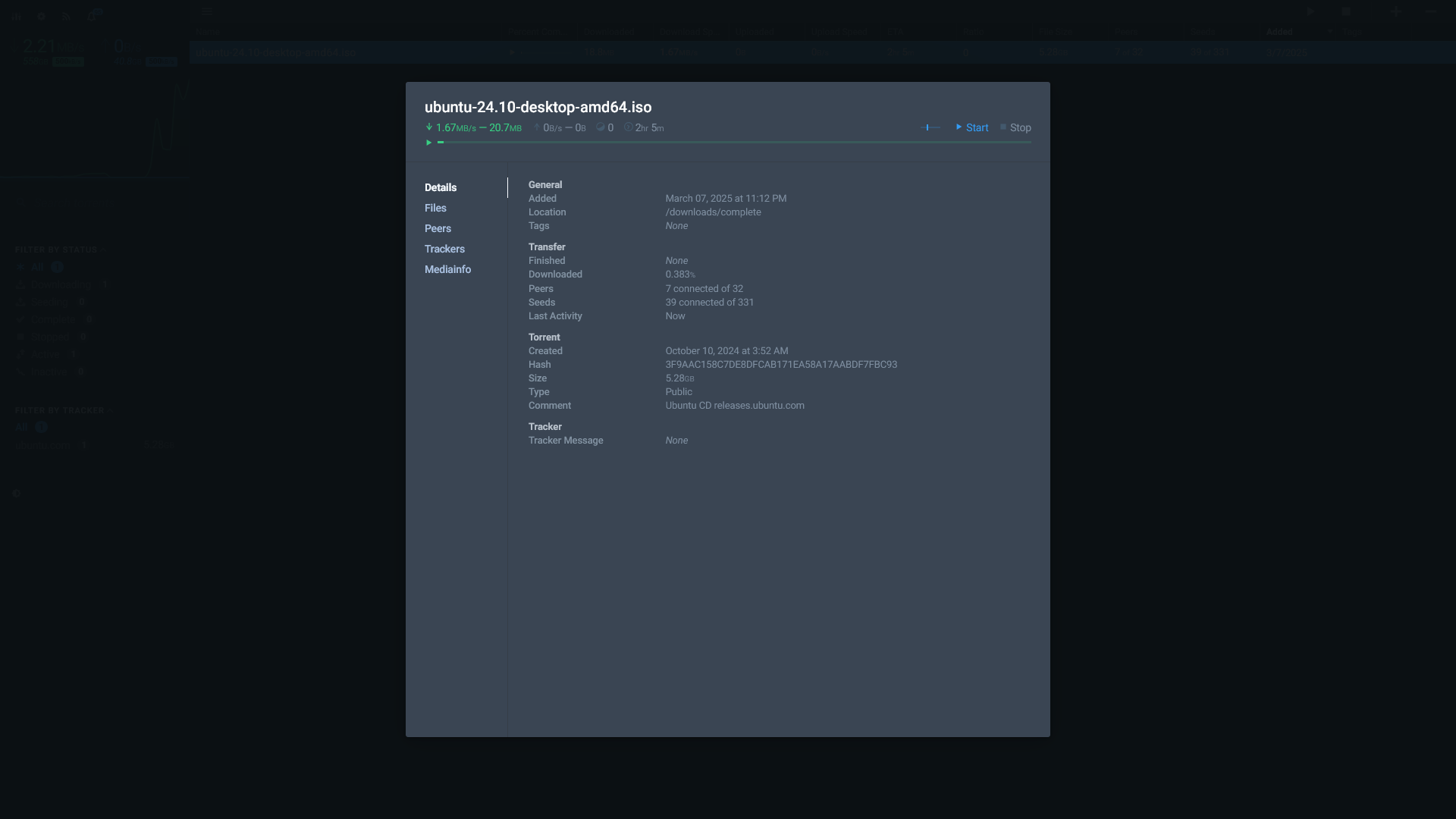
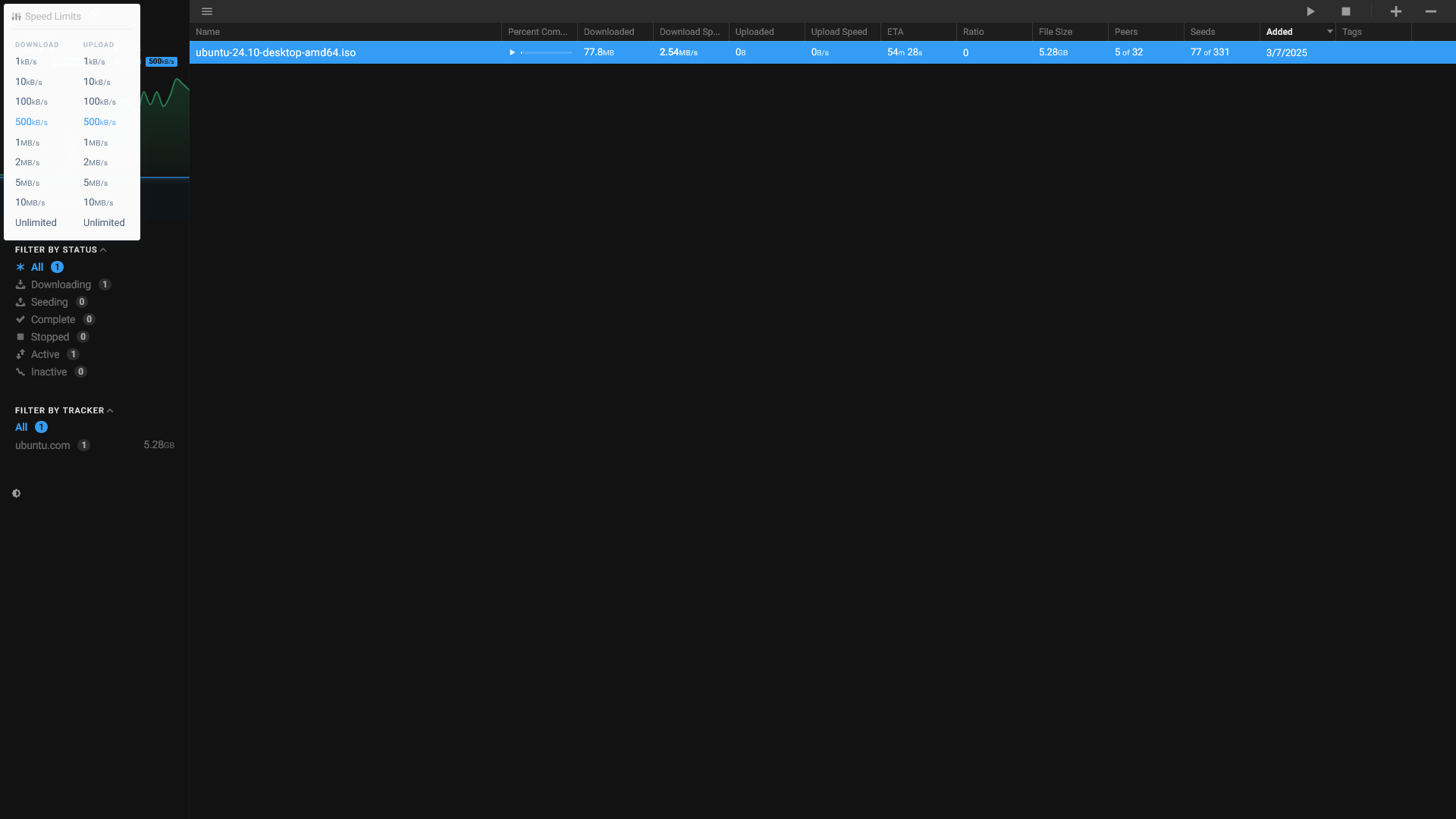
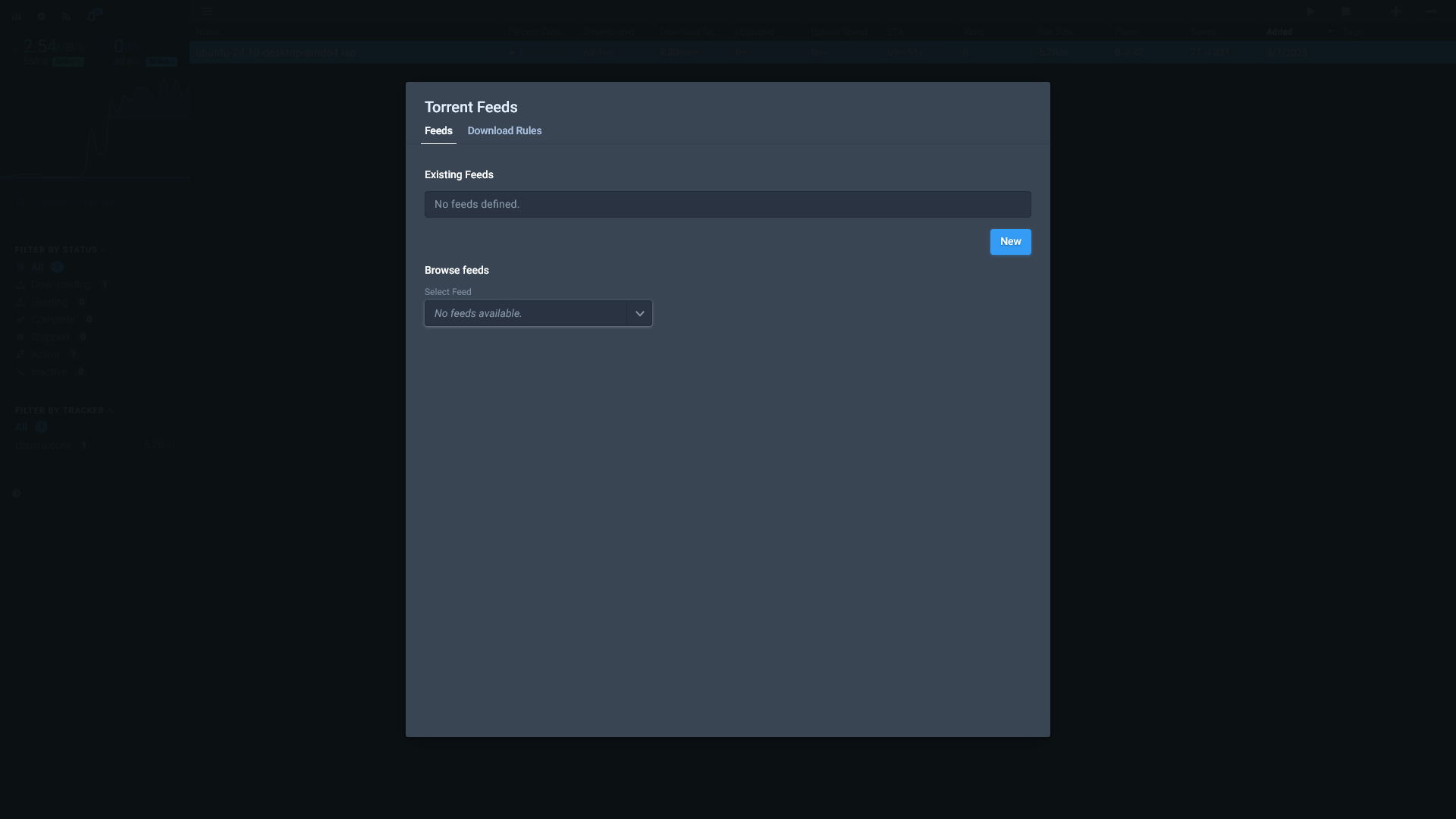
Flood is a sleek and modern interface for managing your torrent server.
- Controls four common torrent servers, including official qBittorrent support.
- Download completed torrents directly through your web browser.
- Create user accounts to share access to active and completed torrents.
Media
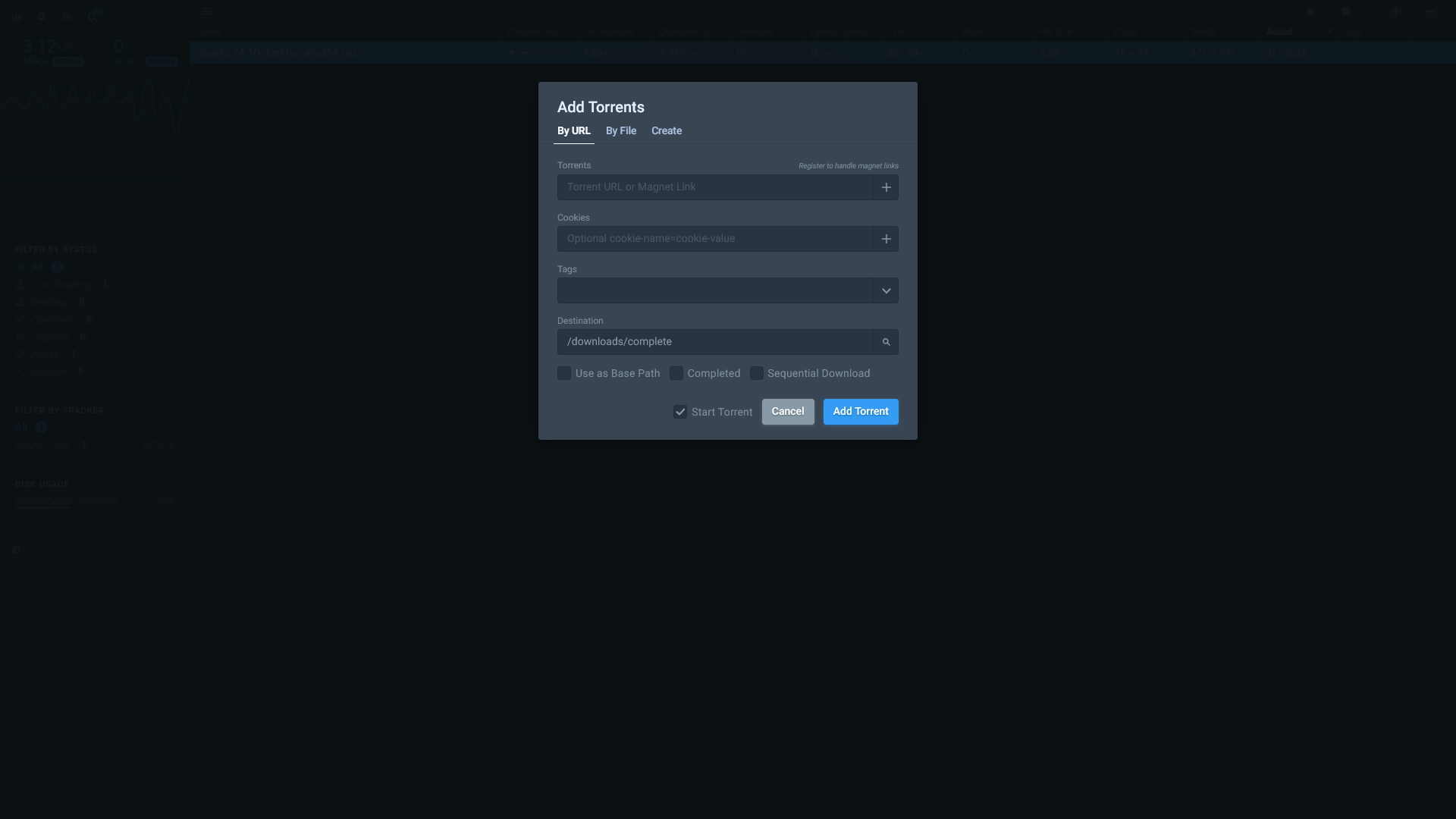
Screenshots
App v4.8.5
|
 |
 |
 |
 |
Setup & Configuration
We need to install the service through Portainer and configure any necessary settings.
Preparation
There are some things we need to do in preparation to install this service.
Volumes
Persistent Data
This is where the service will store its own application data and ensures we can quickly update the service image.
Ensure your user has permissions to access the folder.
Environment
Installation
Flood can be installed by following the Portainer guide for creating a new stack. Learn about configuring a Docker stacks and then use the following Docker Compose code to run this app:
---
services:
  flood:
    container_name: flood
    image: jesec/flood:latest
    user: 1000:1000
    restart: unless-stopped
    command: --port 3000 --allowedpath /downloads --allowedpath /config
    environment:
      - HOME=/config
      - TZ=America/Vancouver
    volumes:
      # Persistent Data
      - /srv/flood:/config

      # Download Folders
      - /mnt/downloads/:/downloads
    ports:
      - 3000:3000
Updating
Re-Deploy the Stack
This service has been optimized for running in Docker.
This allows you to re-deploy the stack through Portainer to download the latest updates.
User Manual
Development
This software is released under the GPL-3.0 license.
You can learn more about how to contribute to Flood through their GitHub.