LazyLibrarian •
LazyLibrarian is an (audio)book and magazine collection manager that downloads media while keeping everything organized.
Overview
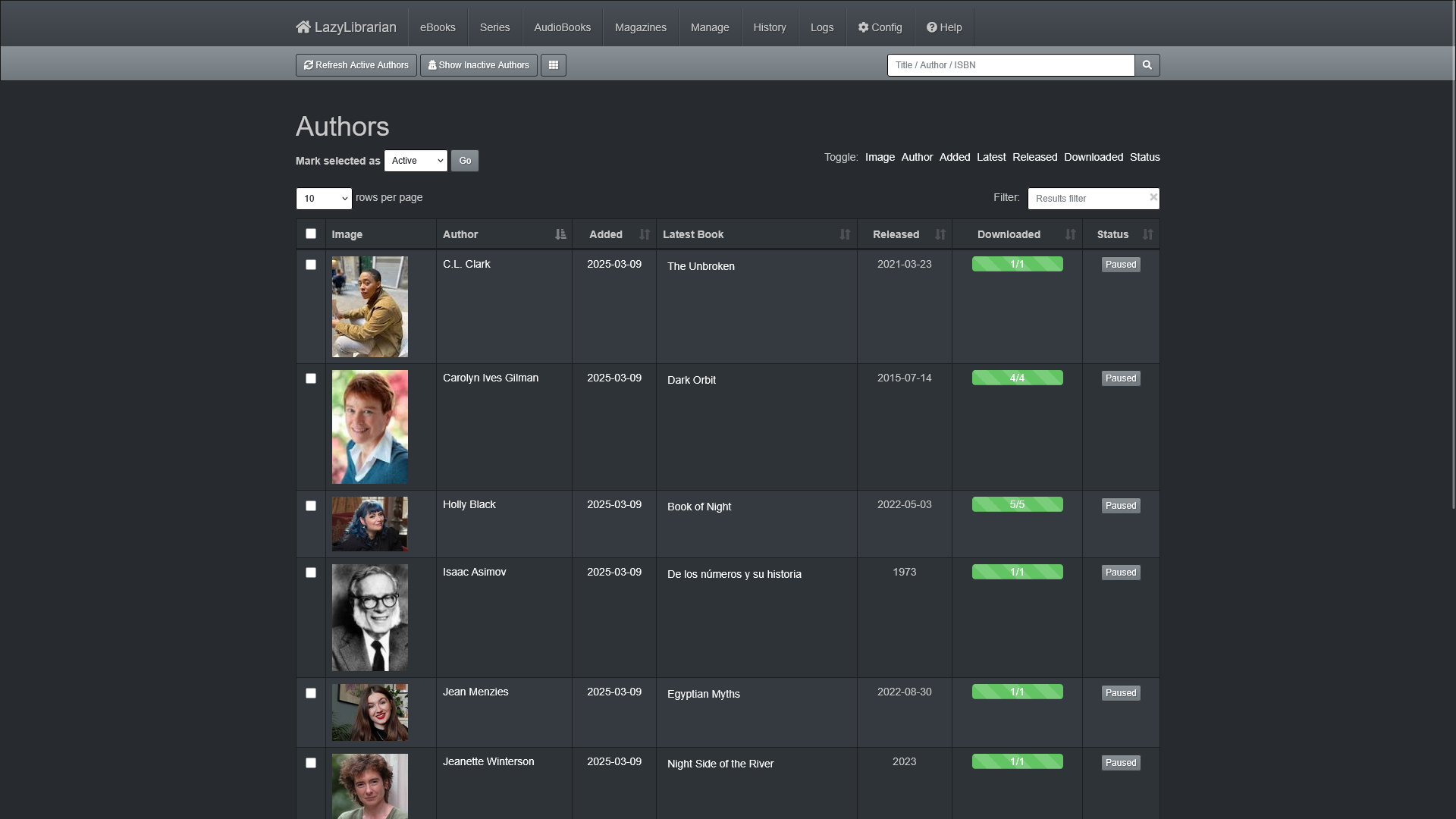
LazyLibrarian is an (audio)book and magazine collection manager that downloads media while keeping everything organized.
- Integrate with Prowlarr and handle all your download searches through one central service.
- Import an existing Calibre book library to keep your media library synchronized.
- Compatible with metadata pulled from HardCover, OpenLibrary, LibraryThing, GoodReads, and Google Books.
Media
Screenshots
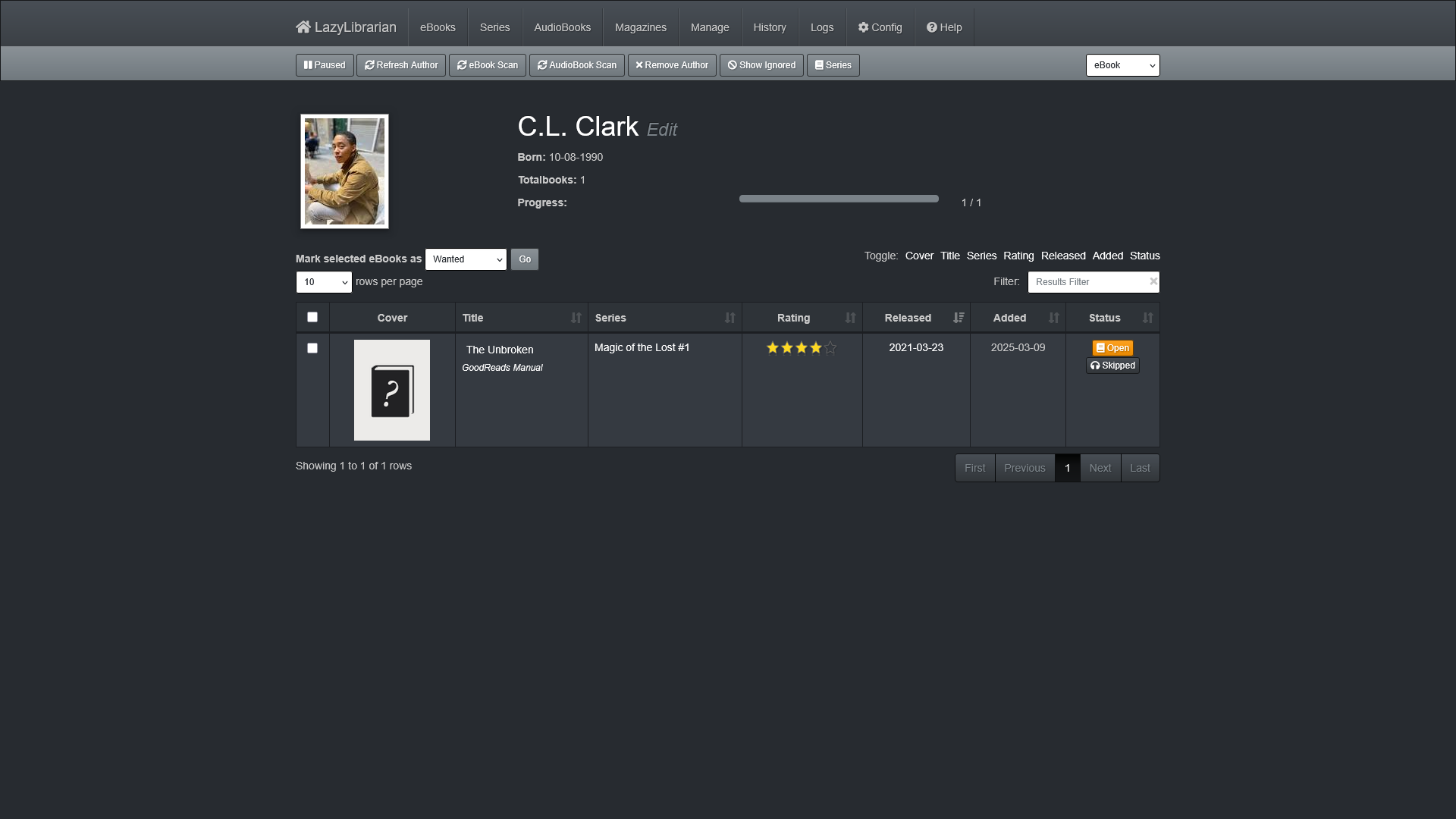
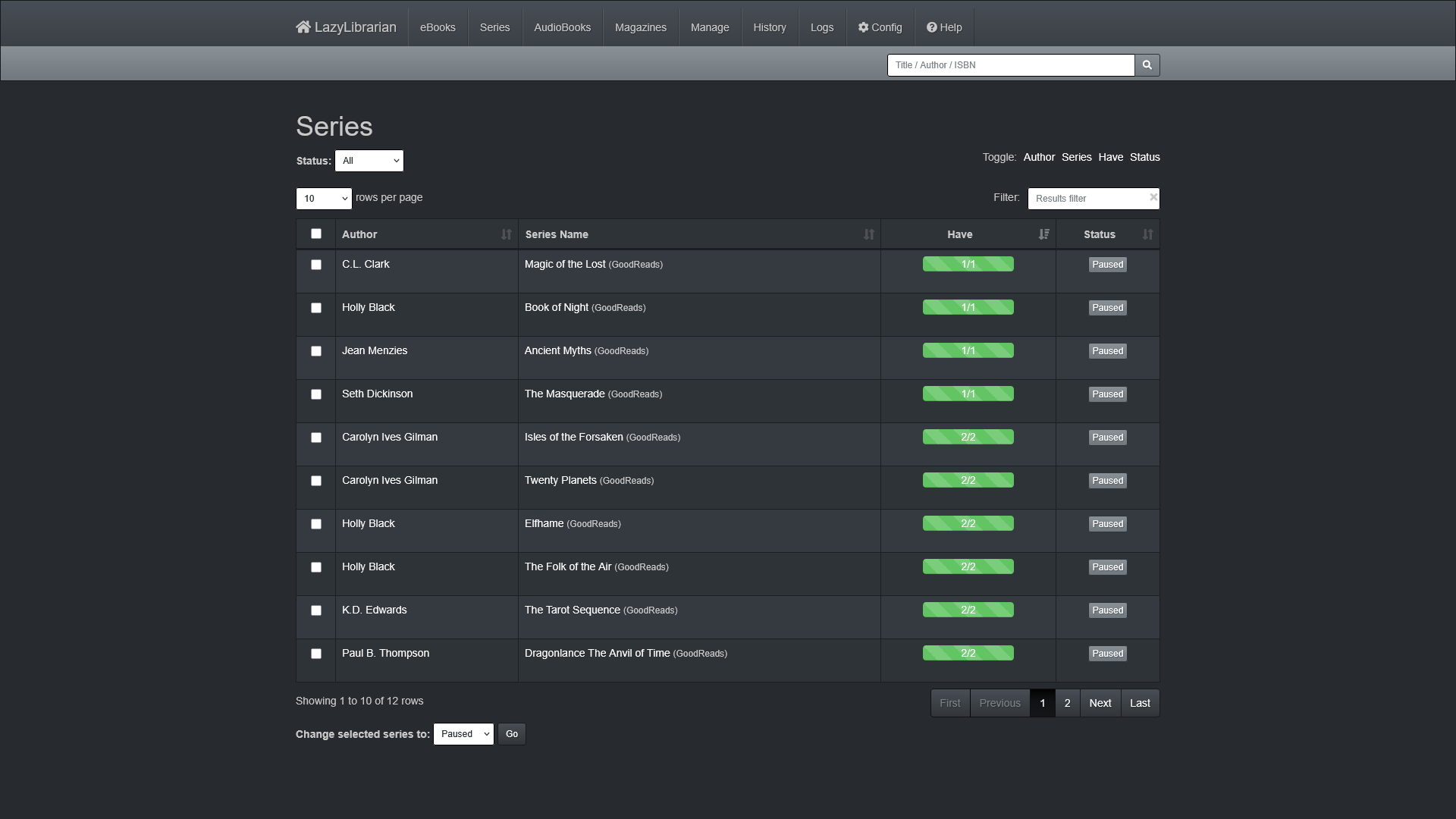
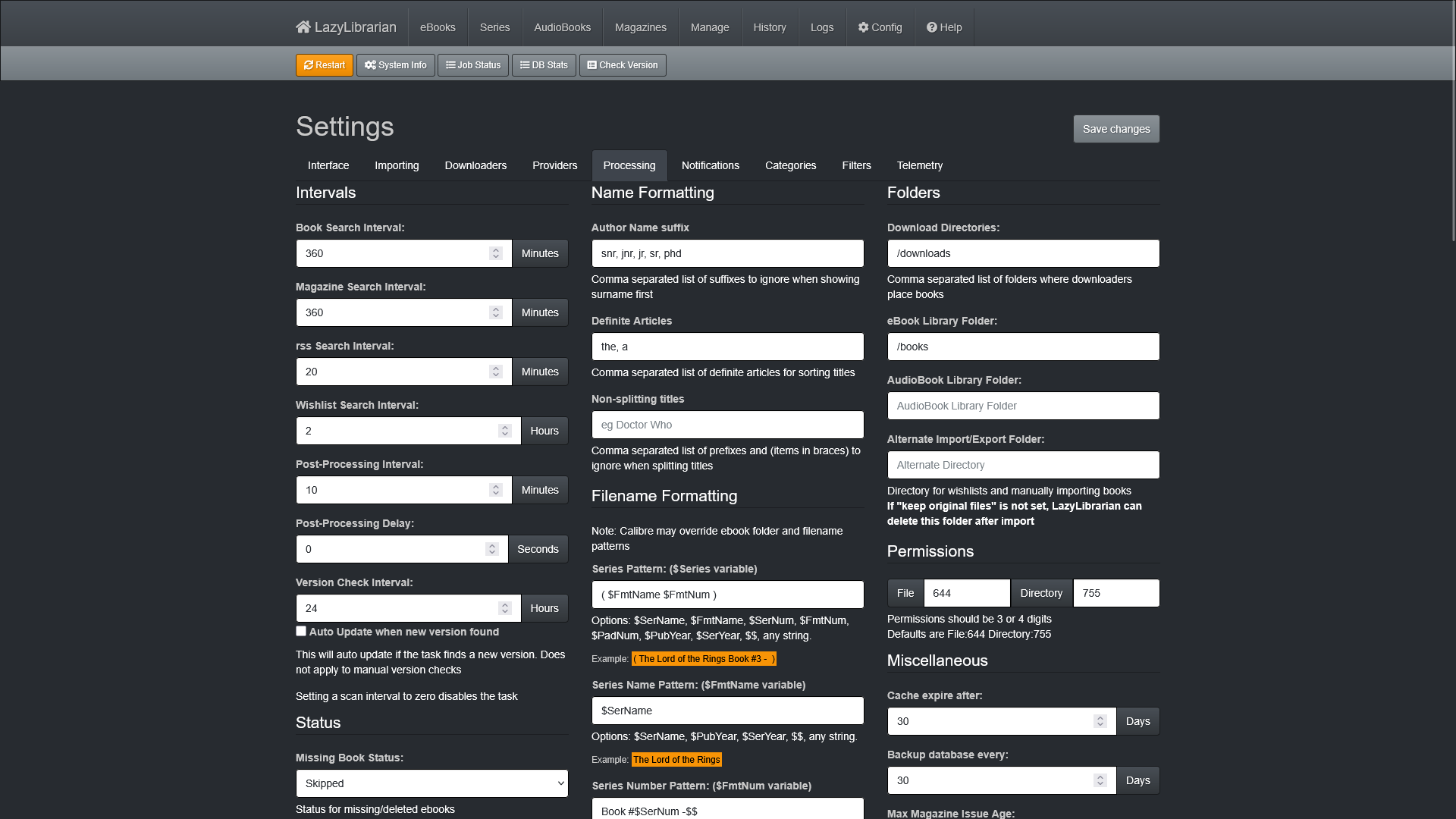
App v1.0
|
 |
 |
 |
Setup & Configuration
We need to install the service through Portainer and configure any necessary settings.
Preparation
There are some things we need to do in preparation to install this service.
Volumes
Persistent Data
This is where the service will store its own application data and ensures we can quickly update the service image.
Ensure your user has permissions to access the folder.
Media Folders
This service will need access to the folders where you store your media files.
Ensure your user has permissions to access the folder.
Download Folders
This service will need access to the folder where you torrent or usenet folder store their completed downloads.
Ensure your user has permissions to access the folder.
Environment
PUID
This is the numeric ID of the user account on Debian. If you are unsure, open a terminal and run:
id -uPGID
This is the numeric ID of the user account's group on Debian. If you are unsure, open a terminal and run:
id -gAPI Keys
API Keys are used for authenticating access to and communication with another service. These should be treated as if they are a secure password.
HardCover API
This services uses API services to retrieve its required metadata. These API keys are free, but need to be manually requested through the HardCover website.
You will need to create an account with your personal e-mail address.
Google Books API
This services uses API services to retrieve its required metadata. These API keys are free, but need to be manually requested through the Google Books website.
You will need to create an account with your personal e-mail address.
LibraryThings Developer Key
This services uses API services to retrieve its required metadata. These API keys are free, but need to be manually requested through the LibraryThings website.
You will need to create an account with your personal e-mail address.
ComicVine API
This services uses the ComicVine API to retrieve its required metadata. These API keys are free, but need to be manually requested through the ComicVine API website.
You will need to create an account with your personal e-mail address.
Installation
The service can be installed through the Portainer web interface.
Learn about creating a new stack.
Docker Compose
Use the following code to install the service:
---
services:
  lazylibrarian:
    image: lscr.io/linuxserver/lazylibrarian:latest
    container_name: lazylibrarian
    network_mode: bridge
    environment:
      - PUID=1000
      - PGID=1000
      - TZ=America/Vancouver
      - DOCKER_MODS=linuxserver/mods:universal-calibre|linuxserver/mods:lazylibrarian-ffmpeg
    volumes:
      # Persistent Data
      - /srv/lazylibrarian:/config

      # Download Folders
      - /mnt/downloads:/downloads

      # Media Folders
      - /mnt/books:/books
    ports:
      - 5299:5299
restart: unless-stoppedUpdating
Re-Deploy the Stack
This service has been optimized for running in Docker thanks to LinuxServer.io.
This allows you to re-deploy the stack through Portainer to download the latest updates.
User Manual
Development
This software is released under the GPL-3.0 license.
You can contribute to LazyLibrarian through their GitLab by submitting issue requests.
Resources
Official
- Official Documentation
- Official Reddit
- Official GitLab Repository
- Installation Guide
- Frequently Asked Questions