Monica •
Monica is a personal relationship manager and journaling software that helps you keep track of your relationships.
Overview
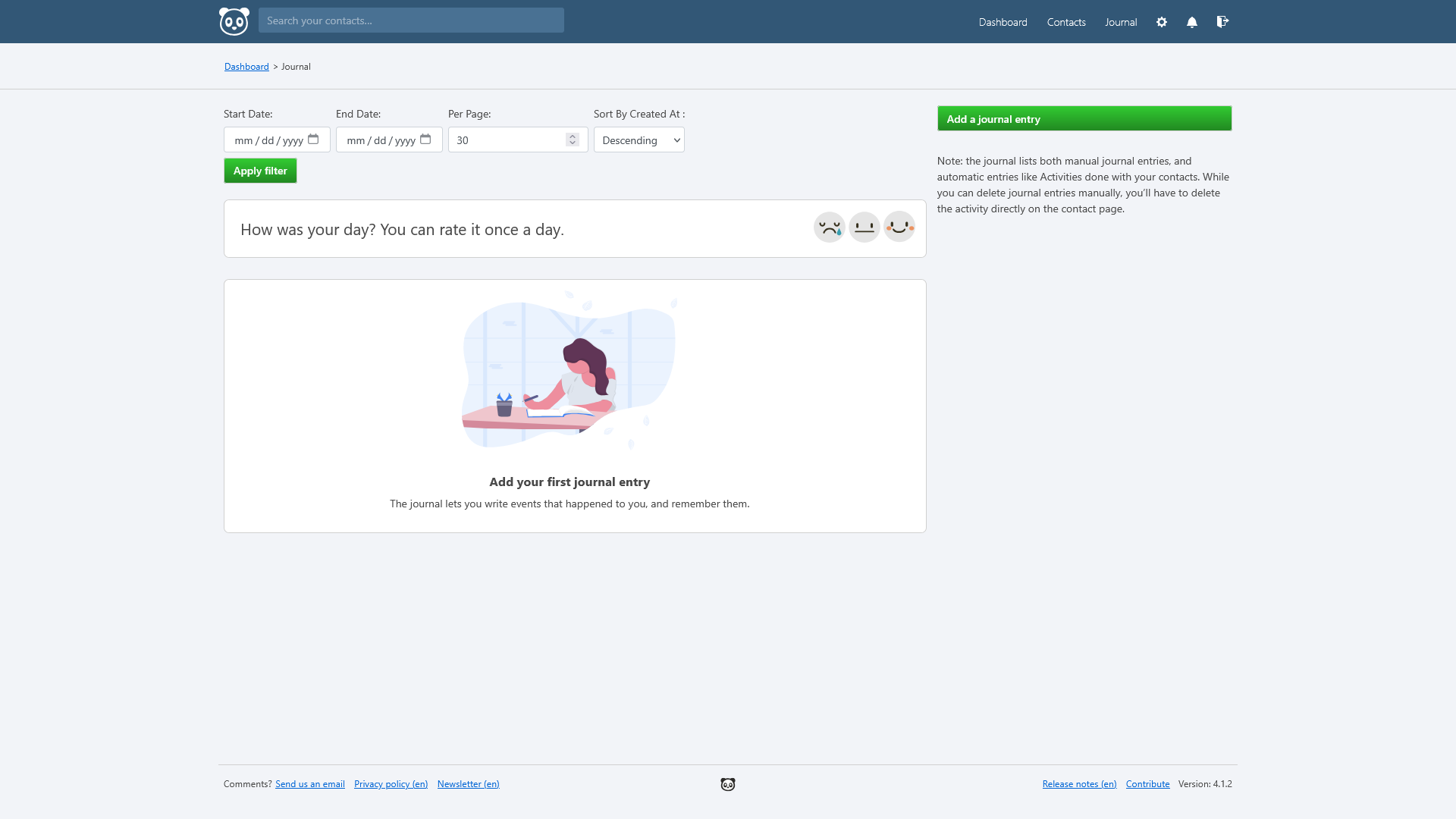
Monica is a personal relationship manager and journaling software that helps you keep track of your relationships.
- Build a personal log for each of your relationships, making sure you remember important details.
- Keep a journal about your day or keep track of your interactions with individuals.
- Setup reminders to help you stay on top of keeping in touch or remembering important dates.
Media
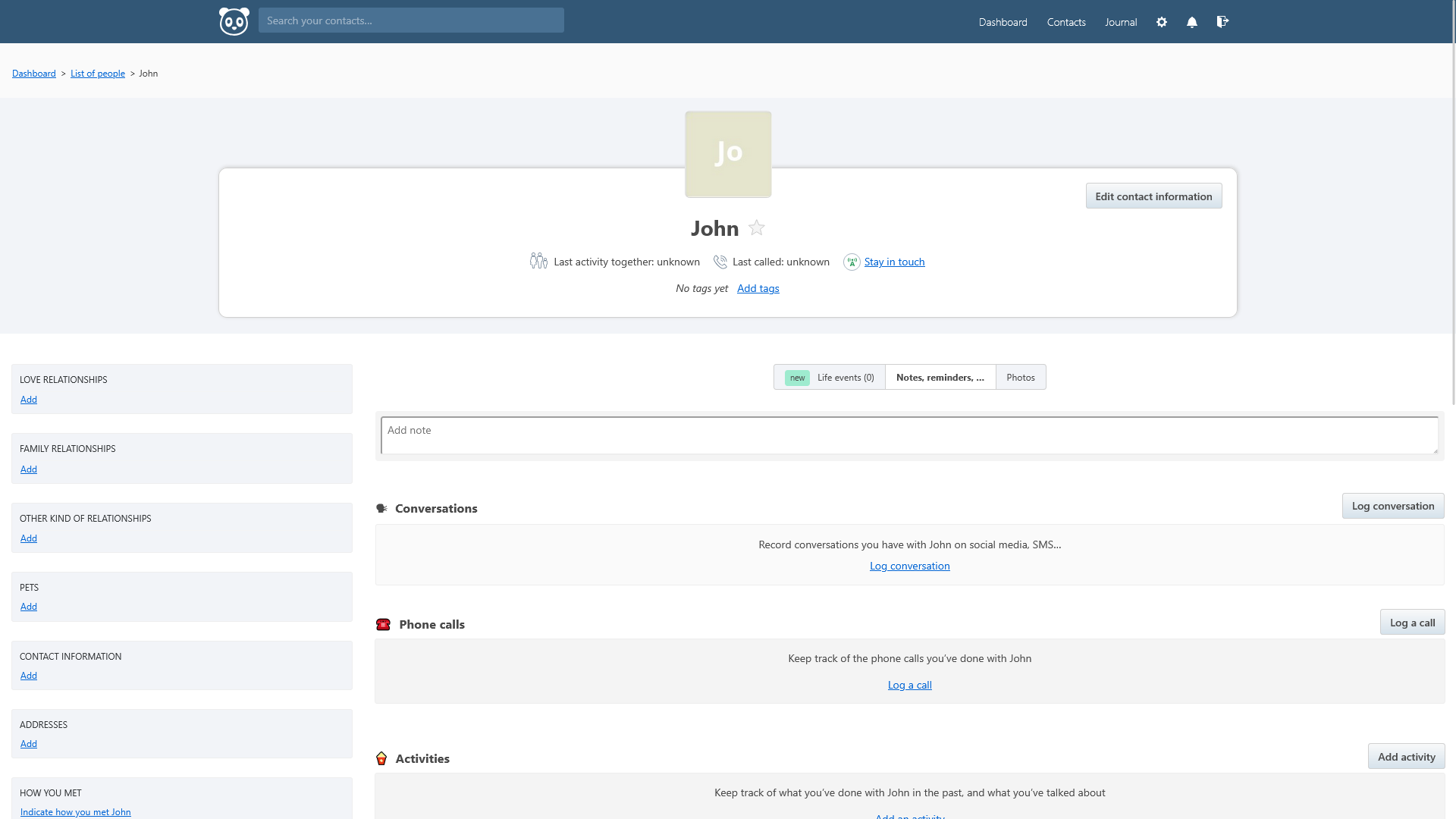
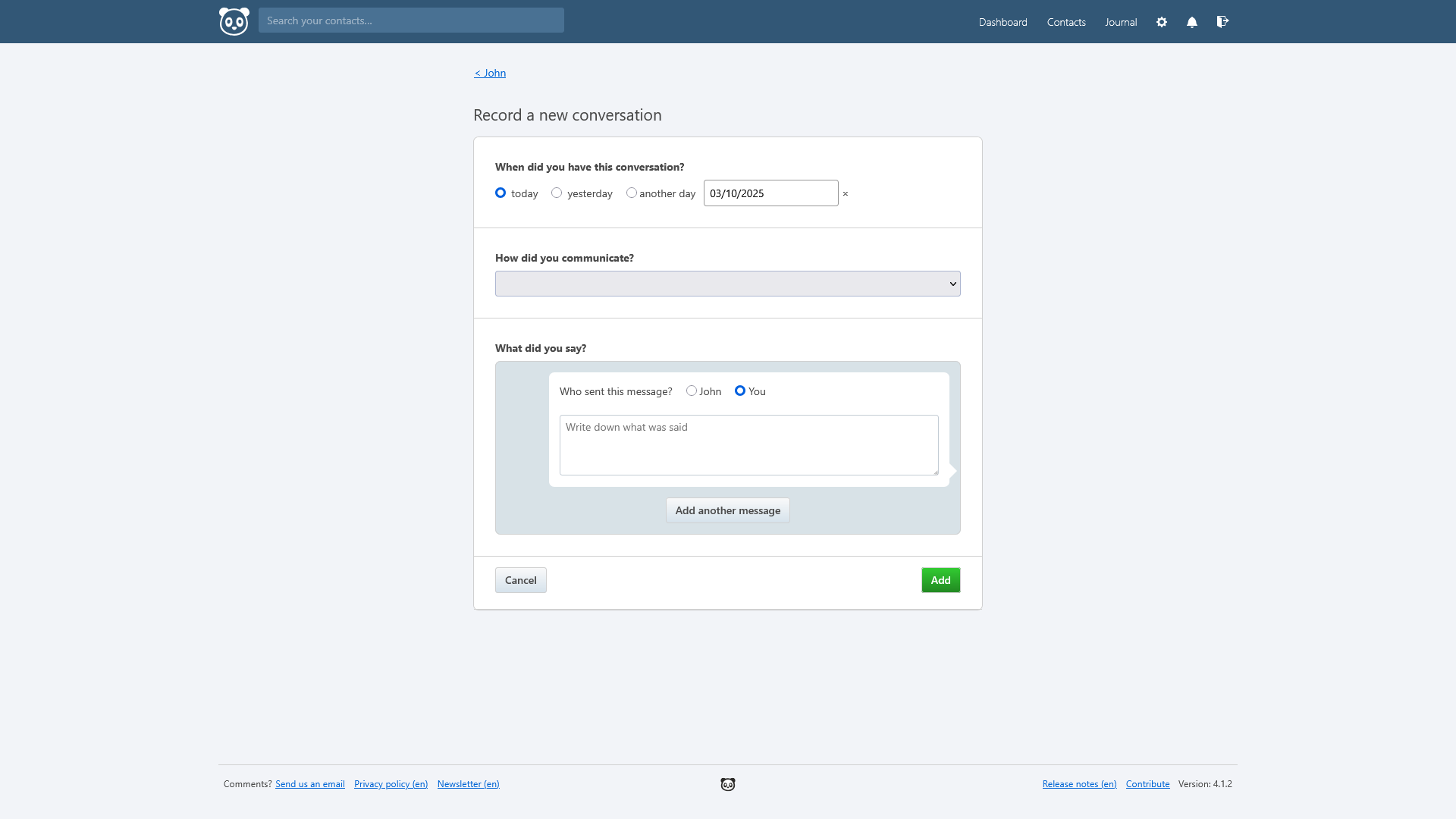
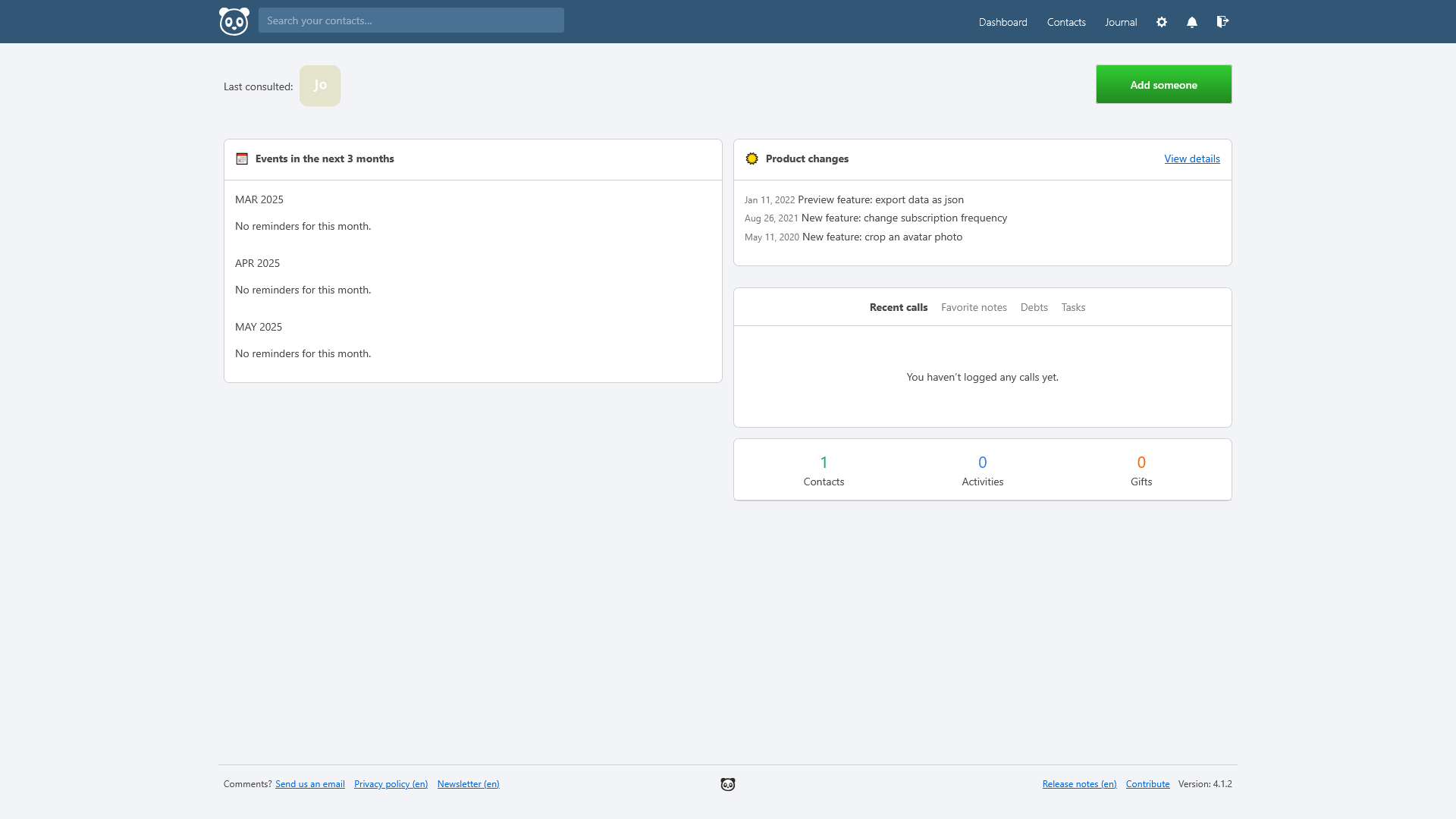
Screenshots
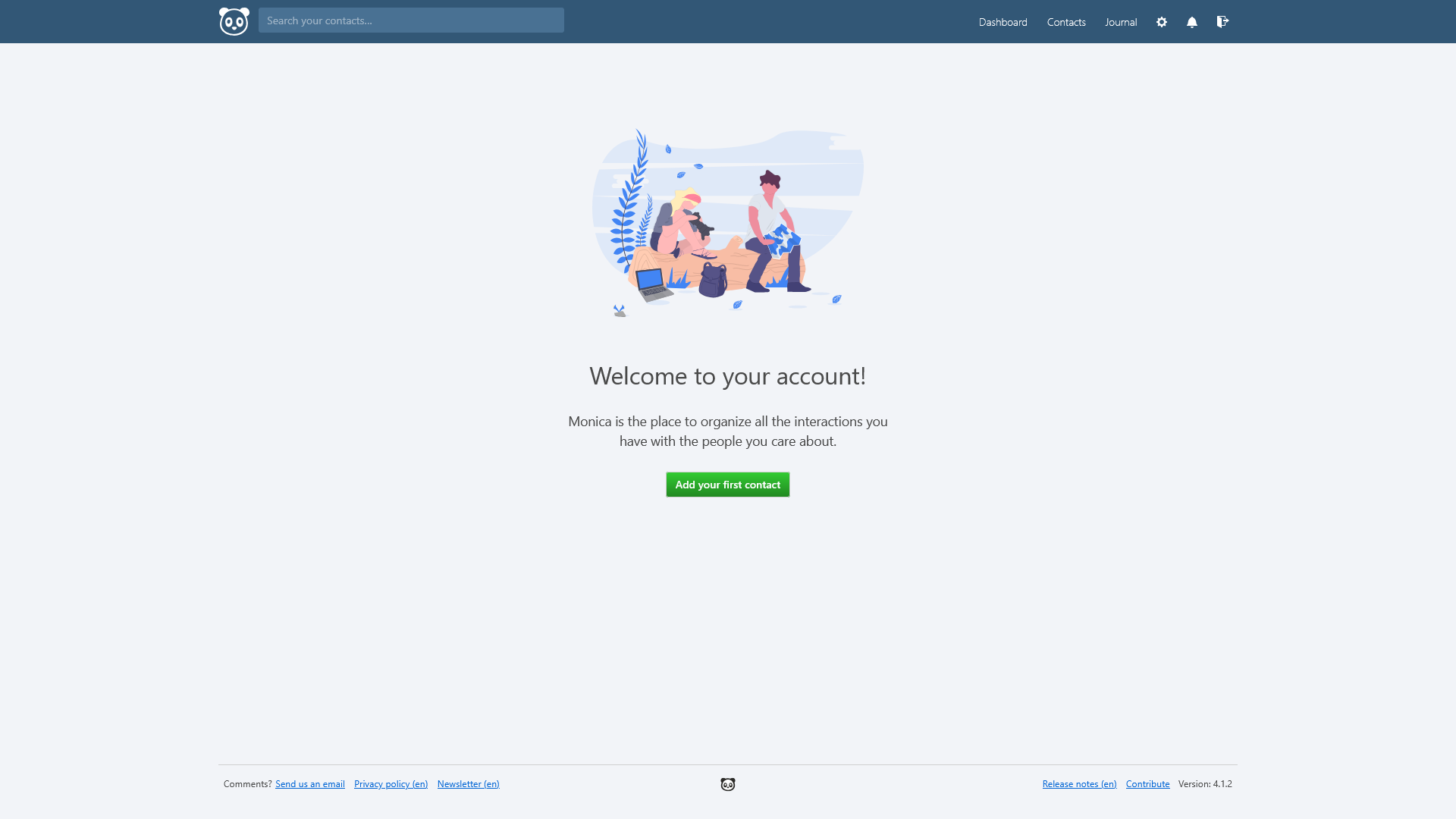
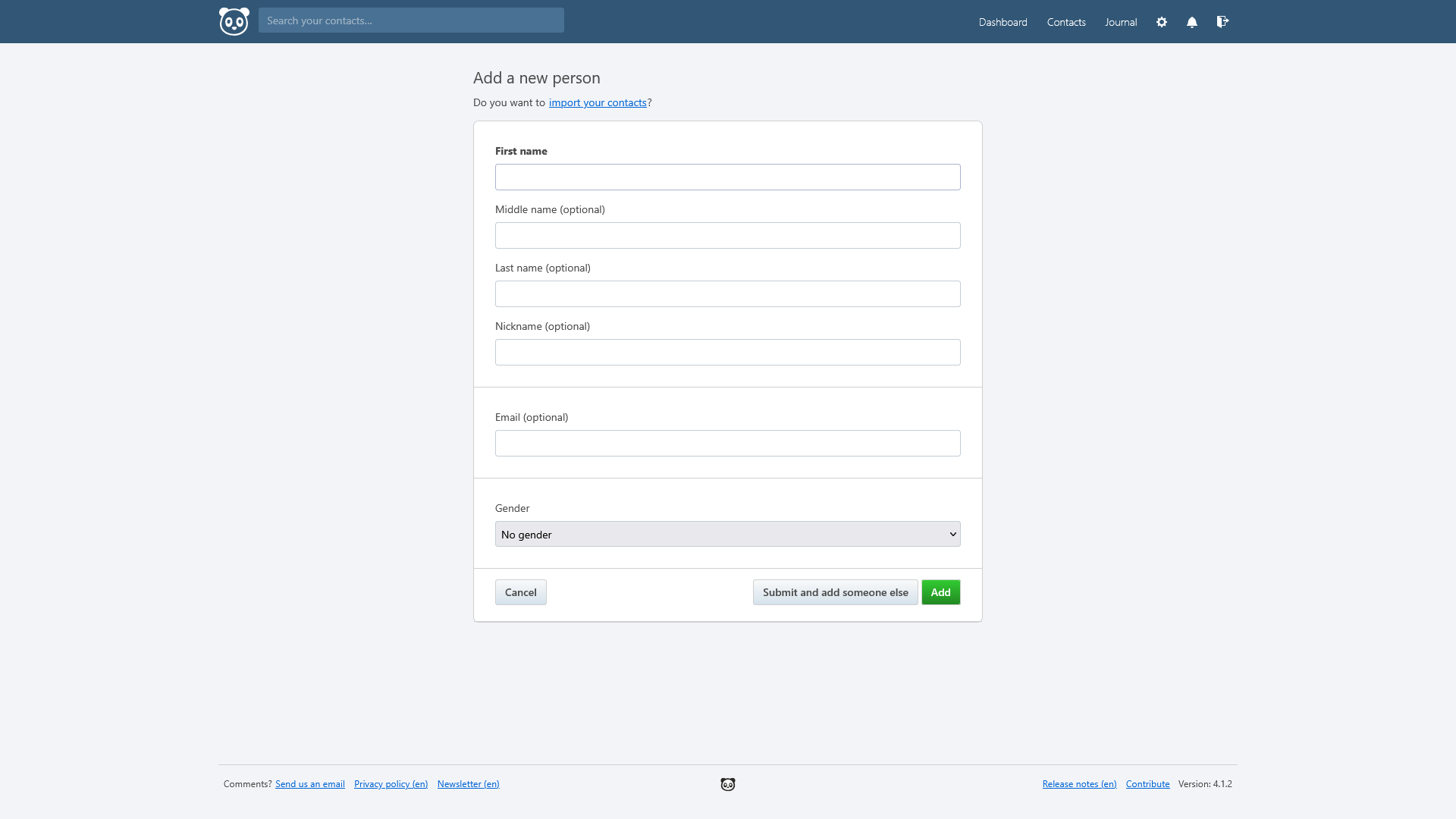
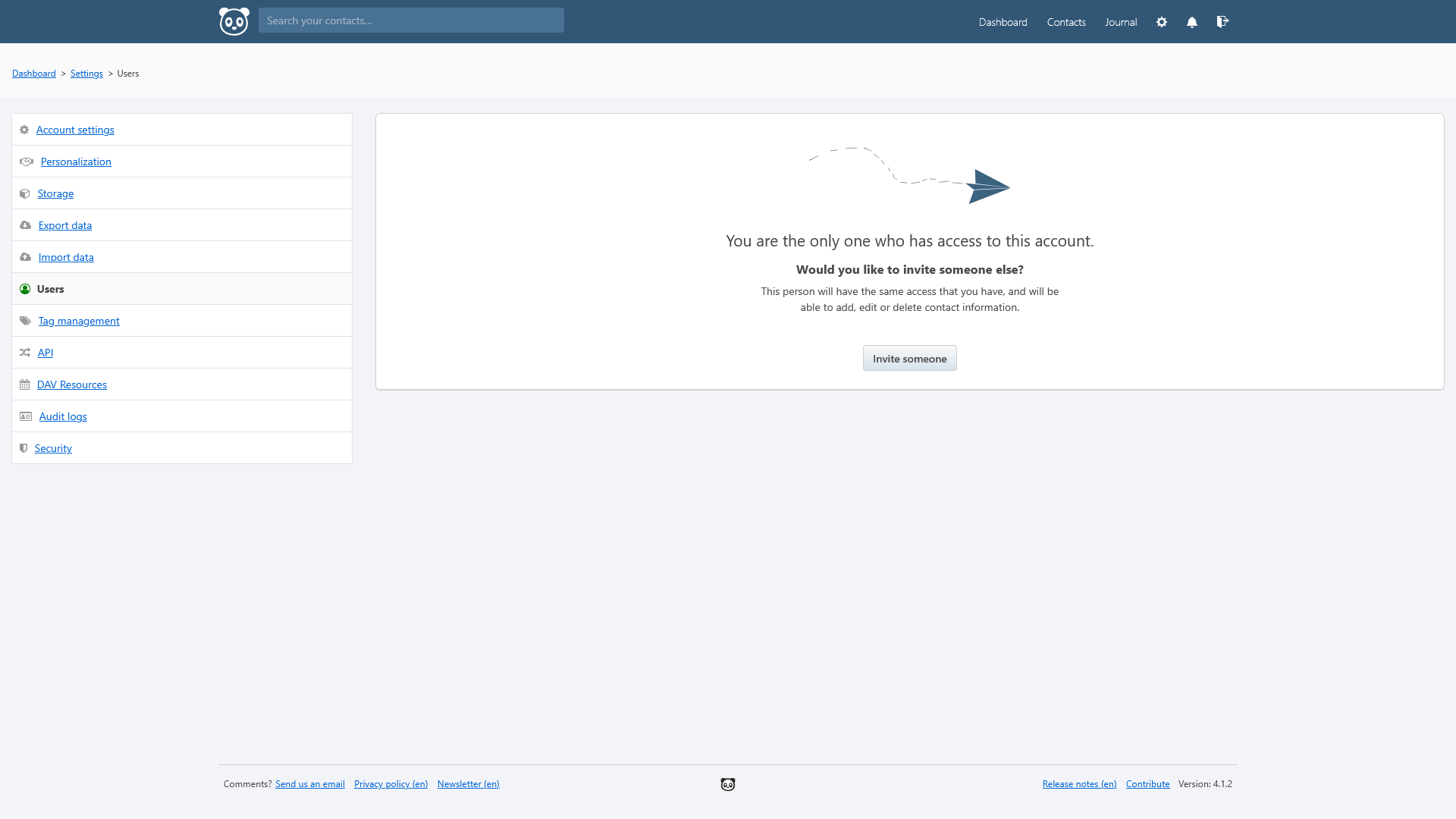
Monica v4.1.2
 |
 |
|
 |
 |
 |
 |
Setup & Configuration
We need to install the service through Portainer and configure any necessary settings.
Preparation
There are some things we need to do in preparation to install this service.
Volumes
Persistent Data
This is where the service will store its own application data and ensures we can quickly update the service image.
Ensure your user has permissions to access the folder.
Environment
DB_USER
This is the user account that will be used behind-the-scenes for logging into the database.
For example: monica_admin
APP_URL
This is the URL that will be used as primary access point for this service.
For example: monica.example.com
Passwords
Keep these securely stored in a password manager, such as VaultWarden.
DB_PASS
This is the password that will be used for root access to the database.
It is important to use secure, randomly generated password.
You can use a random alphanumeric string from a password manager, or open the terminal and run the command:
tr -dc 'A-Za-z0-9!"#$%&'\''()*+,-./:;<=>?@[\]^_`{|}~' </dev/urandom | head -c 32; echoThis pulls a random string from the 'urandom' device, removes unwanted characters and trim it to an appropriate length.
APP_KEY
This is the key that will be used for encrypting data within the services database.
It is important to use secure, randomly generated password.
You can use a random alphanumeric string from a password manager, or open the terminal and run the command:
tr -dc 'A-Za-z0-9!"#$%&'\''()*+,-./:;<=>?@[\]^_`{|}~' </dev/urandom | head -c 32; echoThis pulls a random string from the 'urandom' device, removes unwanted characters and trim it to an appropriate length.
Installation
The service can be installed through the Portainer web interface.
Learn about creating a new stack.
Docker Compose
Use the following code to install the service:
---
services:
  app:
    image: monica:apache
    depends_on:
      - db
    ports:
      - 9011:80
    environment:
      - DB_HOST=db
      - DB_USERNAME=${DB_USER}
      - DB_PASSWORD=${DB_PASS}
      - APP_URL=${APP_URL}
      - APP_KEY=${APP_KEY}
    volumes:
      # Persistent Data
      - /srv/monica/config:/var/www/html/storage
    restart: unless-stopped

  db:
    image: lscr.io/linuxserver/mariadb:11
    environment:
      - MYSQL_RANDOM_ROOT_PASSWORD=true
      - MYSQL_DATABASE=monica
      - MYSQL_USER=${DB_USER}
      - MYSQL_PASSWORD=${DB_PASS}
    volumes:
      - /srv/monica/db:/var/lib/mysql
    restart: unless-stopped
Environment
Use the following environment to configure the service using the values prepared earlier:
DB_USER=
DB_PASS=
APP_URL=monica.example.com
APP_KEY=Updating
Backup and Re-Deploy the Stack
This service has been optimized for running in Docker. We recommend backing up your data before doing major updates.
This allows you to re-deploy the stack through Portainer to download the latest updates.
User Manual
Development
This software is released under the AGPL-3.0 license.
You can learn more about how to contribute to Monica through their GitHub.
The development team also accepts sponsorships.