# Administration
### Hardware Monitoring
[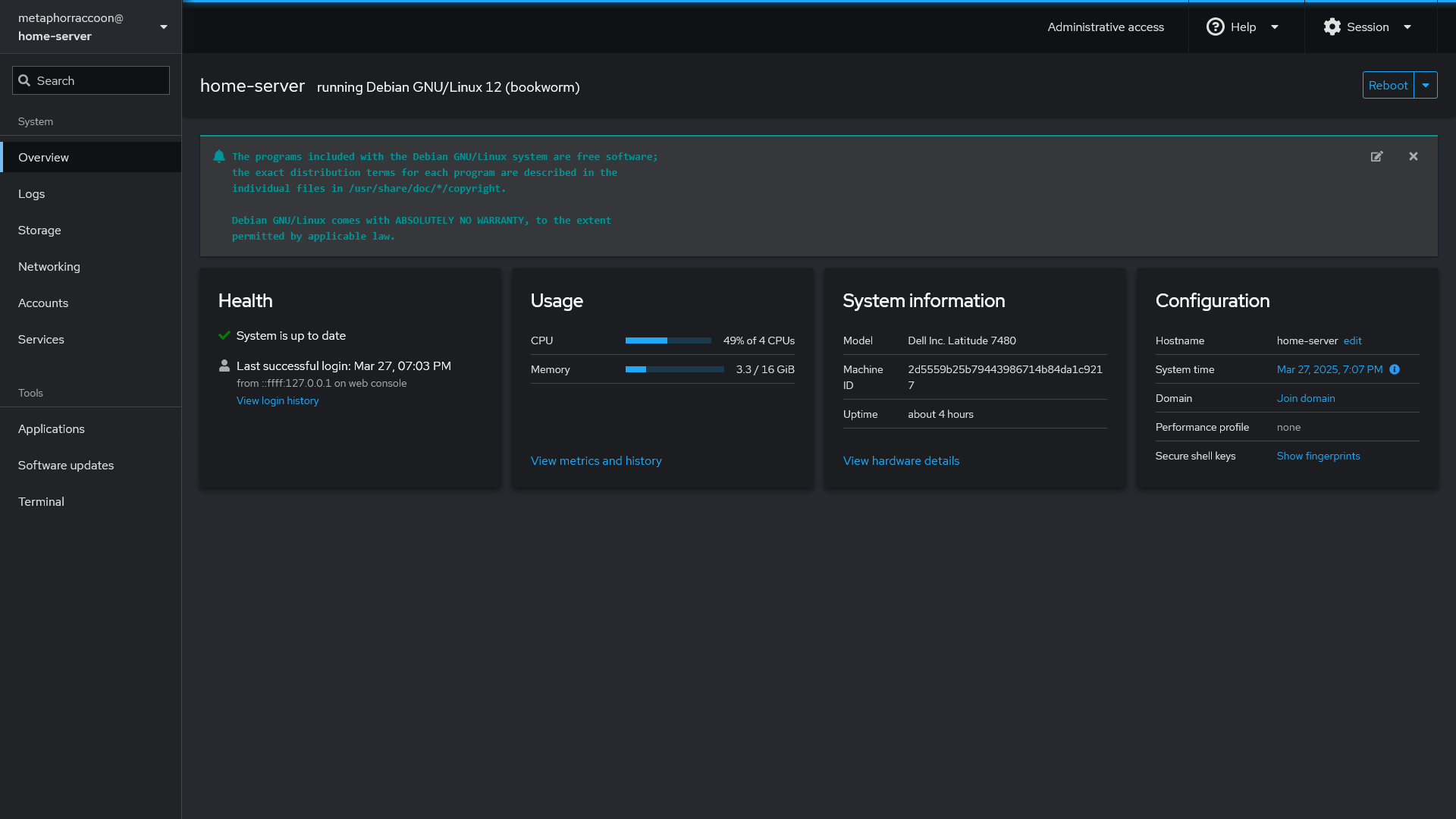](https://hub.subspace.services/uploads/images/gallery/2025-03/scaled-1680-/screen-shot-2025-03-27-at-19-07-12.png)
[Cockpit](https://hub.subspace.services/books/cockpit "Cockpit") is an excellent way to monitor your server's CPU, memory and storage space through your web browser. The web console can also install updates to your operating system and view your logs for troubleshooting. Cockpit also monitors your storage disks [SMART](https://en.m.wikipedia.org/wiki/Self-Monitoring,_Analysis_and_Reporting_Technology) (Self-Monitoring, Analysis and Reporting Tool) status to inform you about emergent issues.
[Cockpit](https://cockpit-project.org/) is an web-based dashboard for Linux servers that keeps you up-to-date at a glance and helps you know what your server is doing without needing to remember all of the console commands.
| [](https://hub.subspace.services/uploads/images/gallery/2025-03/screen-shot-2025-03-27-at-19-07-12.png) |
| [](https://hub.subspace.services/uploads/images/gallery/2025-03/screen-shot-2025-03-27-at-19-07-30.png) | [](https://hub.subspace.services/uploads/images/gallery/2025-03/screen-shot-2025-03-27-at-19-07-42.png) |
This allows you to keep an eye on CPU, RAM and disk usage through an intuitive interface. View logs, install system updates, access a terminal and perform system tasks from anywhere with internet access.
## Service Status
[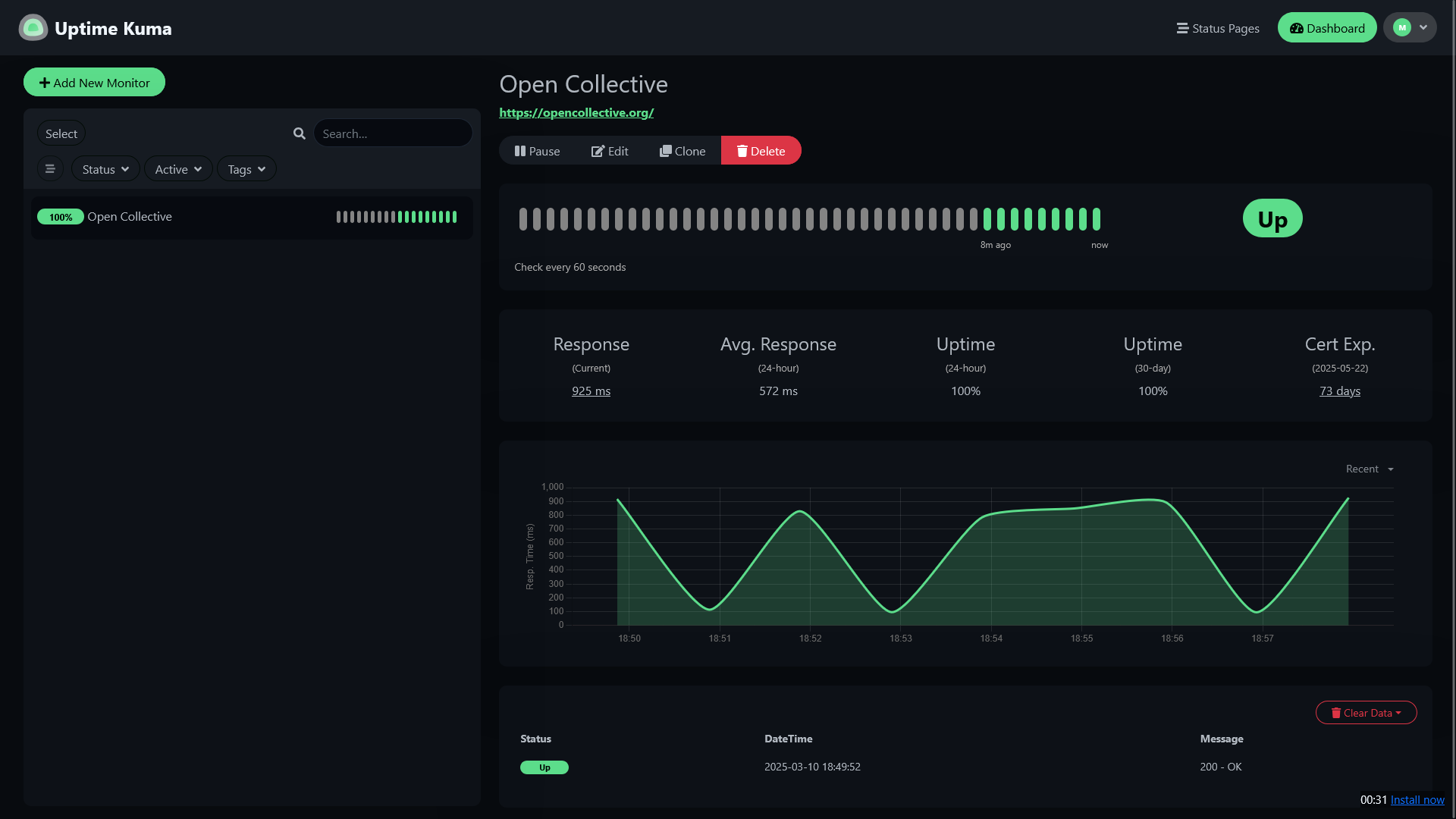](https://hub.subspace.services/uploads/images/gallery/2025-03/scaled-1680-/screen-shot-2025-03-10-at-18-57-59.png)
[Uptime Kuma](https://hub.subspace.services/books/uptime-kuma "Uptime Kuma") is an excellent way to monitor your Docker containers and web sites for their status. Through this service, you can also create pages that allow you to share the status of services with friends and family
## System Updates
The Debian operating system does not follow a strict release schedule, but maintenance updates generally occur twice a month. Frequently installing updates is the best way to ensure server security.
[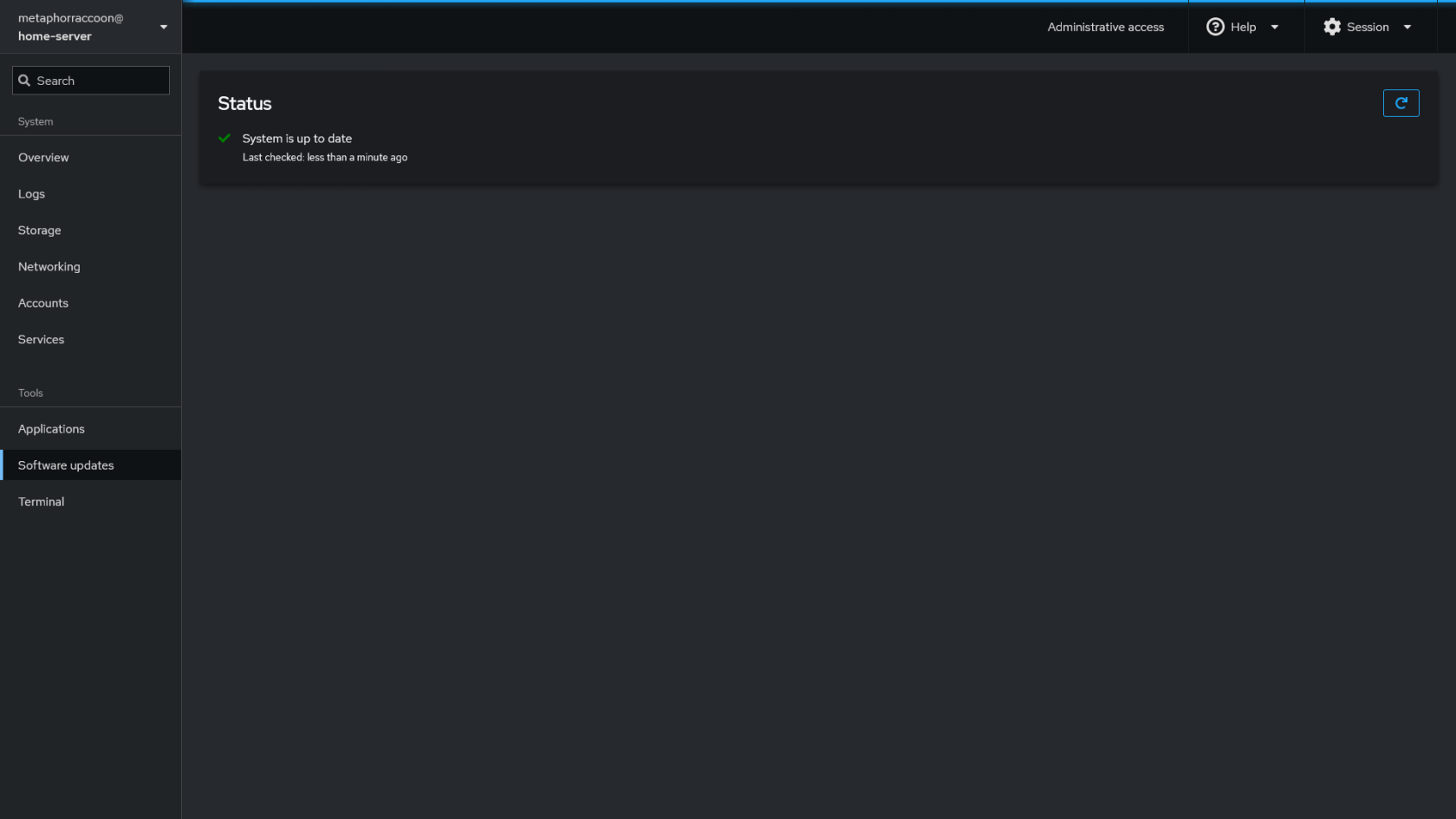](https://hub.subspace.services/uploads/images/gallery/2025-03/screen-shot-2025-03-27-at-19-50-37.png)
Installing [Cockpit](https://hub.subspace.services/books/cockpit "Cockpit") can keep you informed about updates and install them directly from your browser.
Security patches will occur as soon as possible when there are high-profile vulnerabilities that must be fixed. While Debian can perform automatic unattended upgrades, this is not the best option for a server.
Always make sure you have an up-to-date backup before doing software updates. There is always the potential for unexpected errors. A backup can get you back up quickly.
Stay up-to-date about [important Debian security updates](https://www.debian.org/security/).
### Installing Updates Manually
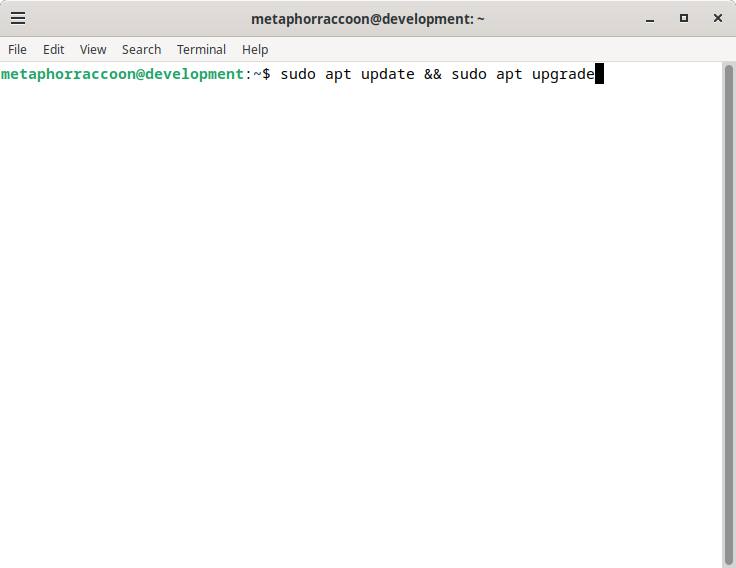
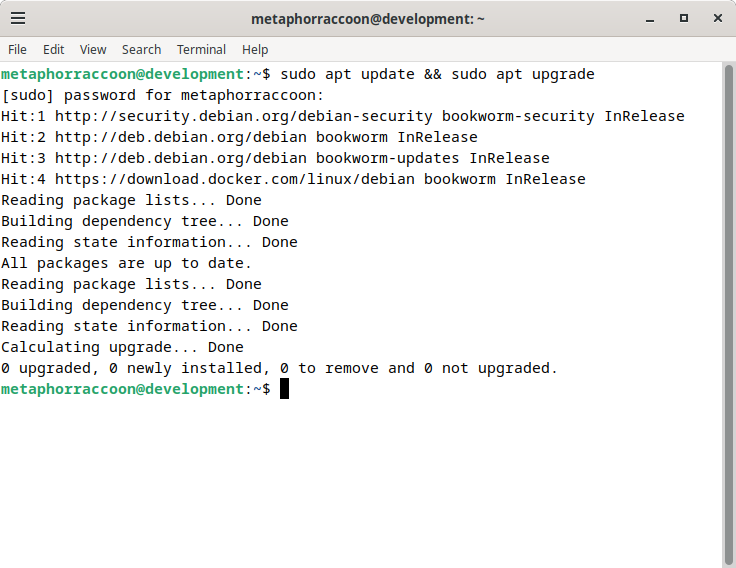
You can install the upgrades for your system through the terminal:
```bash
sudo apt update && sudo apt upgrade
```
| [](https://hub.subspace.services/uploads/images/gallery/2025-04/ny8image.png)
| [](https://hub.subspace.services/uploads/images/gallery/2025-04/rTximage.png)
|
## Service Updates
Diun (docker updates)
Software, such as those used in Docker images, will follow their own release schedule.
## Access Monitoring
Swag for monitoring website access
crowdsec (intrusion detection)