# Slskd •

[Slskd](https://github.com/slskd/slskd?tab=readme-ov-file) is a browser-based interface for the [Soulseek](https://www.slsknet.org/news/) peer-to-peer file sharing network.

# Overview

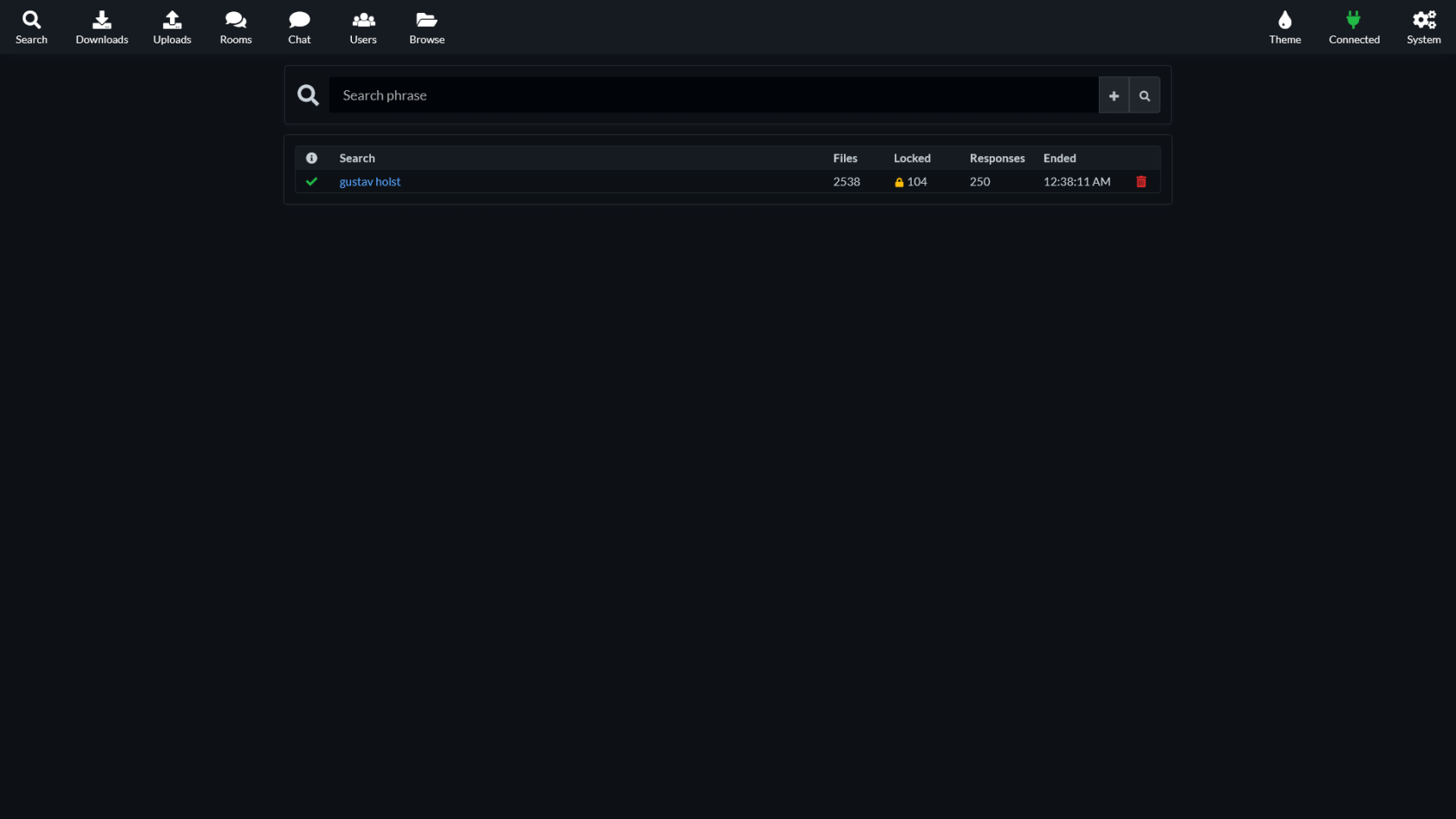
[![Screen Shot 2025-03-09 at 00.39.28.png](https://hub.subspace.services/uploads/images/gallery/2025-03/scaled-1680-/screen-shot-2025-03-09-at-00-39-28.png)](https://hub.subspace.services/uploads/images/gallery/2025-03/screen-shot-2025-03-09-at-00-39-28.png)

[Slskd](https://github.com/slskd/slskd?tab=readme-ov-file) is a browser-based interface for the [Soulseek](https://www.slsknet.org/news/) peer-to-peer file sharing network.

- Create a user profile to share files and view other users shares.
- Join public chat rooms and send private messages to other users.
- Control who has access to the files you share and hide them from public searches.

# Media

## Screenshots

<p class="callout info">Slskd v0.22.2.0</p>

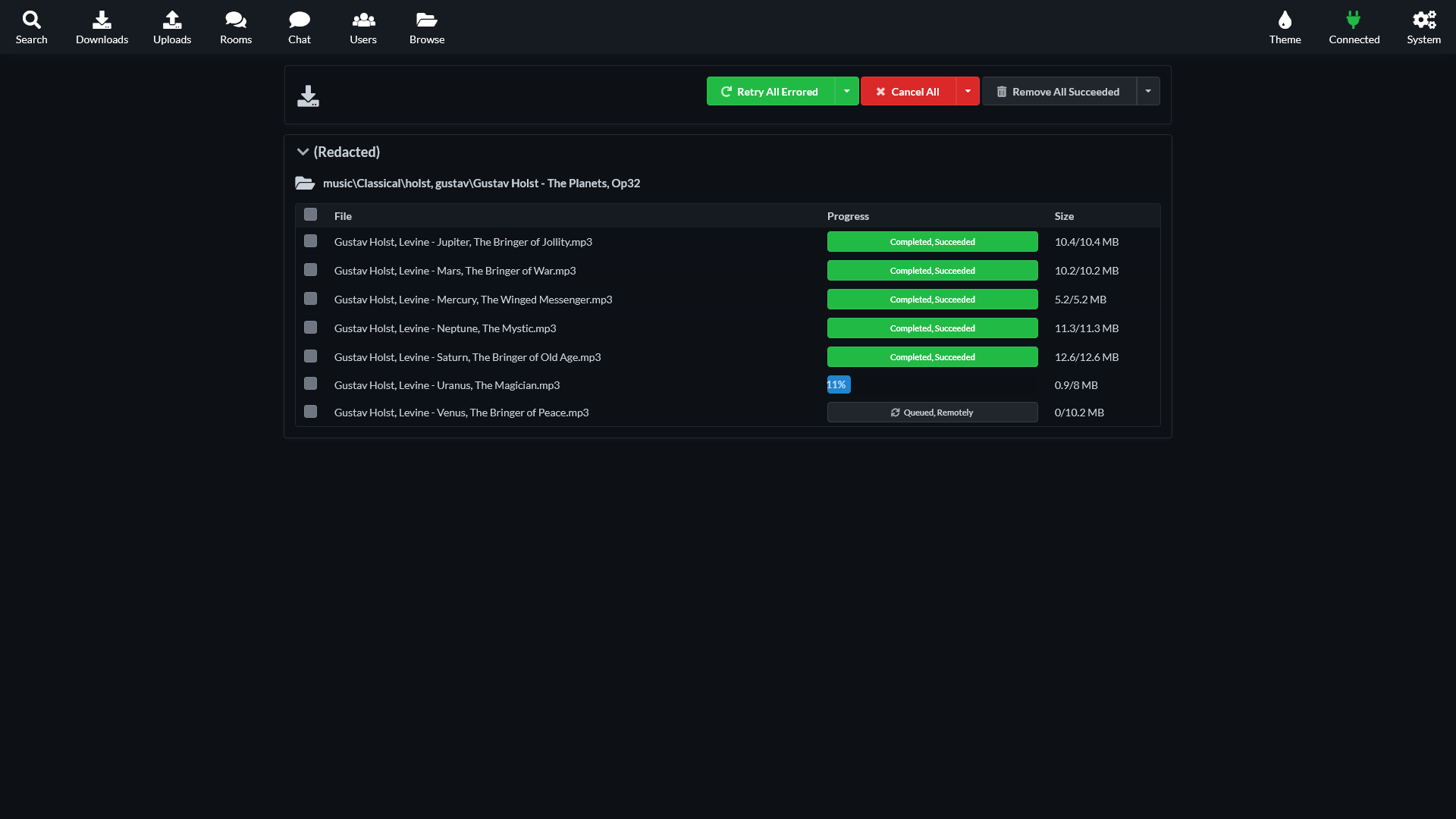
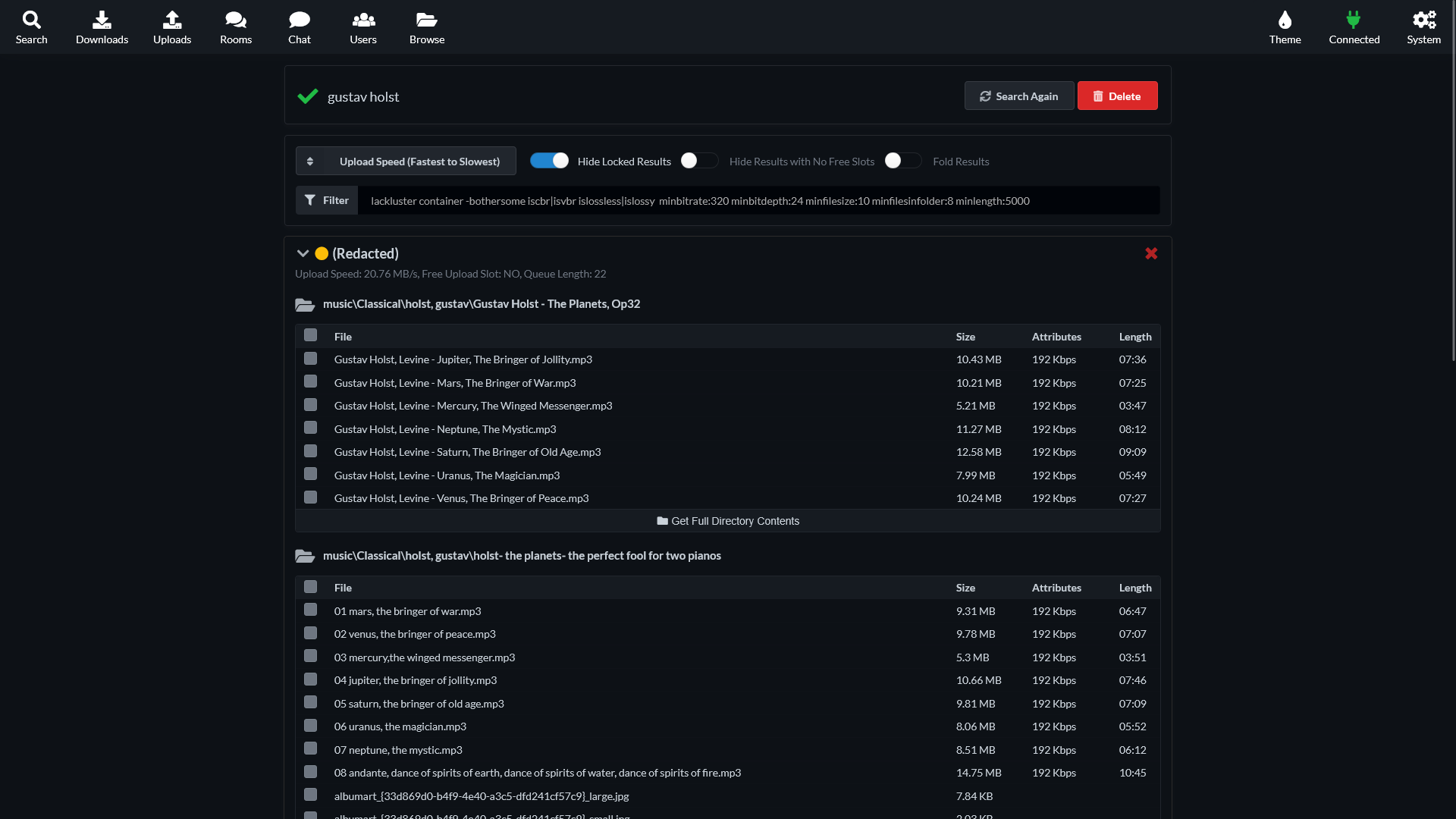
<table border="1" id="bkmrk-" style="border-collapse: collapse; width: 100%; border-width: 1px; height: 59.6px; border-color: rgb(88, 110, 117);"><colgroup><col style="width: 33.3333%;"></col><col style="width: 33.3333%;"></col><col style="width: 33.3333%;"></col></colgroup><tbody><tr style="height: 29.8px;"><td style="border-width: 1px; height: 29.8px; border-color: rgb(88, 110, 117);">[![Screen Shot 2025-03-09 at 00.39.28.png](https://hub.subspace.services/uploads/images/gallery/2025-03/scaled-1680-/screen-shot-2025-03-09-at-00-39-28.png)](https://hub.subspace.services/uploads/images/gallery/2025-03/screen-shot-2025-03-09-at-00-39-28.png)</td><td style="border-width: 1px; height: 29.8px; border-color: rgb(88, 110, 117);">[![Screen Shot 2025-03-09 at 00.38.17.png](https://hub.subspace.services/uploads/images/gallery/2025-03/scaled-1680-/screen-shot-2025-03-09-at-00-38-17.png)](https://hub.subspace.services/uploads/images/gallery/2025-03/screen-shot-2025-03-09-at-00-38-17.png)</td><td style="border-width: 1px; height: 29.8px; border-color: rgb(88, 110, 117);">[![Screen Shot 2025-03-09 at 00.40.00.png](https://hub.subspace.services/uploads/images/gallery/2025-03/scaled-1680-/screen-shot-2025-03-09-at-00-40-00.png)](https://hub.subspace.services/uploads/images/gallery/2025-03/screen-shot-2025-03-09-at-00-40-00.png)</td></tr></tbody></table>

# Setup & Configuration

We need to install the service through Portainer and configure any necessary settings.

# Preparation

There are some things we need to do in preparation to install this service.

## Volumes

<details id="bkmrk-media-folders-radarr"><summary>Persistent Data</summary>

This is where the service will store its own application data and ensures we can quickly update the service image.

<p class="callout warning">Ensure your user has permissions to access the folder.</p>

</details><details id="bkmrk-media-folders-this-s"><summary>Shared Folders &amp; Files</summary>

This service will need access to the folders where you store the files you are looking to share.

<p class="callout warning">Ensure your user has permissions to access the folder.</p>

</details><details id="bkmrk-download-folder-rada"><summary>Download Folders</summary>

This service will need access to the folder where you will store your completed downloads.

<p class="callout warning">Ensure your user has permissions to access the folder.</p>

</details>

# Installation

The service can be installed through the Portainer web interface.

<p class="callout info">Learn about [creating a new stack](https://hub.subspace.services/books/portainer/page/creating-a-new-stack "Creating a New Stack").</p>

## Docker Compose

Use the following code to install the service:

```yaml
---
services:
  slskd:
    image: slskd/slskd
    network_mode: bridge
    container_name: slskd
    ports:
      - "5040:5030"
      - "5031:5031"
      - "50300:50300"
    environment:
      - SLSKD_REMOTE_CONFIGURATION=true
    volumes:
      # Persistent Data
      - /srv/slskd:/app

      # Download Folders
      - /mnt/downloads/complete:/downloads/complete
      - /mnt/downloads/incomplete:/downloads/incomplete
    restart: unless-stopped
```

# Updating

<p class="callout success">Re-Deploy the Stack</p>

This service has been optimized for running in Docker.

This allows you to [re-deploy the stack through Portainer](https://hub.subspace.services/books/portainer/page/updating-a-stack "Updating a Stack") to download the latest updates.

# User Manual

# Development

<p class="callout info">This software is released under the [AGPL-3.0 license](https://opensource.org/license/agpl-3-0). </p>

You can learn more about how to contribute to Slskd through their [GitHub](https://github.com/slskd/slskd/blob/master/CONTRIBUTING.md).

# Resources

## Official

- [Official Documentation](https://github.com/slskd/slskd/tree/master/docs)
- [Official Discord](https://slskd.org/discord)
- [Official Matrix](https://slskd.org/matrix)
- [Official GitHub Repository](https://github.com/slskd/slskd)
- [Installation Guide](https://github.com/slskd/slskd/blob/master/docs/docker.md)

## Soulseek

- [Official Forum](https://groups.google.com/d/forum/soulseek-discussion)
- [Official Website](https://www.slsknet.org/news/)
- [Wikipedia Entry](https://en.m.wikipedia.org/wiki/Soulseek)
- [Frequently Asked Questions](https://www.slsknet.org/news/faq-page)