Skip this step when using a Raspberry Pi.
## AMD/ATI [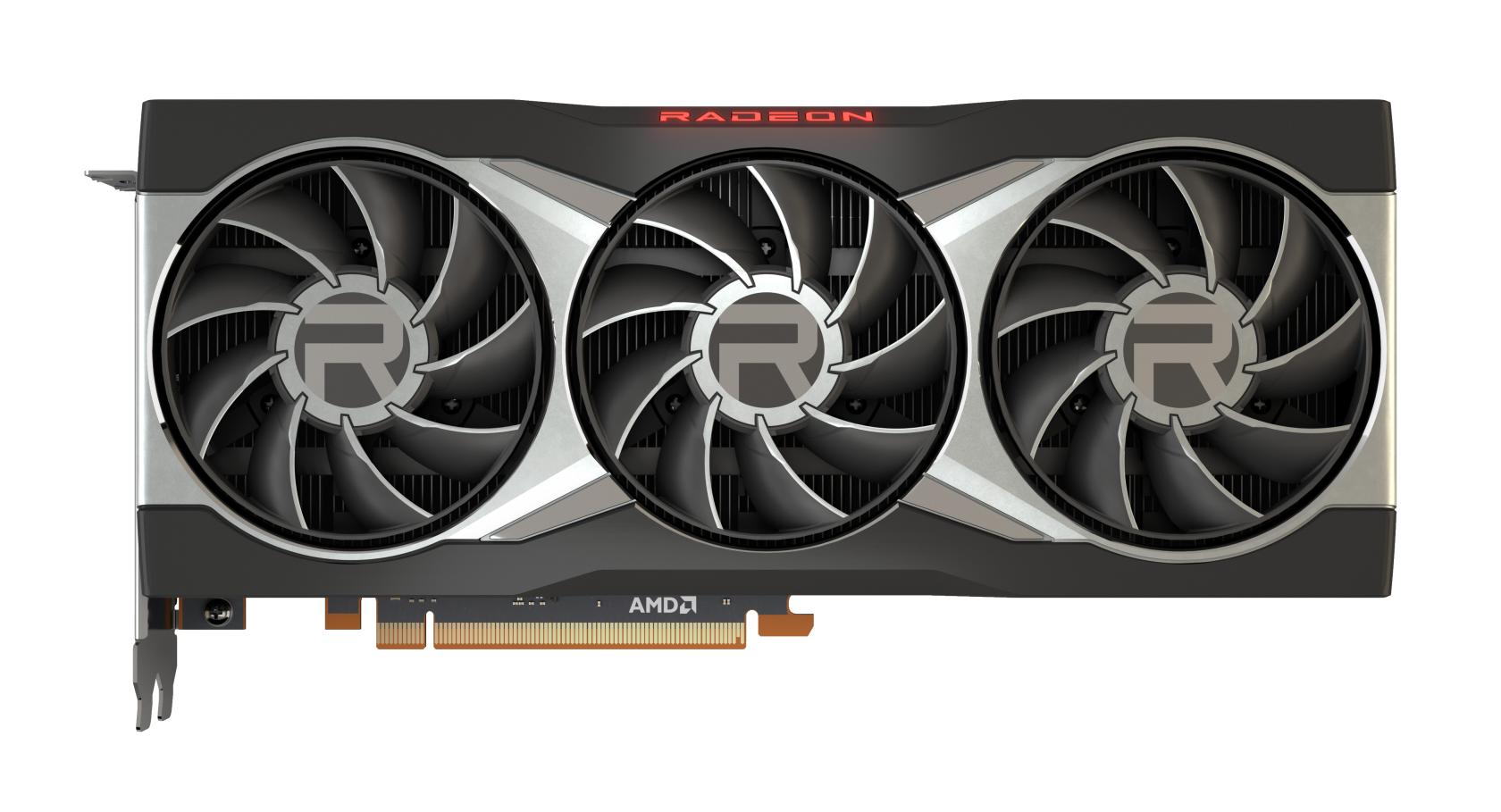](https://hub.subspace.services/uploads/images/gallery/2025-02/1000006175.jpg) Modern AMD graphics (2015 or later) are fully supported and run stable out-of-the-box using the [open-source AMDGPU software maintained by Debian](https://wiki.debian.org/AtiHowTo). AMD provide their own proprietary drivers, but they can [cause system instability](https://wiki.debian.org/GraphicsCard) and should be avoided. ## Intel [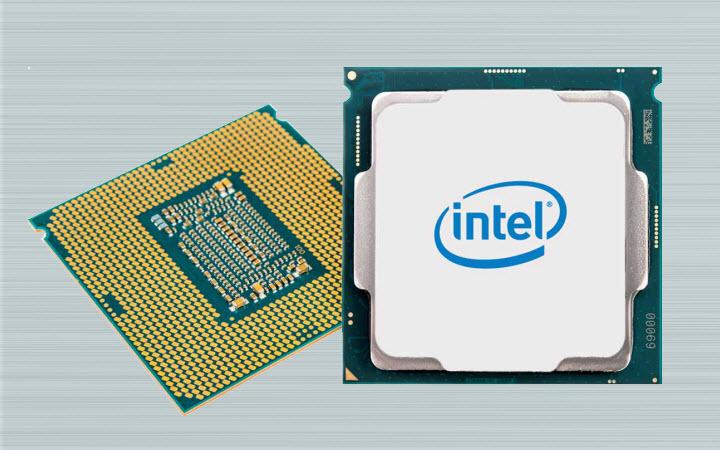](https://hub.subspace.services/uploads/images/gallery/2025-02/1000006177.jpg) Integrated graphics, like those found in Intel processors since 1999, are fully supported and run stable out-of-the-box using [X.org's Intel Graphics Driver](https://www.x.org/wiki/IntelGraphicsDriver/). While [older models require a different driver](https://wiki.debian.org/GraphicsCard#Intel), they are still fully supported. ## Nvidia [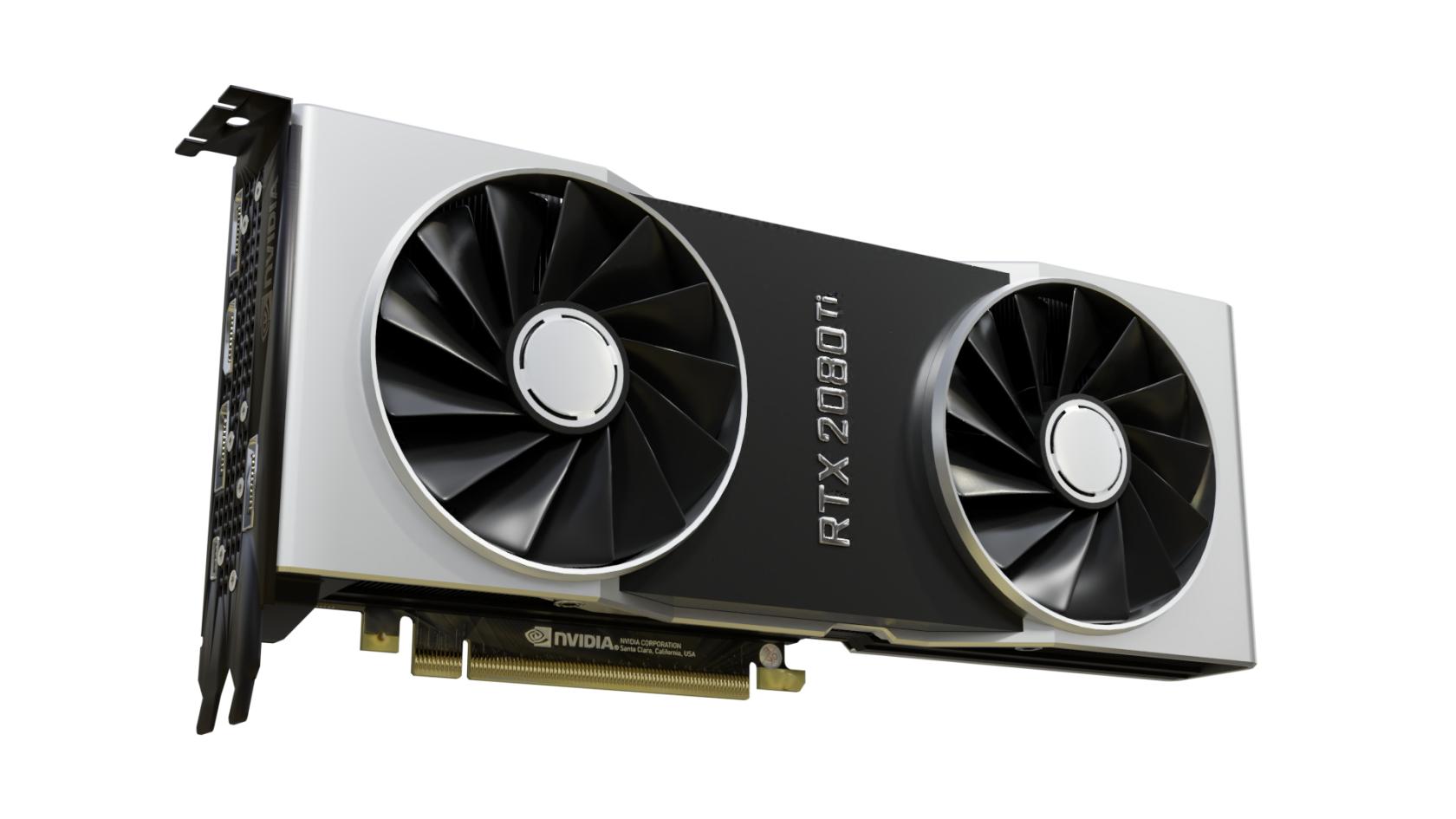](https://hub.subspace.services/uploads/images/gallery/2025-02/1000006178.jpg)Nvidia graphic drivers are partly closed-source and privately owned by Nvidia.
Debian can support basic features with most Nvidia graphics card using the open-source [Nouveau Driver](https://nouveau.freedesktop.org/) maintained by freedesktop. This driver has limitations though and may not perform optimally under some conditions. Media applications like [Plex](https://hub.subspace.services/books/media-servers/chapter/plex "Plex") or [Jellyfin](https://hub.subspace.services/books/media-servers/chapter/jellyfin "Jellyfin") require the proprietary Nvidia drivers to be installed on your system. They are also required for [connecting your graphics card to the Docker engine](https://hub.subspace.services/books/software/page/graphic-card-integration "Graphic Card Integration") for use by services. Before you can install the proprietary Nvidia drivers, you need to ensure which graphics card you have and [which driver versions are supported](https://us.download.nvidia.com/XFree86/Linux-x86_64/535.183.01/README/supportedchips.html) for your card. Newer cards work with the unified driver, while legacy cards are supported through specific driver release versions. This can be a finicky process. Debian [provides instructions ](https://wiki.debian.org/NvidiaGraphicsDrivers#Debian_12_.22Bookworm.22)for how to install the Nvidia graphics card drivers. Alternatively, you can use the [nvidia-detect script](https://wiki.debian.org/NvidiaGraphicsDrivers#nvidia-detect) to identify and install the correct drivers.