# Running the Install Script
[Docker](https://www.docker.com/) provides a convenient script for quickly installing their software and getting it ready.
You can find the [official Docker installation guide](https://docs.docker.com/engine/install/debian/#install-using-the-convenience-script) on their website.
## Preparation
First, we need to open our terminal to install a small application called *curl* that can be used to download files through the terminal.
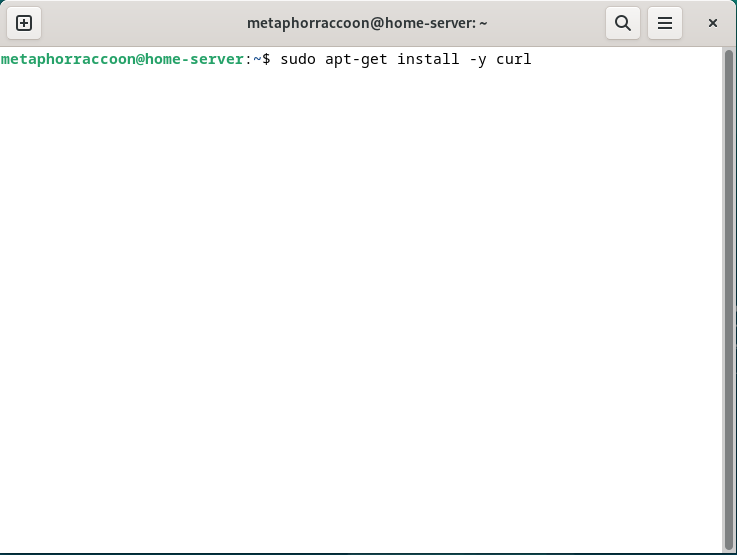
Enter this command and hit enter to automatically install the curl software:
```bash
sudo apt-get install -y curl
```
You will be prompted to enter your password.
| [](https://hub.subspace.services/uploads/images/gallery/2025-04/yk7image.png) | [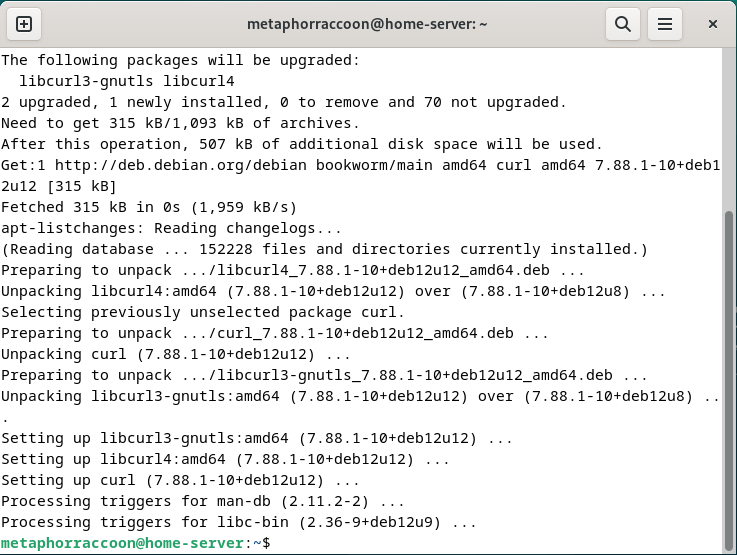](https://hub.subspace.services/uploads/images/gallery/2025-04/v72image.png)
|
## Installation
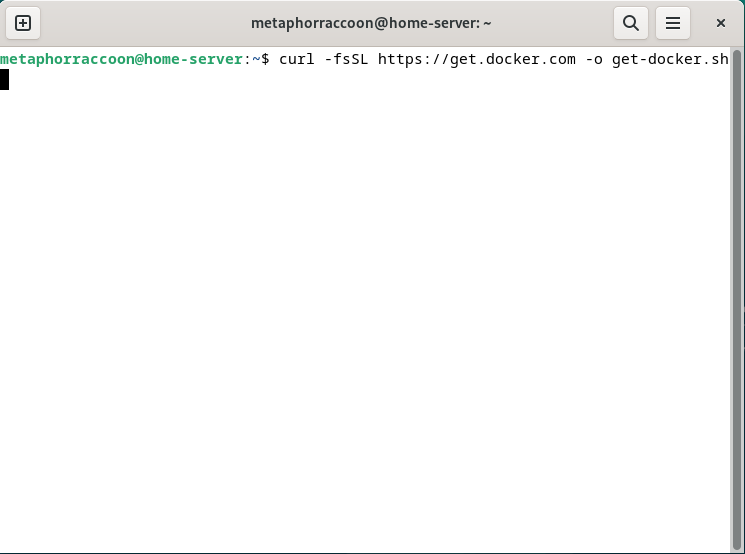
Now, enter the following command to use *curl* to download the script that installs Docker and it's dependencies:
```bash
curl -fsSL https://get.docker.com -o get-docker.sh
```
[](https://hub.subspace.services/uploads/images/gallery/2025-04/TZ7image.png)
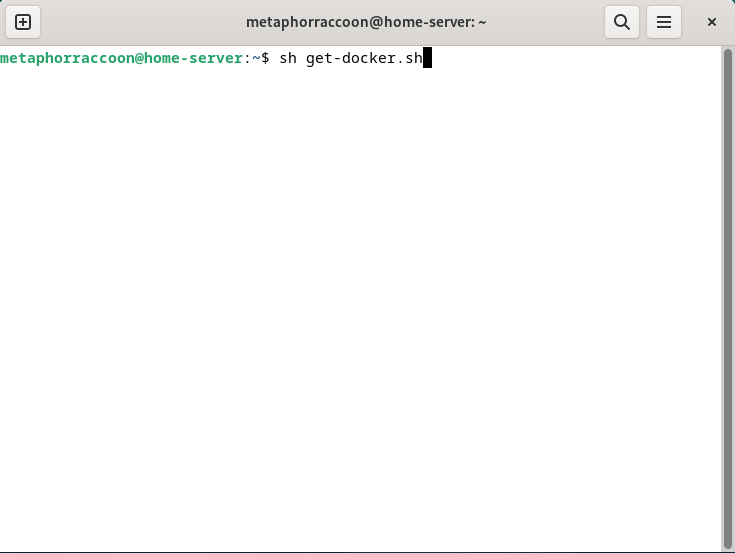
Once the download is complete, you can enter this command to run the script we just downloaded:
```bash
sh get-docker.sh
```
[](https://hub.subspace.services/uploads/images/gallery/2025-04/v8Eimage.png)
The Docker setup process should proceed automatically and prompt you about further actions once it's finished. We do not need to follow these additional instructions.
[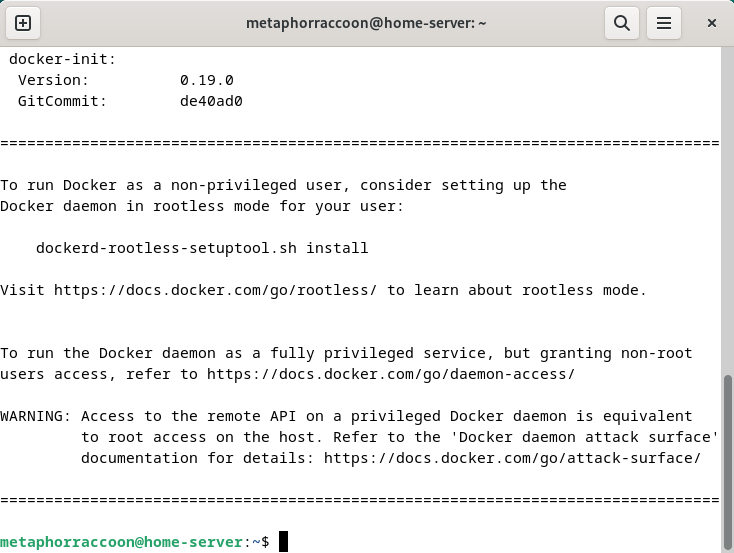](https://hub.subspace.services/uploads/images/gallery/2025-04/BTMimage.png)
We have successfully installed the Docker Container Engine on our server.