Uptime Kuma •
Ensure that all of your services are online through a unified dashboard interface.
Overview

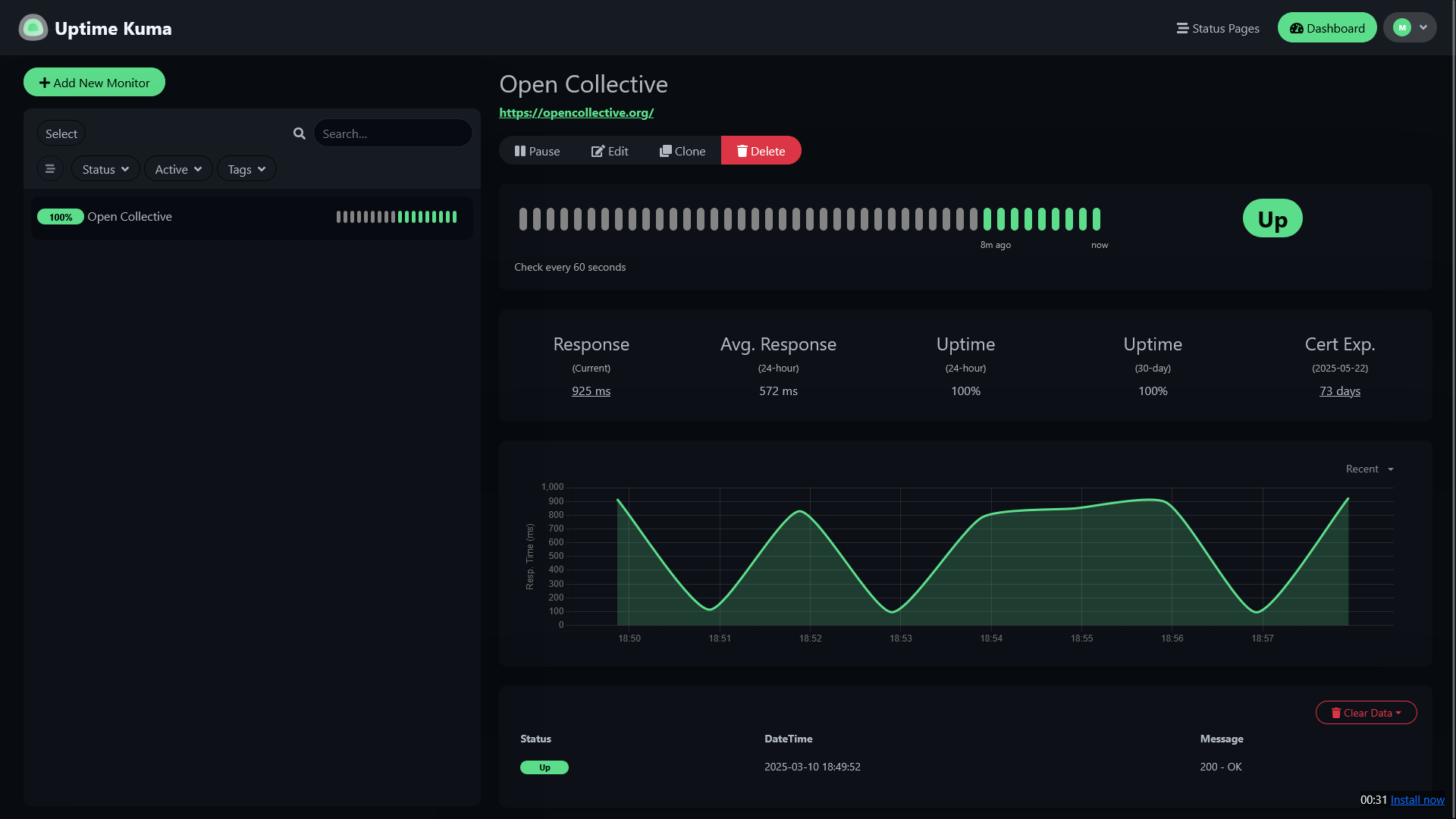
Uptime Kuma is a unified dashboard interface for monitoring your services.
Tryout an Uptime Kuma demo.
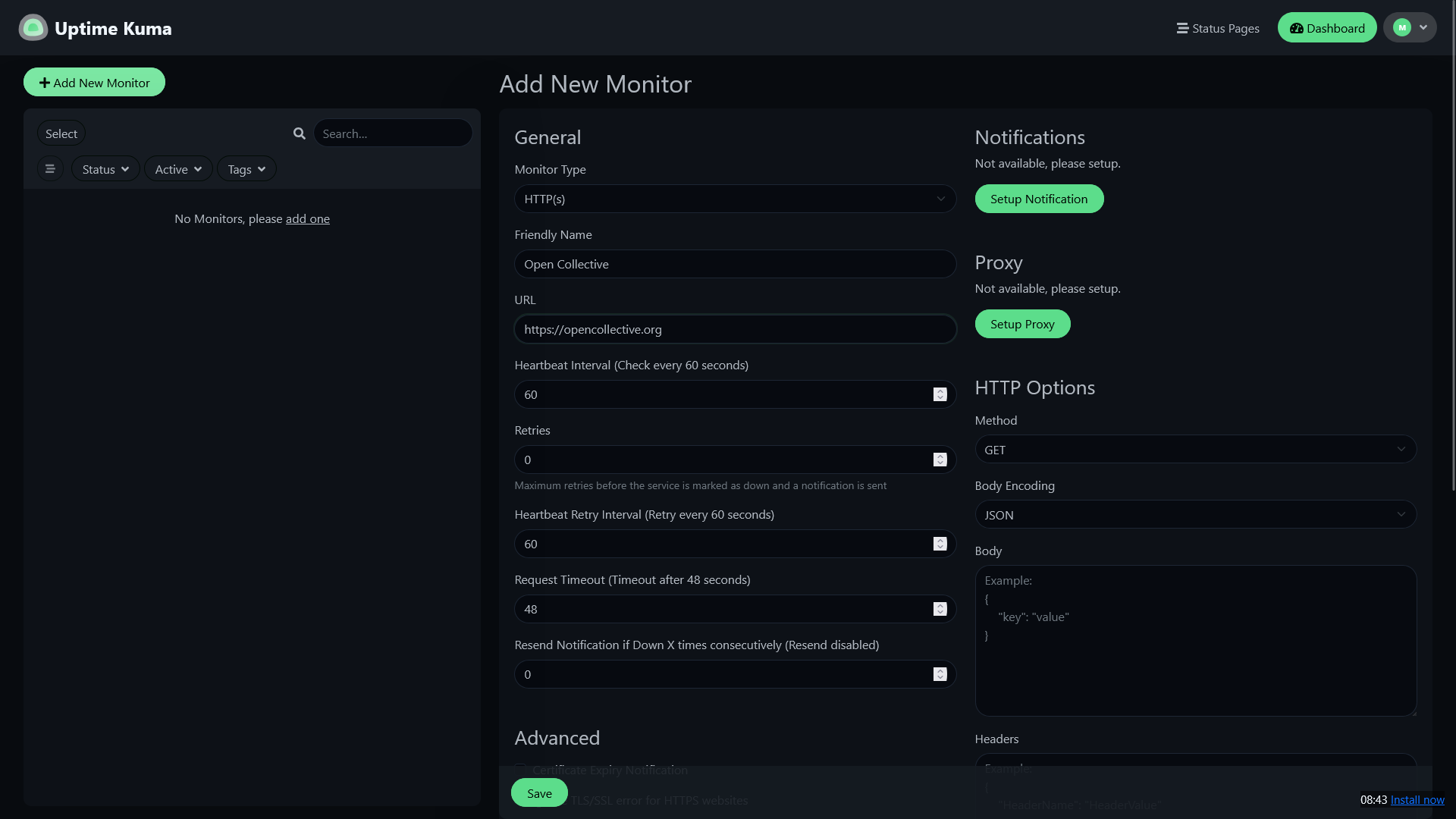
- Monitor your Docker containers directly or configure with many other protocols like HTTPS, TCP and Ping.
- Receive notifications when a service goes offline and needs attention.
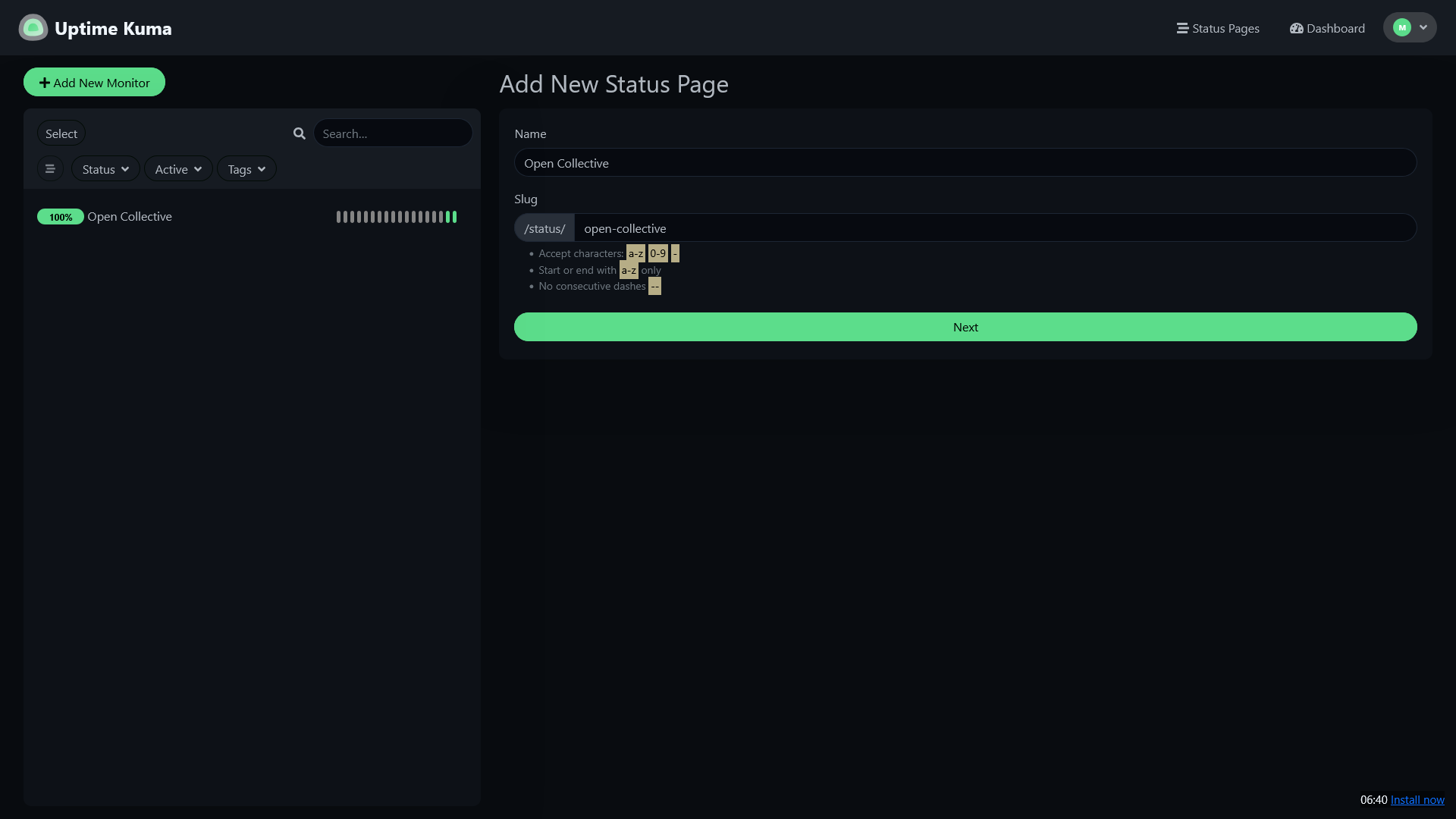
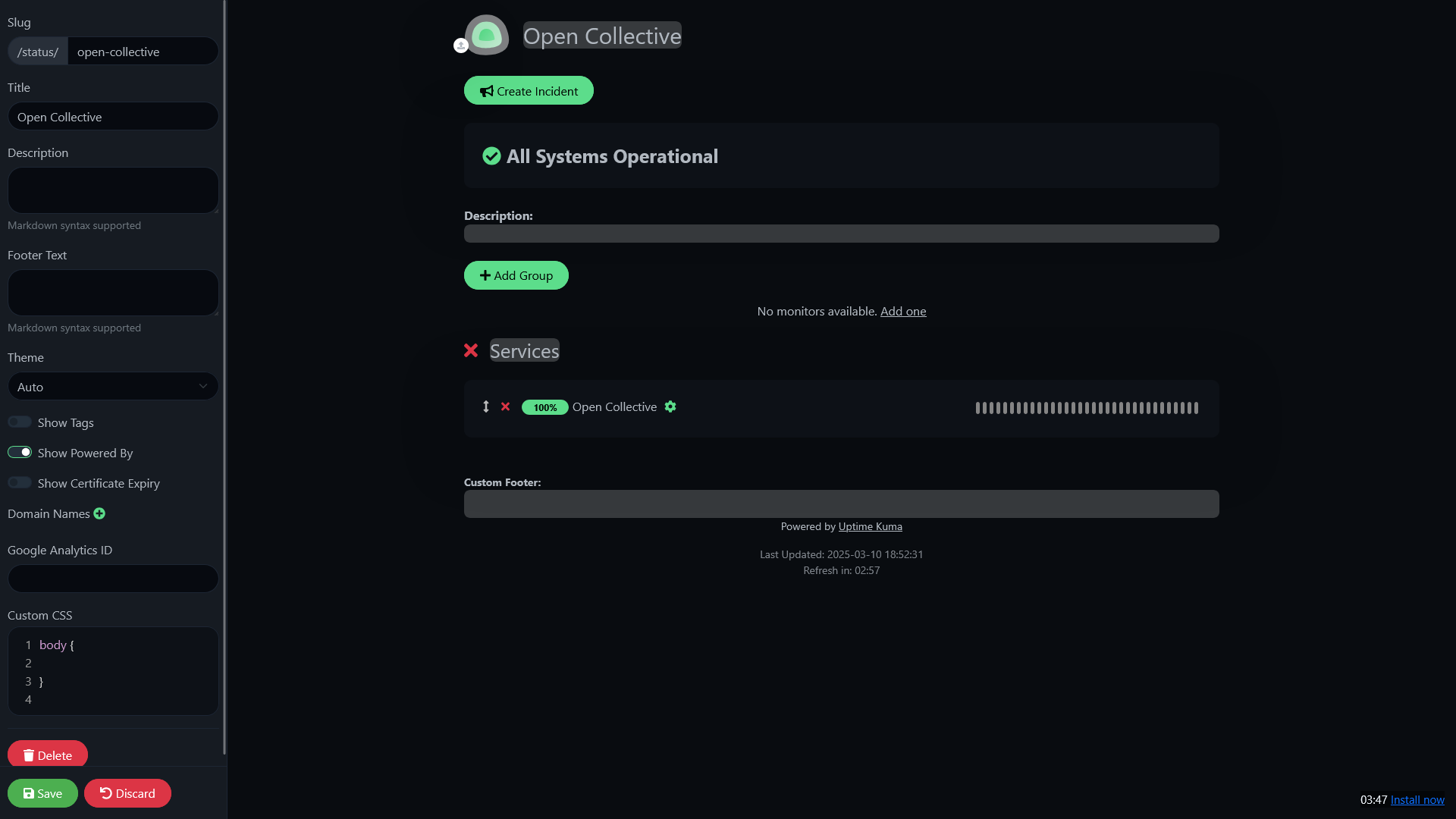
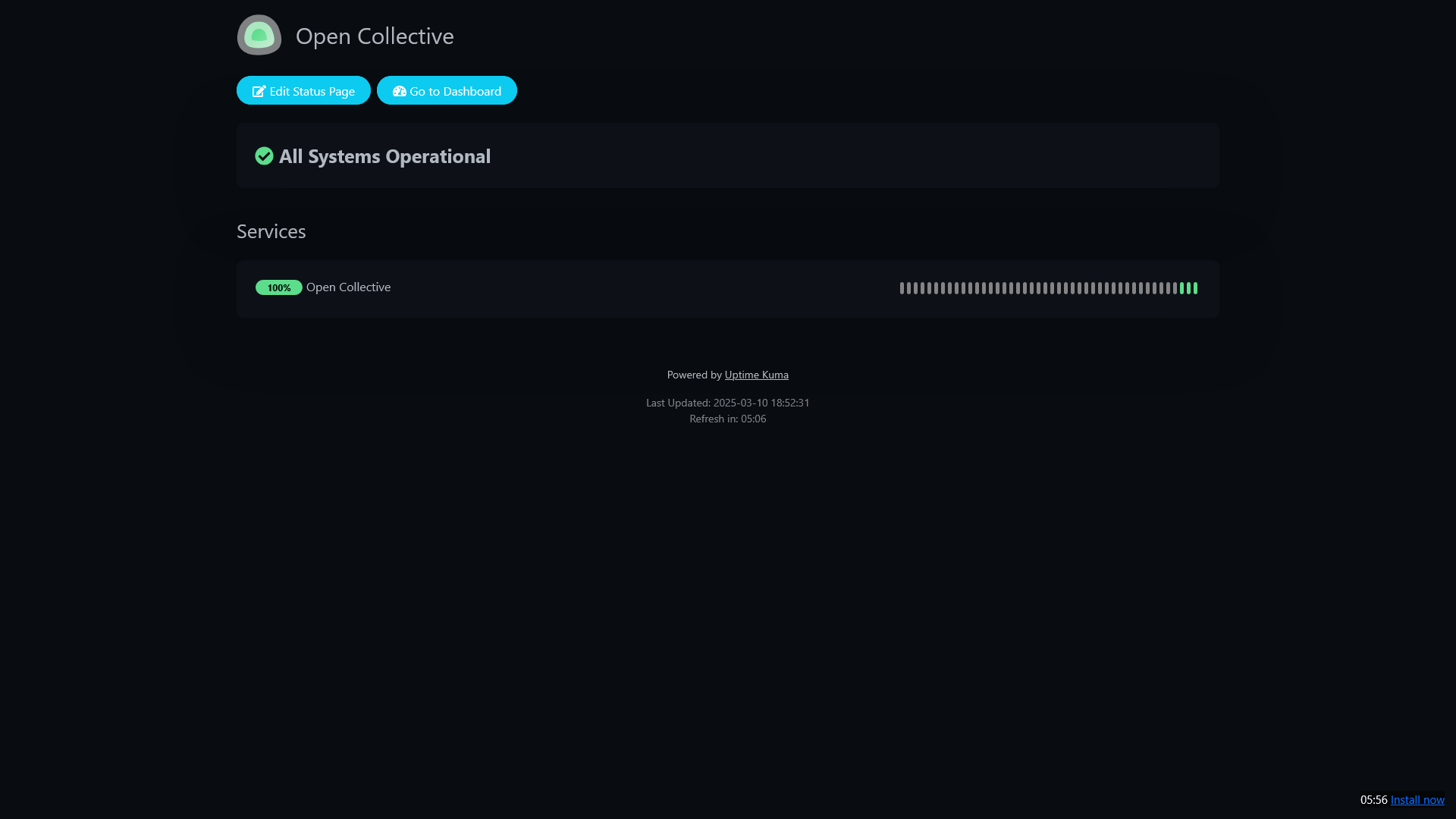
- Build status pages to keep your community up-to-date about service availability.
Media
Screenshots
Uptime Kuma v1.23.16
 |
 |
 |
 |
 |
Setup & Configuration
We need to install the service through Portainer and configure any necessary settings.
Preparation
There are some things we need to do in preparation to install this service.
Volumes
Persistent Data
This is where the service will store its own application data and ensures we can quickly update the service image.
Ensure your user has permissions to access the folder.
Docker Socket
This provides the service with access to the Docker socket, allowing it to see and control other Docker containers.Installation
The service can be installed through the Portainer web interface.
Learn about creating a new stack.
Docker Compose
Use the following code to install the service:
---
services:
  uptime-kuma:
    image: louislam/uptime-kuma:1
    volumes:
      # Persistent Data
      - /srv/uptime-kuma:/app/data

      # Docker Socket
      - /var/run/docker.sock:/var/run/docker.sock
    ports:
      - 3001:3001
restart: unless-stoppedUpdating
Re-Deploy the Stack
This service has been optimized for running in Docker.
This allows you to re-deploy the stack through Portainer to download the latest updates.
User Manual
Development
This software is released under the MIT license.
You can learn more about how to contribute to Uptime Kuma through their documentation.
The developer also accepts sponsorships.