Computer
What you're planning on doing with your server will dictate the hardware you'll need to fulfill those requirements.
|
Raspberry Pi 4 |
 Desktop Computer Desktop Computer |
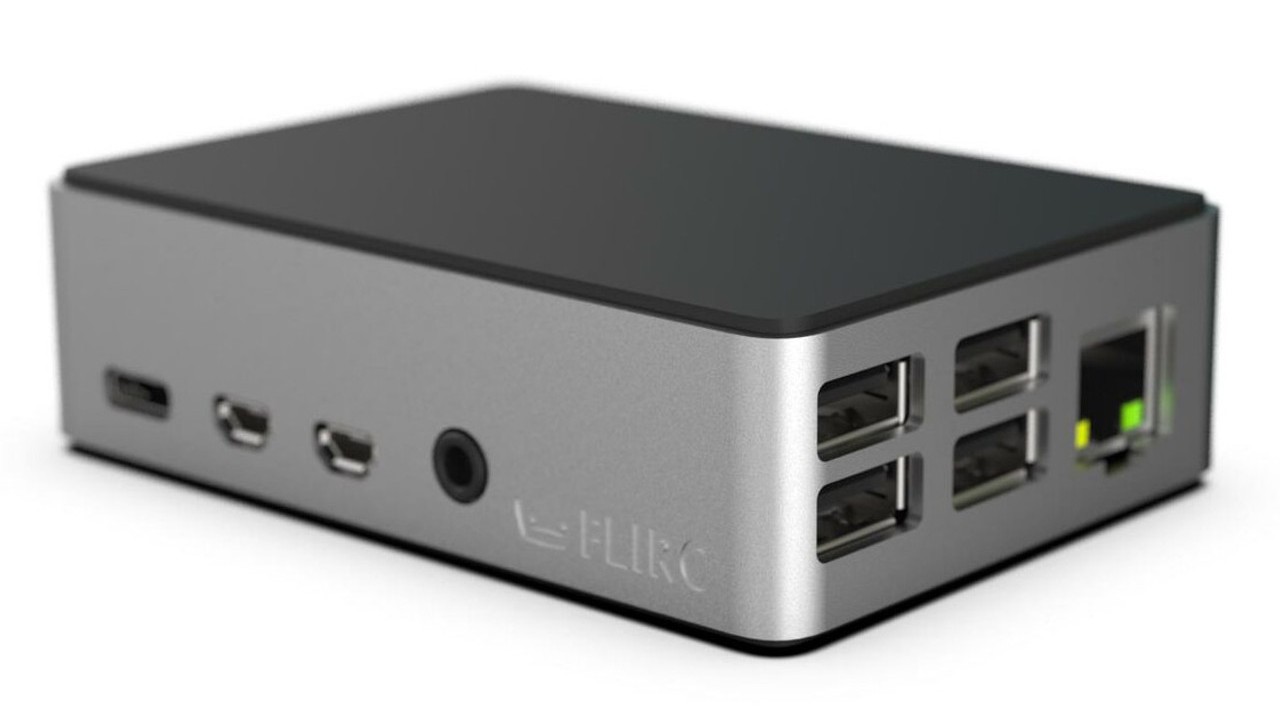
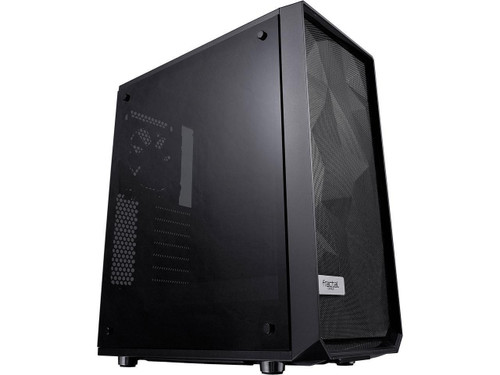
When you're running one or two services, a Raspberry Pi would probably suffice, while running your own personal cloud services may require a refurbished desktop computer.
Running a media server may require a faster processor, a decent graphics card and adequate storage space for digital media. We provide "Quick-Start" examples to help you make up your mind.
Core Processor
Choosing the type of main processor you will use for your server is a core decision to building a server.
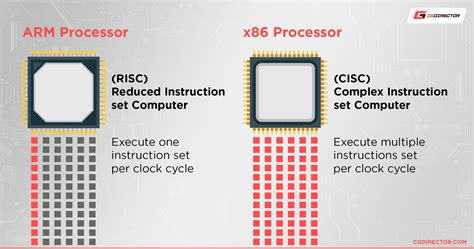
There are two primary families of processors designed and developed to meet specific criteria:
| Desktop_windows |
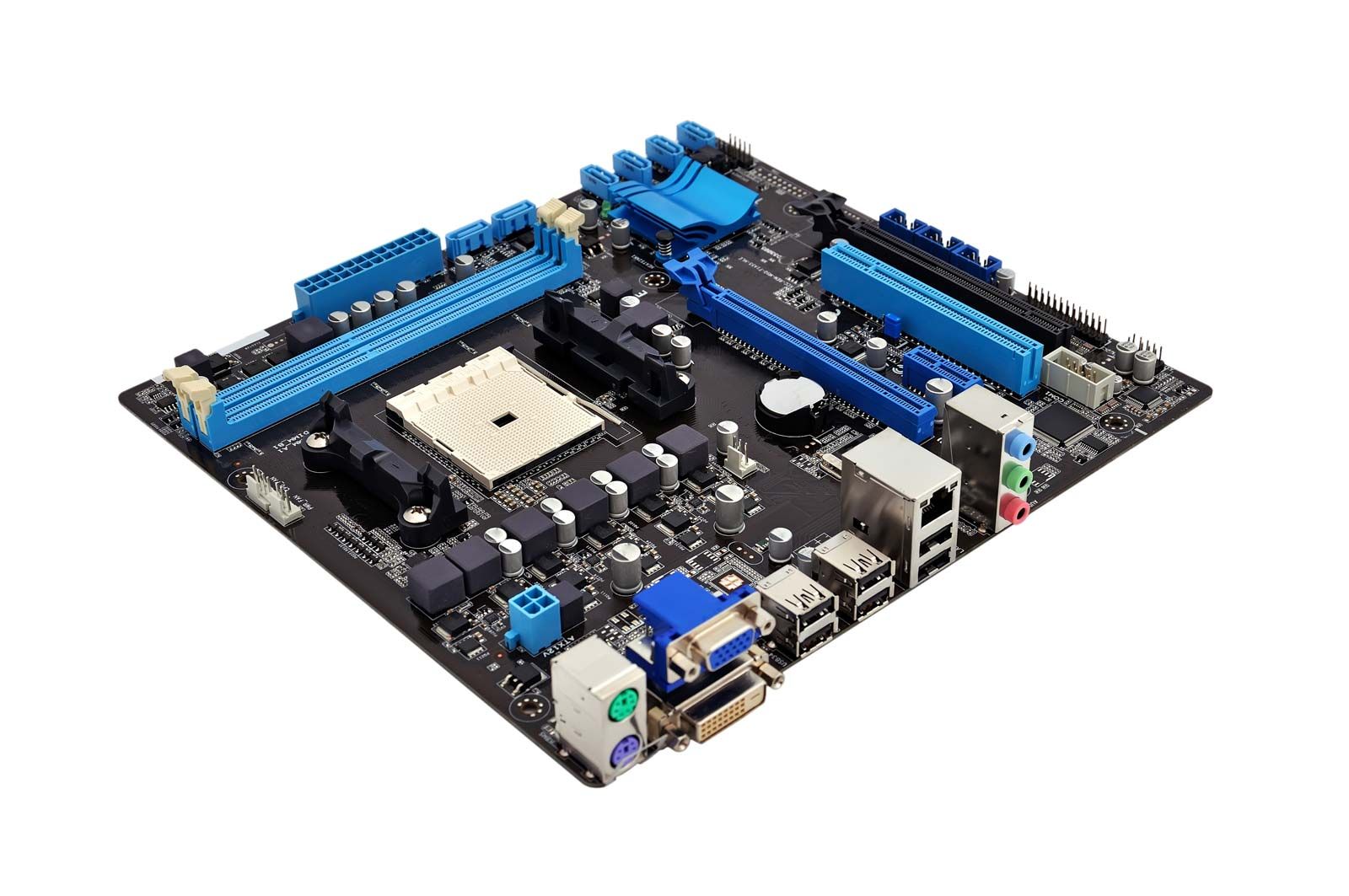
x86 Processor Traditional computers – such as desktops, laptops and servers – use an evolution of the same processors first developed in the 1970s. These x86 processors are named after the Intel 8086 that the architecture is based on.
Traditional x86 processors utilize a Complex Instruction Set that is more equipped to juggle multiple tasks. They focus on sustained processing power and can handle a larger workload. Traditional computers come with active heat management – such as fans or liquid cooling.
These types of computers are great for hosting your own personal cloud with a variety of services, such as OwnCloud, Jellyfin, qBittorrent, or media procurement services.
|
| Mobile |
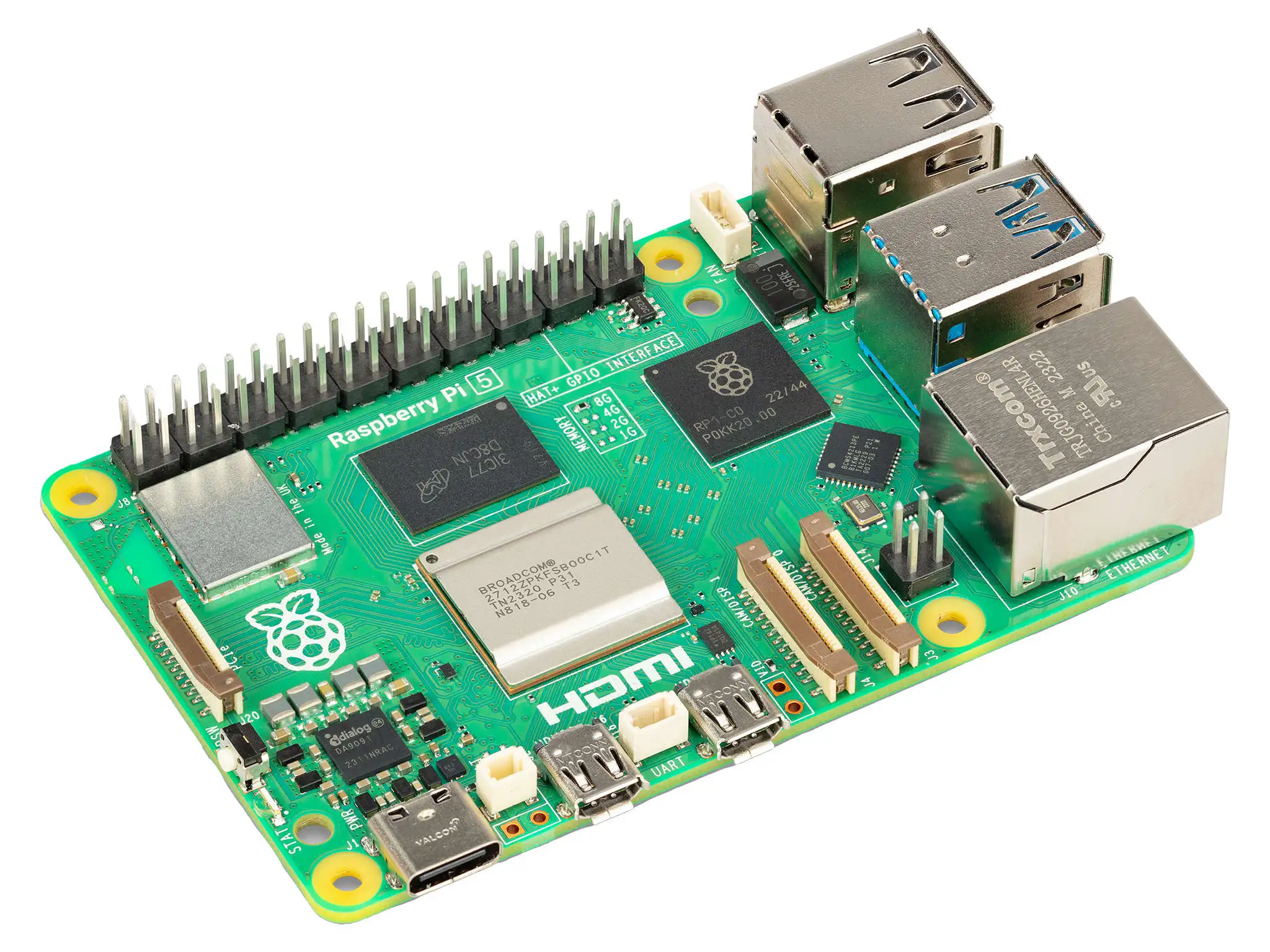
ARM Processor ARM (Advanced RISC Machine) is a new class of processors that are in the same family as the one that power your cellphone.
The Raspberry Pi – and other single-board computers – use this type of processor for their power efficiency. On the flip side, they can't juggle running multiple programs like an x86 processor. Without adding fans to cool them, these system-on-a-chip are susceptible to overheating.
These extremely cost-effective systems are great hosting a single service – such as a personal website, BitWarden, Home Assistant or Grocy. |
|
Recommended Specs |
|
| Acute |
Released 2011 or newer |
| speed |
Speed 1.8GHz or higher |
Graphics Processor
When it comes operating a server, graphics cards can be leveraged by certain applications. Compared to computational processors, graphics cards have the ability to run many processes in parallel. This is a great advantage for image and video processing, as well as data analysis and number cruching.
Within modern computer systems, there are two classes of graphics processors.
| Memory |
Integrated Graphics Many modern processors come with graphics cards directly embedded into the processor. This provide enough power for basic operations – such as running a web browser or basic image editor.
Integrated graphics cards share hardware resources with the processor decreasing their overall power. They may not be robust enough for complex image or video processing tasks.
Modern desktop systems can be modified to add more graphical processing power. Most single-board computers – like the Raspberry Pi – cannot be modified to increase their graphic processing.
While Raspberry Pi computers are useful for small computational tasks, they can often lack the graphical processing necessary to do complex image processing tasks. These computers do not dedicated graphics processors and instead rely on a "system-on-a-chip" that shares graphical and computational power.
|
| Developer_board |
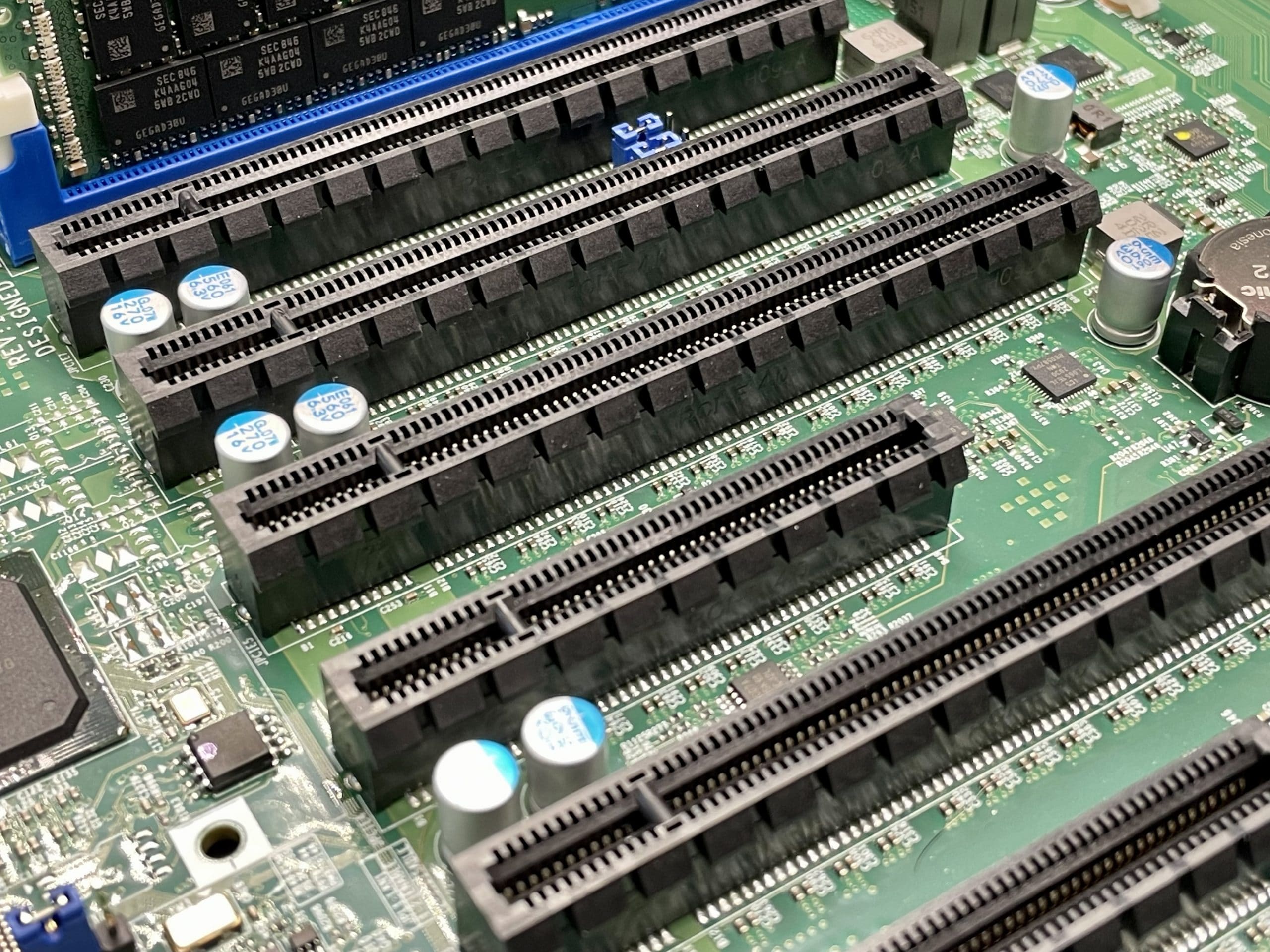
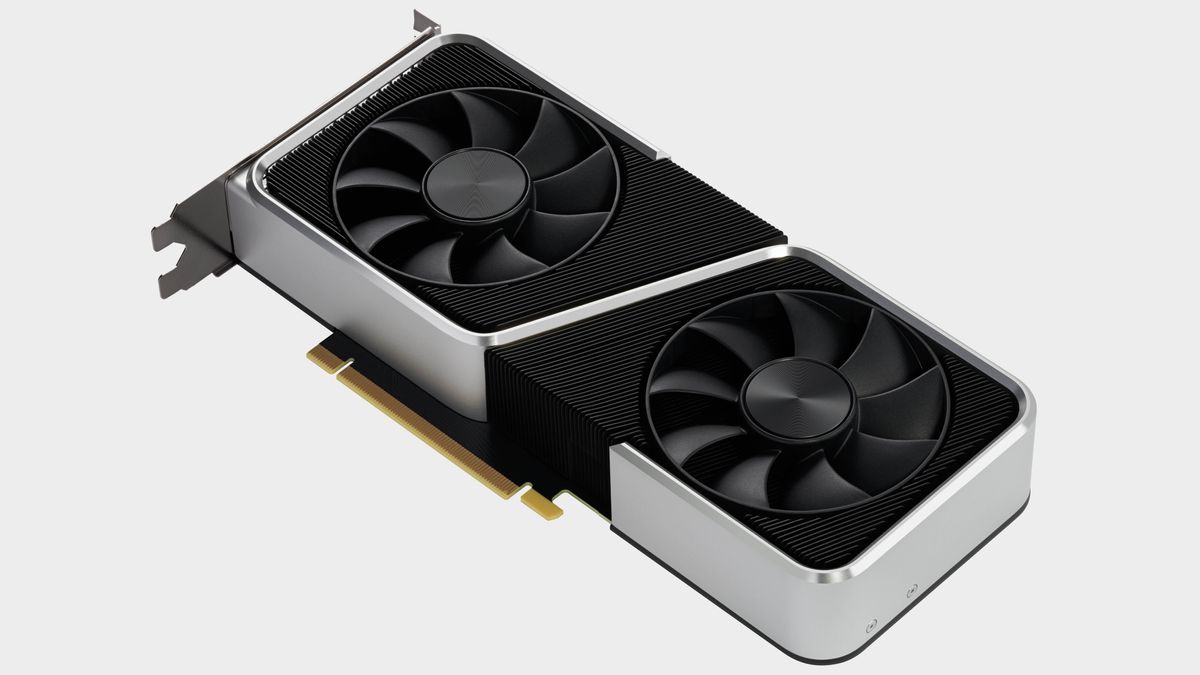
Dedicated Graphics Traditional computers have a powerful advantage here because they are so customizable. Thanks to the extensible PCI-e interface, additional graphics processor – or a graphics cards – with much more dedicated power can be installed.
Dedicated graphics cards have specialized cores that allow them to convert videos more efficiently than a CPU. In addition, they come with their own memory to lessen the strain on the rest of the computer system's hardware.
These can be helpful for tasks that deal with images and videos – such as Jellyfin processing a movie for streaming through a media server. |
|
Recommended Specs |
|
| Acute |
Released 2016 or newer |
| Speed |
Processor Speed 1.0GHz or higher |
| Memory |
Memory Capacity 4GB or higher |
| Developer_board |
Expansion Interface PCI-e 3.0 or newer |
Memory
The amount and speed of Random Access Memory – or RAM – can affect the responsiveness of your server. Your server will need more memory when it needs to juggle multiple services at once.
| Memory |
Integrated Memory Single-board computers have memory that is built directly into the hardware board and cannot be upgraded after the initial purchase.
They often use a "low-powered" variant of memory called LPDDR that can decrease its overall speed and responsiveness during multitasking.
|
||
| Developer_board |
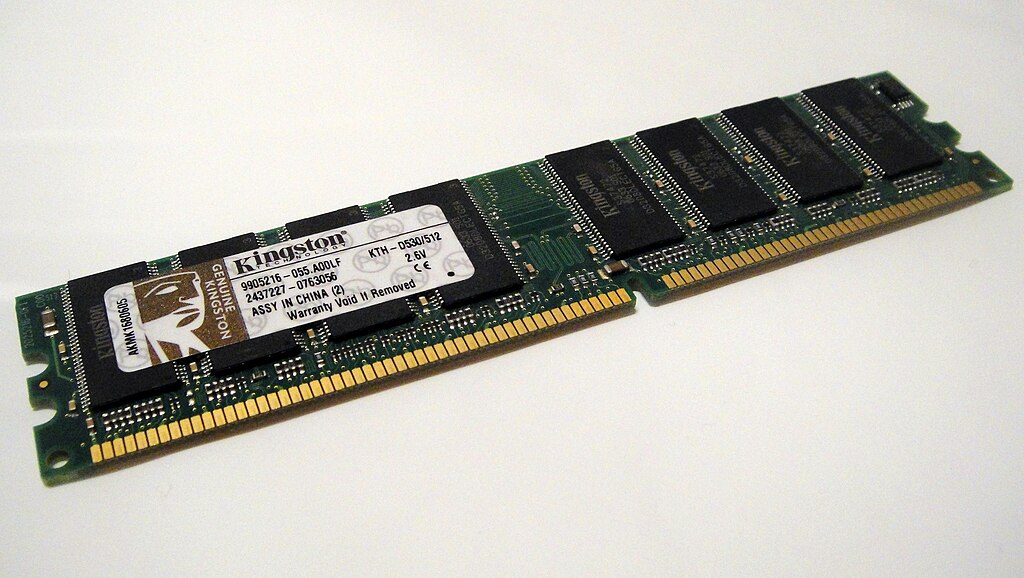
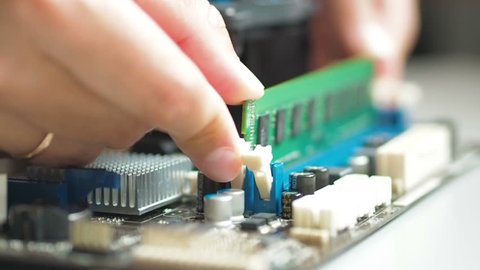
Extensible Memory Traditional computers use the DDR class of RAM that has been progressively updated since the 1990s – currently up to DDR5. Each successor is not backwards compatible, but provides sizable advancements over previous iterations. With these systems, memory can be upgraded by purchasing RAM modules of the same type and speed.
|
|
Recommended Specs |
|
| Memory |
Capacity 8GB or higher |
| Category |
Type DDR4 or newer |
Storage
There are three types of storage hardware that are employed to fulfill server needs:
| Hard_drive |
Platter Disks These are based on an older, well-tested technology originating in the 1950s. Modern hard disk drives commonly use the SATA protocol.
They are slower, but can hold up to 20TB of storage on each drive – making them great for longer-term multimedia or document storage. |
||||
| Hard_drive |
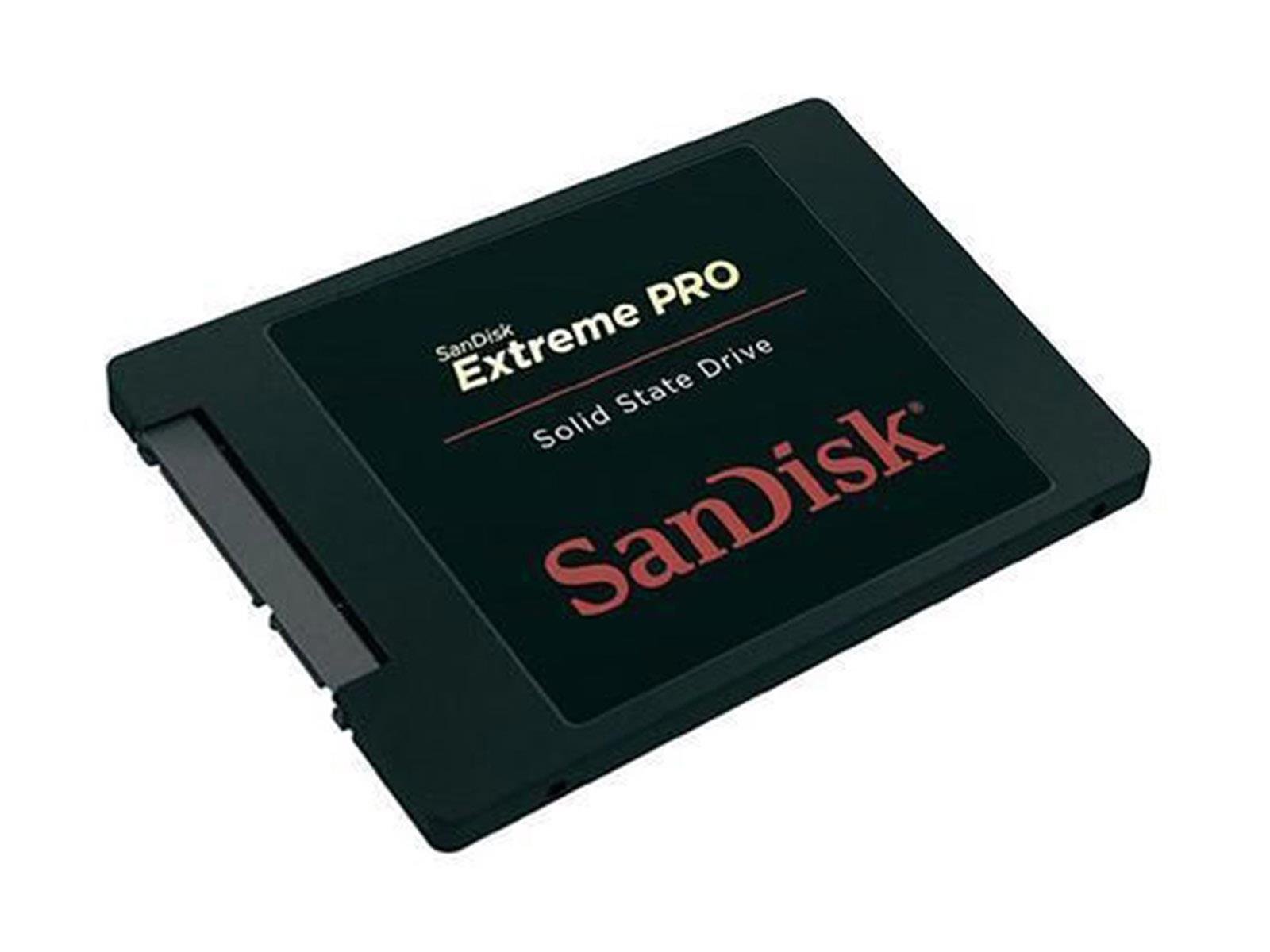
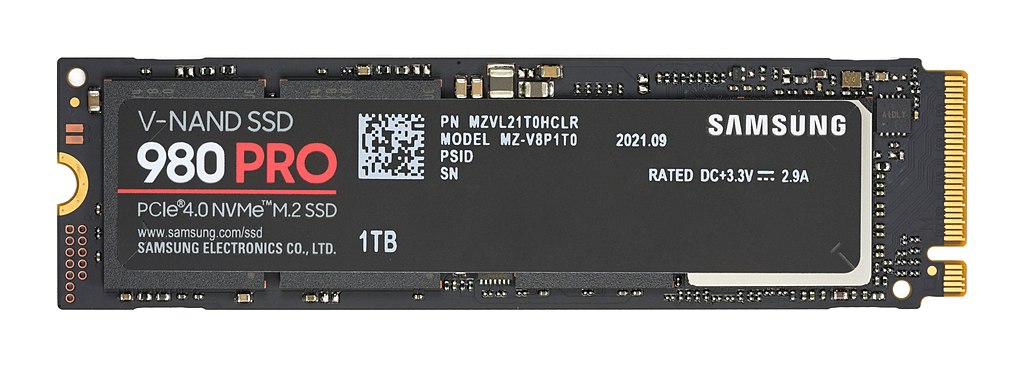
Solid State Disks These use the newer solid state memory standard popularized by the smart phones. SSDs are incredibly fast, but spacr comes at a premium.
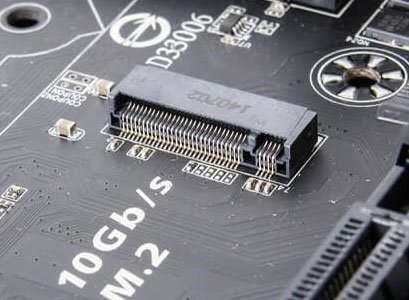
These drives can use the SATA protocol like traditional hard drives, but they are increasingly available using an M.2 port. These "Non-Volatile Memory express" – or NVMe drives – transport data over the speedy PCIe interface.
Solid state drives, especially NVMe drives, are the best option for storing the operating system and other configuration files. When hosting a media server – such as Jellyfin, Audiobookshelf or Kavita – storing databases, metadata, and other cache files on an SSD can greatly improve the media server's responsiveness.
|
||||
| Hard_drive |
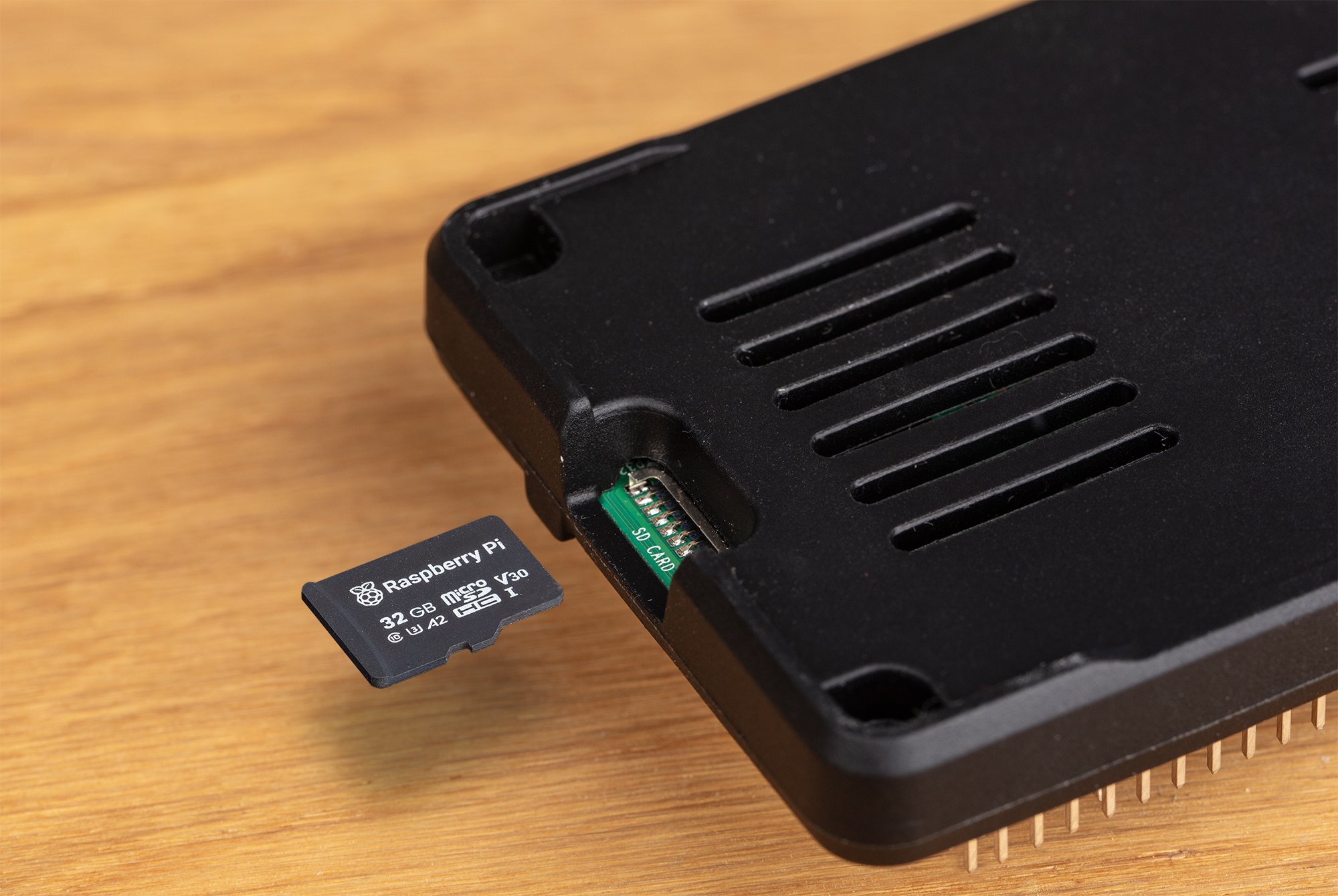
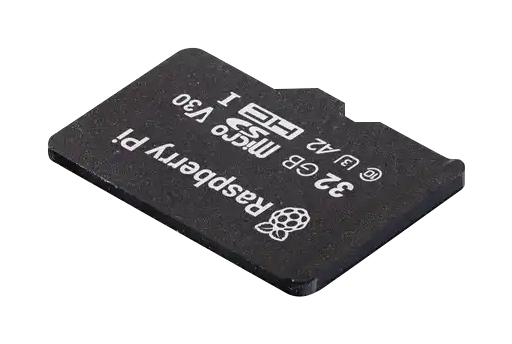
Flash Disks When using a Single-Board computer – such as the Raspberry Pi – the primary operating system is typically stored on a MicroSD flashcard.
These use classification systems to gauge their overall speed and performance. These are signified by symbols on the SD card and it's packaging. They are used to ensure performance with certain devices – like cameras or cell phones.
Two common certification are:
For the best performance, Raspberry Pi recommends a Speed Class of C10 – or a UHS Speed Class of U1. These provide a guaranteed transfer speed of 10MB/second. |
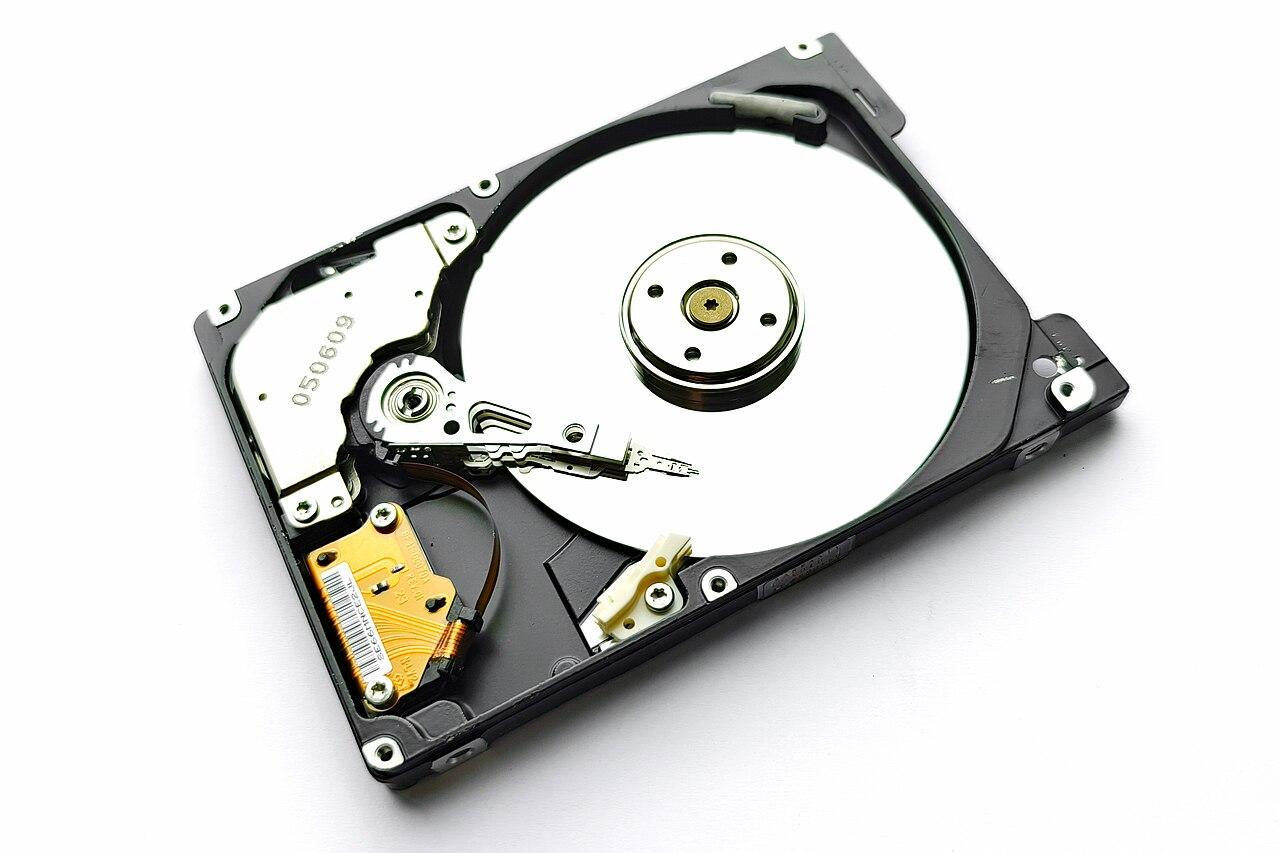 Platter Hard Disk Drive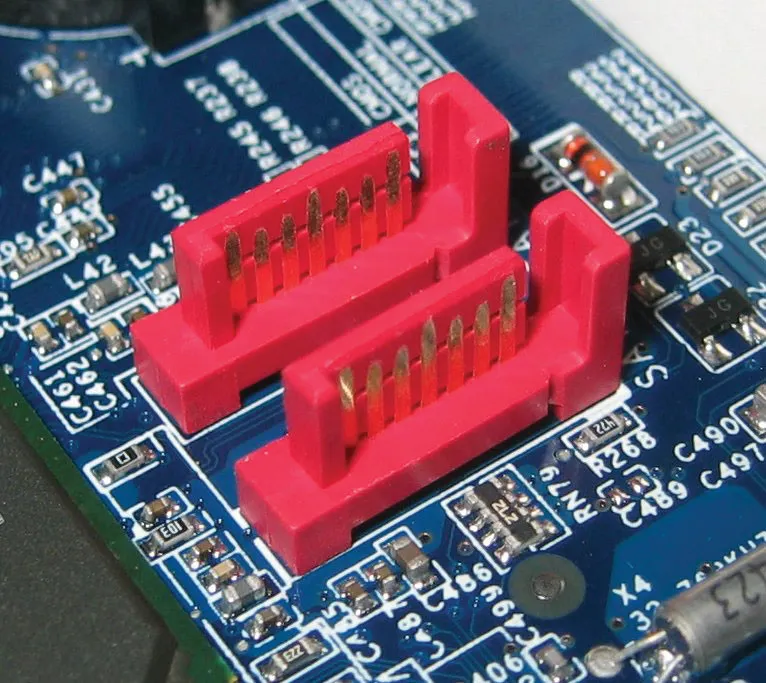


Graph/table of different speeds SD, HDD, SSD, nvme, ram
| Type | Read Speed | Write Speed | Capacity |
| MicroSD C1 | 10 — 100 MB/s | 10 — 100 MB/s | 16GB — 1TB |
| MicroSD U1 | 10 — 100 MB/s | 10 — 100 MB/s | 16GB — 1TB |
| SATA HDD | 80 — 160 MB/s | 80 — 160 MB/s | 250GB — 32TB |
| SATA SSD | 200 — 600 MB/s | 200 – 600 MB/s | 250GB — 20TB |
| NVMe SSD | 5000 MB/s | 6000 MB/s | 120GB — 4TB |
| RAM | 40 GB/s | 40 GB/s | 4GB — 512GB |
Depending on the form factor, there is a variability in both the types and quantity of storage connectors. Compact PCs often support one or two drives, while a full computer case can often accommodate more.
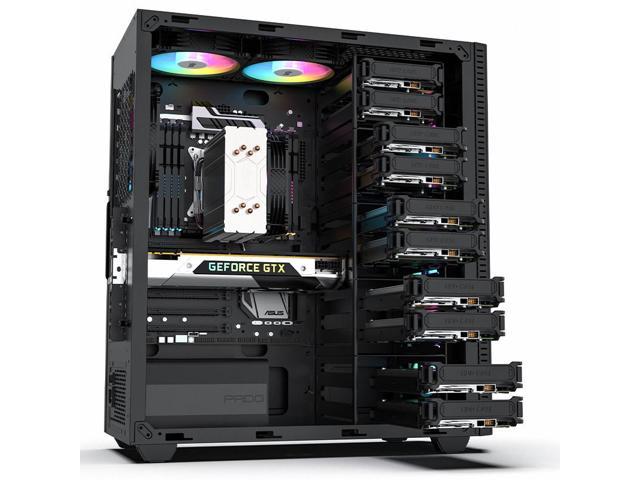
Each of these storage drive technologies are also available to be used as an external disk over a USB, Thunderbolt or eSata connection. This expands storage options beyond what will fit inside of the computer case. However, external drives can create a "bottleneck" where speed and efficiency become limited, so they should not be used for system files.
When hosting multiple services from a single server – such as a personal Jellyfin media server and a public WordPress site – it can be advantageous to store each of their files on seperate storage drives. This has security benefits, as well as balances the load across multiple drives to avoid a bottleneck.
Similarly, storing sporadically accessed files – like your multimedia – on traditional platter drives allows them to conserve power by turning off hard disks that haven't been used recently.
|
Recommended Specs |
|
| Terminal |
Operating System SSD 150GB or greater, NVMe or SATA |
| Manufacturing |
Service Files SSD 150GB or greater, NVMe or SATA |
| Subscriptions |
Multimedia & Documents HDD 2TB or greater, SATA |
Connectivity
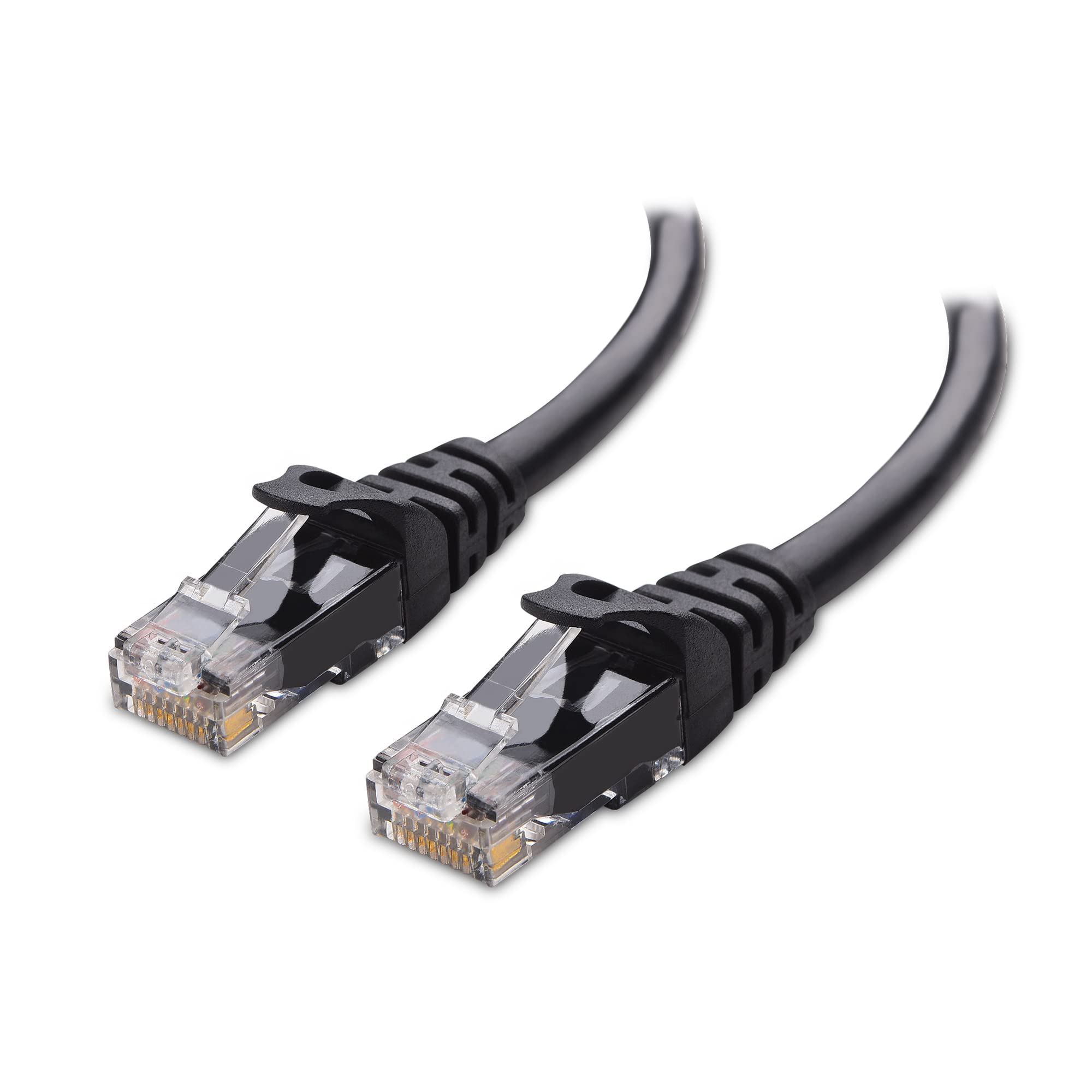
A network-connected server should be connected to your router with a hard-wired Cat6 Ethernet cable.
| Settings_ethernet |
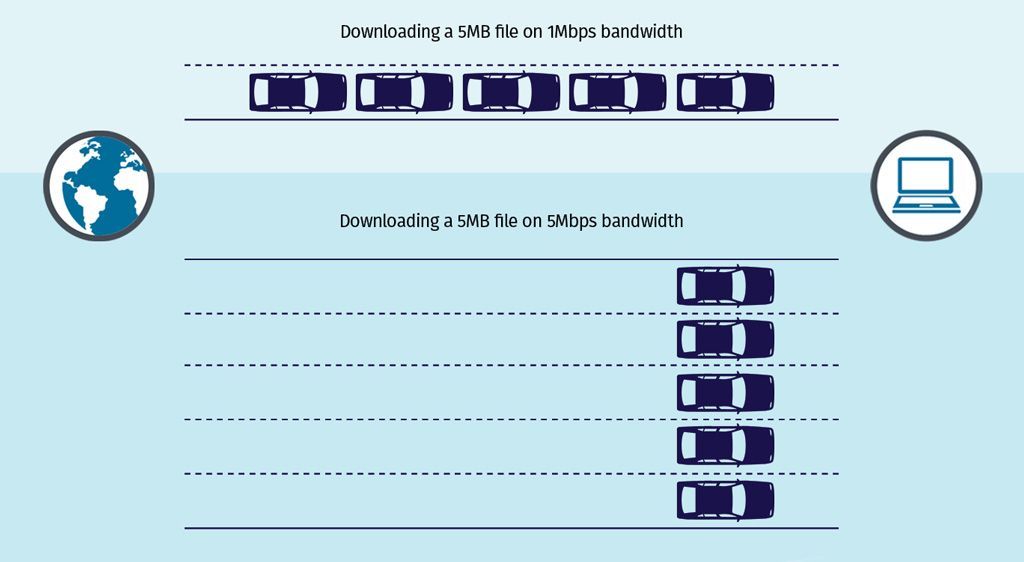
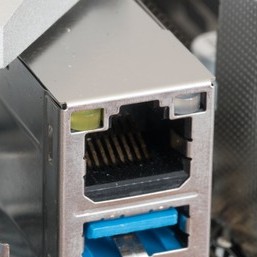
Wired Connection Your Network Interface should have a 1Gbit or preferably 2.5Gbit connection speed. This is the throughput available within your Local Area Network and is separate from your ISP speed.
Ethernet cables use a classification system to ensure speed and reliability over certain distances – such as Cat5, Cat6 or Cat8. When possible, using Cat6 Ethernet cables will provide reliable performance over short distances.
|
|||
| Wifi |
Wireless Connection Wi-Fi should be avoided while running a server where reliability is crucial. When not in use, disabling the wireless card improves security by decreases unintended means of access.
|
|||
| Bluetooth |
BlueTooth This can be used to connect smart devices to Home Assistant, but is not crucial for any server functions. When not in use, it should be completely disabled because BlueTooth hacking is a common avenue for exploitation when left on.
|
|||
| Usb |
External Wired Connections There are many protocols and connectors that can be used to attach additional peripherals – like USB, eSATA, Thunderbolt, USB 3.0, and FireWire.
These can be used to attach hardware peripherals to a computer through a physical, wired connection. Ranging from hard drive storage to a ZigBee adapter for smart home devices, external connectors are how you can expand your server outside of its case. |