Router
You will need a relatively modern router to connect your server to the Internet – through the publicly accessible World Wide Web or a Virtual Private Network to securely connect while away from home.
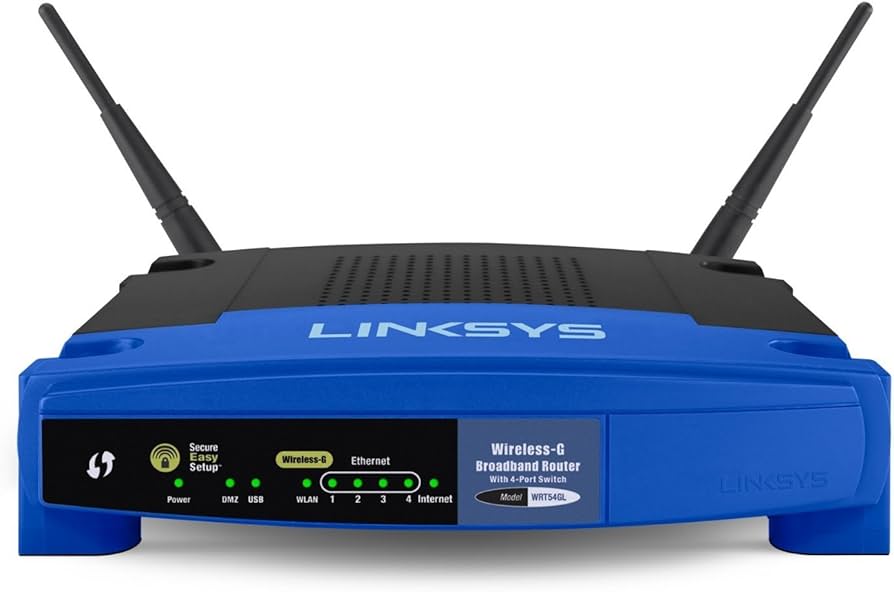
There are open hardware router options like the Turris Omnia and the OpenWRT One, but they can be expensive or require construction. Consumer routers may work with open firmware like OpenWRT and FreshTomato, but the installation process can be tedious – especially with no prior experience.
 |
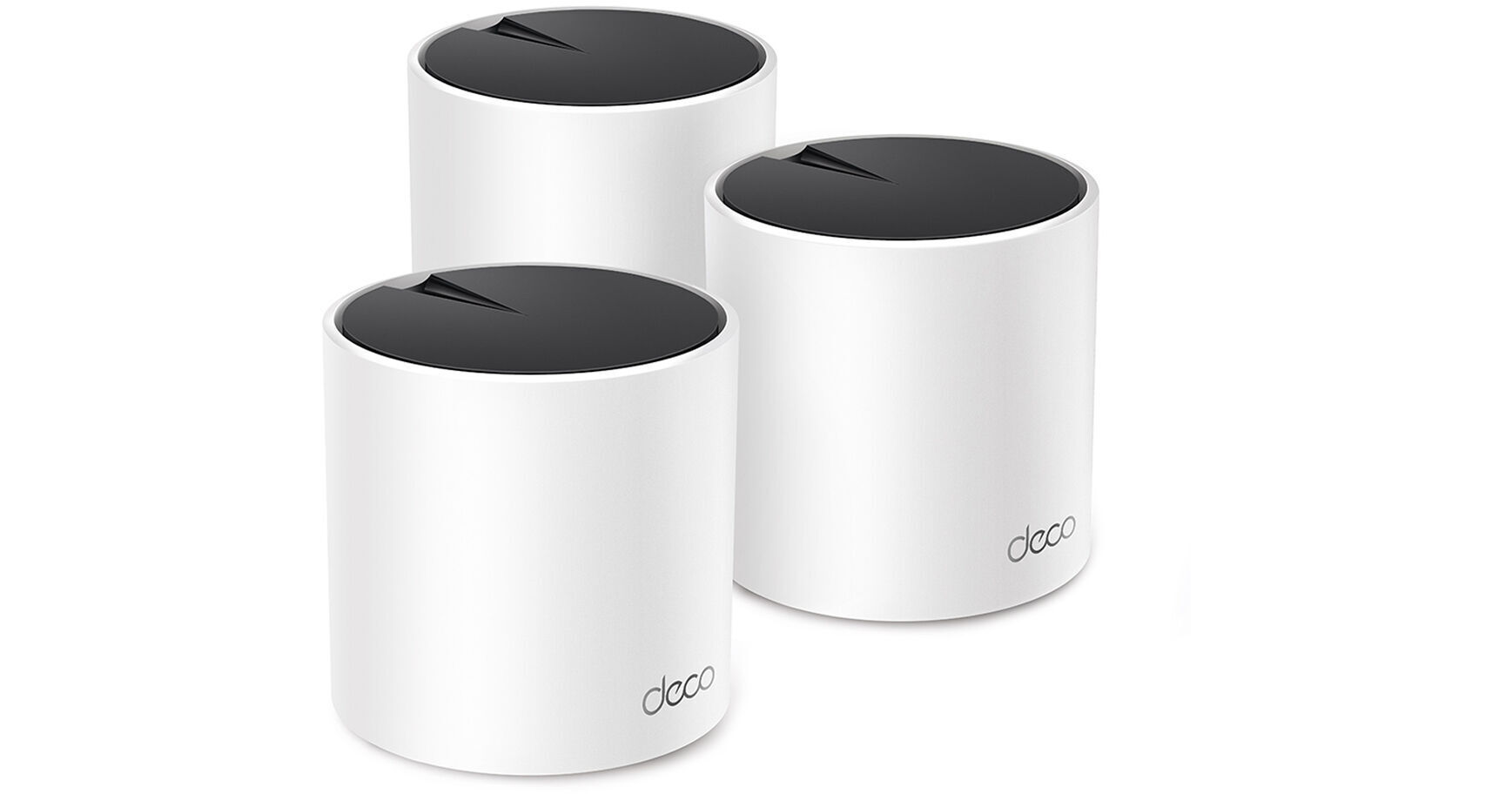 |
Thankfully, most modern routers will fulfill the requirements to host your own home server. Mainstream manufacturers – such as TP-Link, Netgear, and ASUS – offer routers that cover the gamut between performance and price.
When using a mesh router, connecting your server to the hub closest to the modem will provide the best performance.
When investigating a router that can be used to host a personal server, these are the features required:
|
Alt_route |
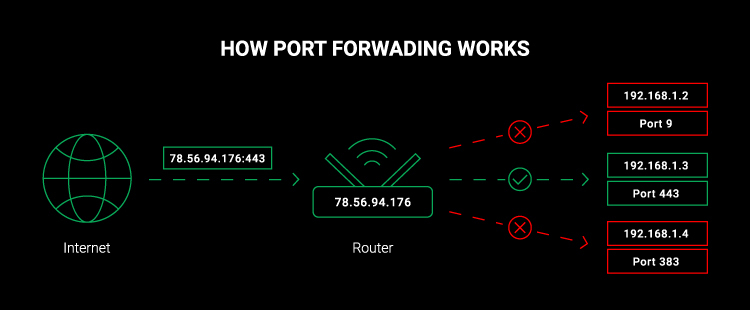
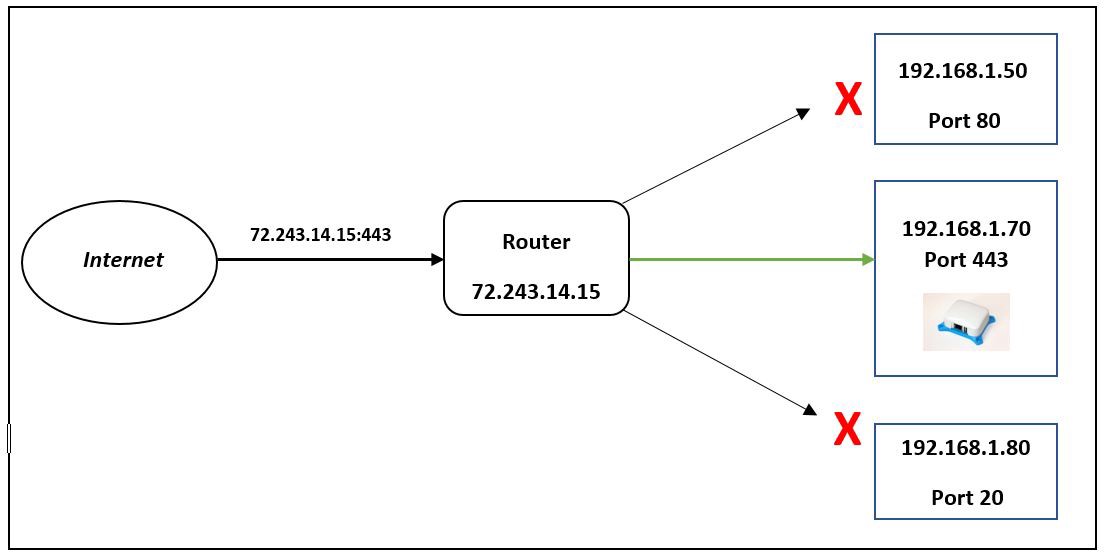
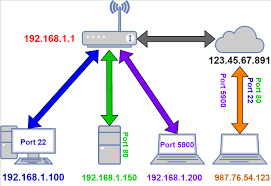
Port Forwarding You will need a router that supports Port Forwarding to allow traffic from outside the internet to be routed to your server within your Local Area Network.
While it is not illegal to host a server from home, your Internet Service Provider may restrict self-hosting a web server through a residential connection contract. You may be able to circumvent this by using an aftermarket router, but it may be considered a breach of contract.
|
|||
| Diamond_shine |
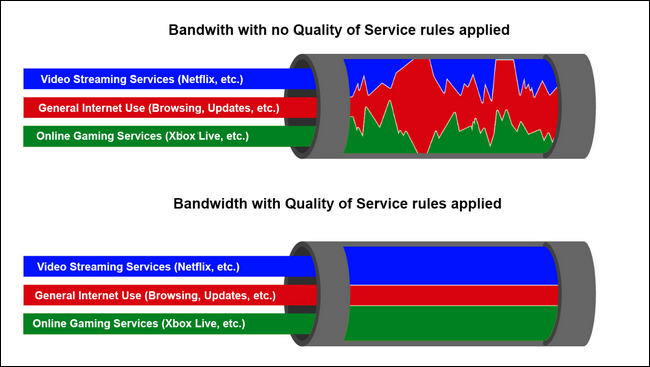
Quality of Service QoS (Quality of Service) enables you to give bandwidth priority to your server and other computer. Many consumer routers allow you to set the theoretical bandwidth provided by your Internet Service Provider and leverage that information to ensure that specific network devices have a minimum Internet bandwidth.
|
|||
| Vpn_lock |
Virtual Private Network The option to configure your router as both a VPN Server and VPN Client is becoming more common. A Virtual Private Network allows devices and networks to securely connect to each other over the open internet. 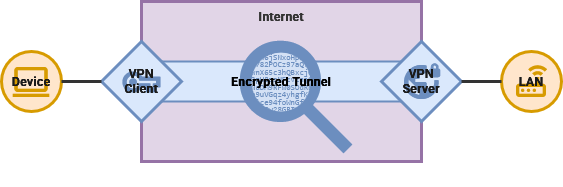 When acting as a server, your router makes it simple to connect to your Local Area Network, even while away from home. This will allow you to access your self-hosted services without making them available to the open Internet. While acting as a VPN server, you can connect to a VPN service you subscribe to – such as Proton VPN, Mullvad, and IVPN. This will hide all of the traffic on your Local Area Network behind the VPN service. This can transmit a lot of data through your VPN provider. Make sure your plan has the monthly bandwidth to accommodate every device in your home.
|
|||
| Dns |
Dynamic DNS Many modern routers provide a Dynamic DNS service, such as ASUS, TP-Link and Netgear. This allows you to connect to your home server as a subdomain of their service instead of buying your own domain. |